Get Premium
Dark mode theme is available exclusively for premium users. Learn more about the benefits of subscribing.
No fees, cancel anytime.

 Dark Mode Ad-Free Browsing Unlimited Content
 Ad-Free Browsing Unlimited Content Dark Mode
Join 1.2 million Panda readers who get the best art, memes, and fun stories every week!

25submissions
Finished

Despite being around for multiple decades at this point, some folks simply do not really get how to interact with a computer. This can be pretty frustrating if you need them to do something on said computer, but also quite hilarious when you encounter the janky, bizarre and downright counterproductive ways they do the most simple tasks.
Someone asked “What’s the worst case of computer illiteracy you’ve seen?” and netizens shared their best stories. So get comfortable as you scroll through, upvote your favorites and be sure to write your own thoughts and experiences in the comments section below.
This post may include affiliate links.
 About two years ago my mom got a laptop again after refusing to go anywhere near one for about a decade and…hoo boy did I lose brain cells being her tech support. A couple times she called me for help logging in when the device was literally telling her exactly what to do. Another time she asked me to log her out of her Google account but only that, not the whole laptop please, reasonable enough request—if it hadn't been a Chromebook, where apparently *everything* goes through your Google account. I tried to explain that to her and she went, "I don't care for your theories, just tell me what buttons to press."
Mother, that's what I'm trying to explain to you. THERE ARE NO F&%$ING BUTTONS.
 Growing up in the 90s, I remember seeing multiple adults try to yell commands at a computer screen. They didn't understand about standard I/O like keyboards and mice because their only concept of computers was from watching Star Trek.
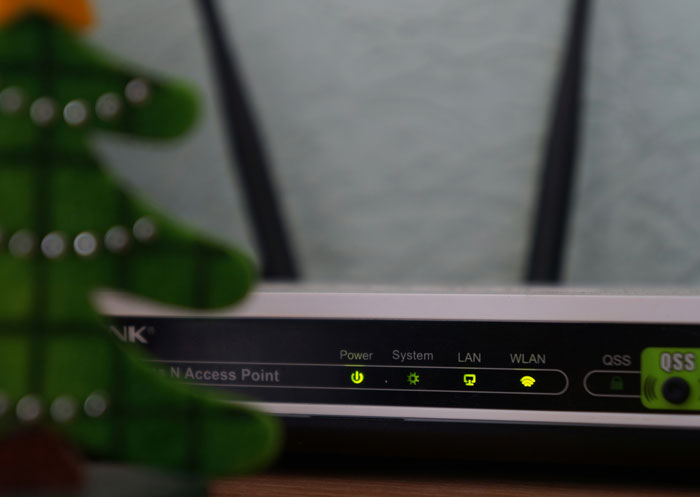 This was 10+ years ago. Anytime the house WiFi wasn't working well, my roommate would unplug the Ethernet cable from the modem and the router and hold it up and down (like you would hold a hose to drain the water out) to "let the electrons drain out" so the internet wouldn't be clogged. I tried to explain this wasn't how Ethernet worked but he said the cable technician told him to do this, and that was the end of the matter. The thing is it usually worked because it reset the internet connection, just not for the reason he thought it did.
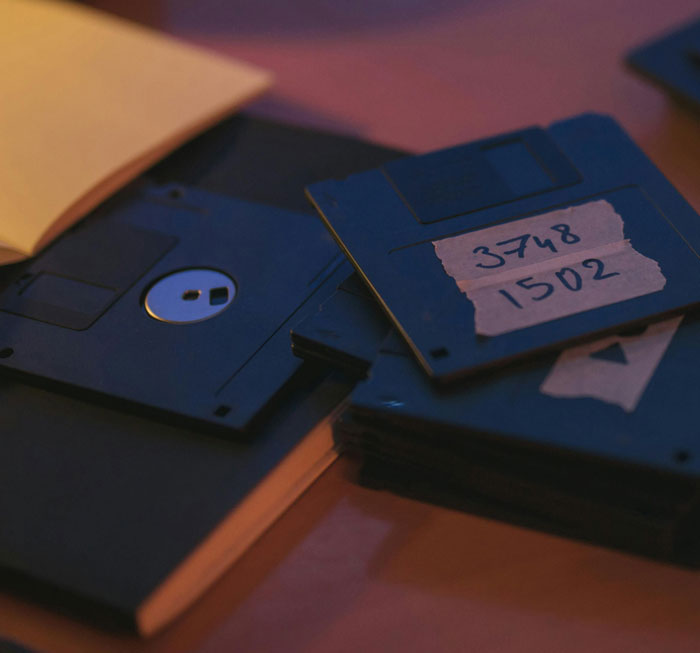 I knew someone who once put their credit card in the floppy disk drive to make an online purchase.
 My mom was trying to move ~200 pictures from one folder to another. Her approach was to open one picture, do Save As, save it to the other folder, and then delete the original. One by one. When I tried to explain that she could click-and-drag the whole thing over in two seconds, she said "that wouldn't be any faster than the way I do it!"
She would also "save" pictures she found online by copying them, opening Microsoft Word, pasting it in there, and saving it as a .docx file. And she would try to "open" jpegs by right clicking on them, choosing "Open With," and selecting Microsoft Word.
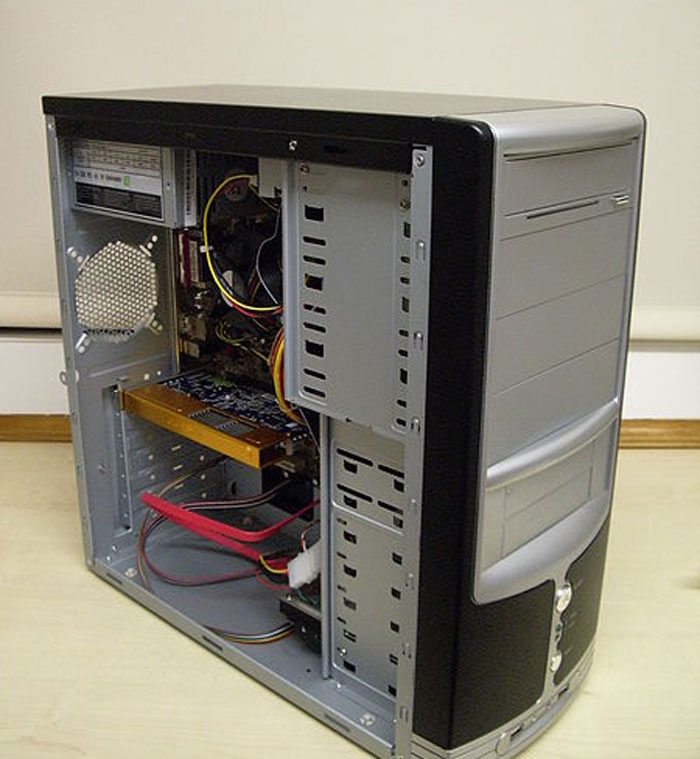 Oh goodness so many stories...
As a student working in college I had the ticket for a computer that wouldn't boot. Showed up to find over a dozen refrigerator magnets stuck to the outside of the case.
There was also the prof trying to upgrade Windows (he had 3.1) via floppy disk (I forget how many discs, his PC didn't have a CD drive, but it was a lot) on his 386 that he refused to replace/upgrade.
EDIT: Those are old stories - more recently we had the new hire (19 yo in 2023) that we had to explain what a Start button on Windows was and how and where "File->Save" was and what it meant. Kids that have only been exposed to phones/tablets are the bane of my existence these days.
 I was once trying to teach someone how Windows Explorer worked. For whatever reason, they could not grasp the concept of using folders to store documents. I had to get an actual folder and piece of paper out to demonstrate putting paper into the folder before she was able to grasp the concept.
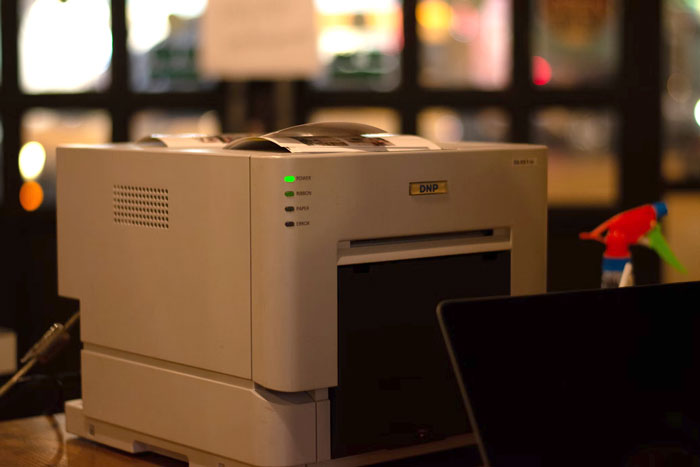 I worked for a law firm, and one of the administrators would print the PDF of the case from her email. She would then scan it back to her computer because it "downloaded to the documents folder so she could move to the case folder."
I told her she could just click the down arrow and download it, then move the file, saving hundreds of sheets of paper. She said that was too complicated.
She only lasted a few months before she was fired.
Edit: I thought of another one. Lawyers are not smart when it comes to electronics. Same law firm, a lawyer was afraid the cleaning crew was going to steal her laptop. So she took her trash can and shoved it under her desk. Put her laptop in the trash and covered it with paper towels. Of course, the cleaning crew empties her trash. They find the laptop and put it aside in the cleaning crews supervisor office because they thought it was weird we'd throw a laptop away that looked brand new.
 Around 2016, I watched my brother (in his 30s) open safari browser and click in the search bar to type out “www.yahoo.com” and hit enter and then click in the search bar on yahoo’s homepage to type “Google”….
 The whole family has used emails for years, the other day I had to send one for my dad, and he said something in the line of "send both files in one email, so you don't have to pay twice".
 My employer hired someone to work for me doing tech support. In the first few days I had to show her how to open Outlook, create a new email, where to put the recipient address, etc. Had to show her multiple times how to open Excel, let alone use it. She never did get the hang of email, eventually we concluded she actually couldn’t read and we had to let her go. This was in the early 2000’s and she was probably in her 30’s at the time.
 My sister places every file she creates on the desktop. She does not understand folders. She cannot move a window around on the screen, she cannot resize a window except by the minimize and restore buttons in the upper right corner. She does not understand if she is using Google and wants to change to a different search she does not have to close and reopen Google but can use tabs.
 Ahhhh all of Germany!
One company I work with knows that our system is to send finalized PDFs of their documents before they are included in a publication and that they should add comments and return. Different stakeholders should comment in different colors if they can't figure out how to note otherwise.
This company prints the PDFs (huge documents), sends them around their department for individual, handwritten makeup in various colors, scans that doc and sends it to their foreign offices for makeup where it is repeated, and red and that three timed scanned copy to us.. all in black and white.
No 90's era homework packet image quality can rival it.
 When I connect my new mouse my keyboard stops working.
You guessed right, he unplugged his keyboard instead of his old mouse.
Sold a computer on craigslist about 10 years ago. Keyboard, mouse, LCD monitor, and cables.
He took it home, and said it didn't work, the screen would stay blank when he powered it on.
When he brought it back, he was pressing the power button on the LCD monitor, not the computer.
 I’m a teacher and one of my coworkers a few years ago had no understanding of the difference between the desktop and internet browser. She only ever had Chrome maximized and did not understand in any way what other programs were or a desktop with icons or anything. This was around 2017 and she was mid-30s so I don’t think she was only familiar with Chromebooks but maybe?
I also spent an entire year showing a coworker how to attach a pdf to an email on a weekly basis. Every week she was so thankful I showed her because “I never learned this before!” It eventually got so bad that I took it to administration because I was worried about her mental capacity. They concluded she was just lazy. Three years later and I’m working with her again and showing her how to attach a pdf to an email. “Thank you! I’ve never learned this before!”.
In the 90’s, as a junior doing IT support, got a call for a file search/undelete.
The lady was following a guide. Every time she saved a document, she named it…
Literally …
YourDocumentNameHere. Every time!! Confirming the Overwrite? with a Yes.
She called me to find an older document from last week, to edit a page on a 400 page contract.
I found a single file of course. Told her boss she needs to retype from scratch, just that page, then do photocopies. Else retype all 400 pages.
Then left for next client.
That boss called my boss, really angry. Had a meeting with HR and boss, they never checked my version.
I had to explain step by step, the HR lady didn’t get the problem either at first. My boss sure did.
I got written up, to shut up the other boss, the reason? Being impolite.
 This just happened last Friday. I am a new legal secretary in a small law firm where the partners have been in business for 50 years. Part of my job is to print every email that comes in and of course people always send big fat attachments Friday at 4:55.I had some emails queued up to print and since it was already 10 minutes after I was supposed to be gone I asked the managing partner if he would shut down the computer after it finished printing. He did not know how to shut down a computer.
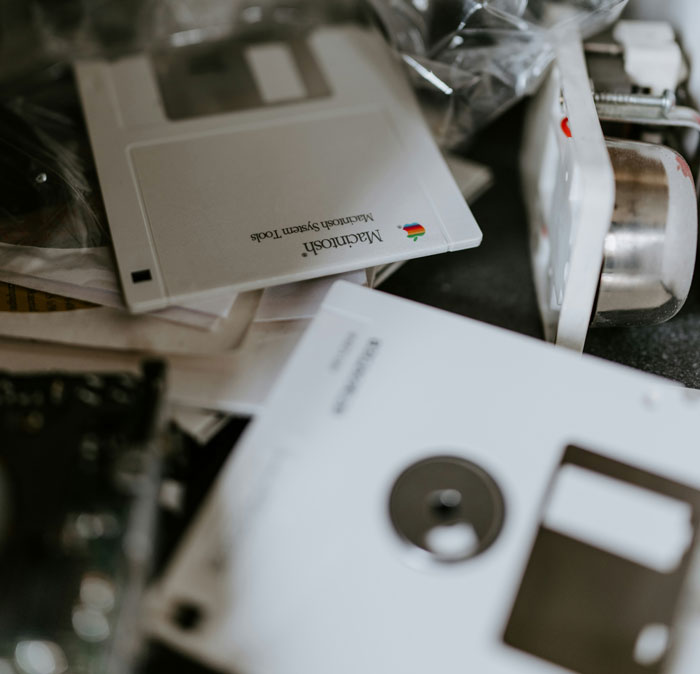 Remember floppy disks? I once saw a grown man using a rubber pencil eraser to "erase the files" on his disk.
On a separate occasion, during the dial-up modem period of the internet, I saw a Dad yelling at a kid for dialing up the home access number while on vacation in Hawaii. They got a $3200 phone bill at checkout for him playing Dungeons and Dragons with friends all night.
I saw a secretary use white out correction paste on a printout.
 I work in a call centre, and one of my jobs is helping the call centre clients with basic computer troubleshooting.
It is..an interesting task trying to explain to a man who makes more than I do and has been working the same job since longer than I've been alive where and what the start button is.
I was providing remote support for a factory and got a call from the plant manager who was trying to do a tour, he couldn’t log into a system. Turned out he was typing his username and password but then not pressing “ok”. He called me to ask how to log in while he had an audience. .
There was a lady in the office in an admin-kind of role. She didn’t know about copy and paste.
She had to send out a lot of almost identical letters, only the names and a code/number would change. She would type the whole thing out.
It blew my mind.
A friend asked me to print out her daughters homework so she sent me a whats app.
It was a screen grab from her phone of the school dojo website where someone had uploaded a photo of the physical homework printout that itself was a print screen as you could see the tabs open and the paper sat on a desk.
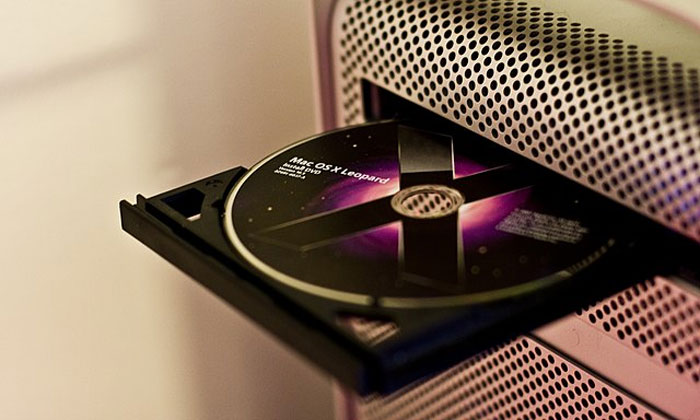 Ages and ages ago a gentleman came in for a computer repair as his “cupholder” was broken... It was his DVD-R.







































 No fees, cancel anytime
 then open in external browser


 and click "Open in External Browser"