Get Premium
Dark mode theme is available exclusively for premium users. Learn more about the benefits of subscribing.
No fees, cancel anytime.

 Dark Mode Ad-Free Browsing Unlimited Content
 Ad-Free Browsing Unlimited Content Dark Mode
Join 1.2 million Panda readers who get the best art, memes, and fun stories every week!
Don’t you love learning some useful hacks? Well, I’m pretty sure everybody does. And how about finding out, let’s say, some feature on your iPhone that makes your everyday life easier? Yep, I'm sure, everybody likes learning that. So let me tell you some examples that hopefully will make your everyday life easier as well! So, the iPhone has a feature that can take a photo of the laundry symbols and translate them to understandable language. Or, it turns out that toasters have a removable tray at the bottom that catches the crumbs and you can remove them.
One Reddit user recently started a thread online asking folks to share common products that have a feature which many people might not know about. The post caught a lot of attention and people online actively shared various things that most of us probably haven’t heard about. So scroll through and find out about these not-so-hidden but unknown features!
More info: Reddit
This post may include affiliate links.
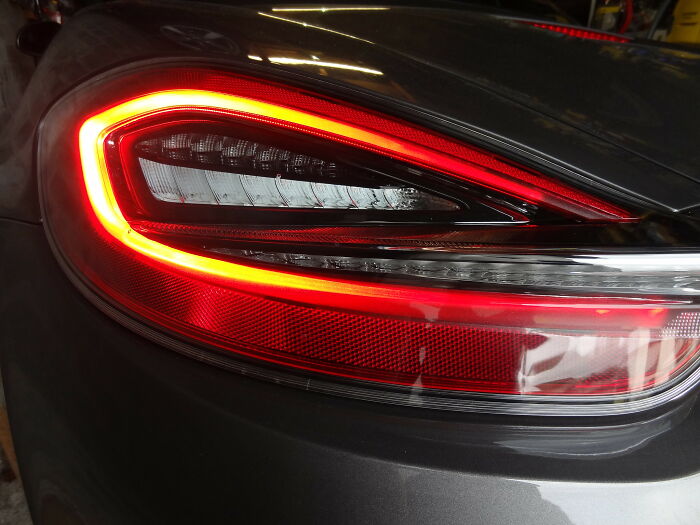
 On the left side of a car's steering wheel is a stick. Pushing the stick up or down will indicate to other drivers which direction you intend to turn!
You're welcome!
On the left side of a car's steering wheel is a stick. Pushing the stick up or down will indicate to other drivers which direction you intend to turn!
You're welcome!

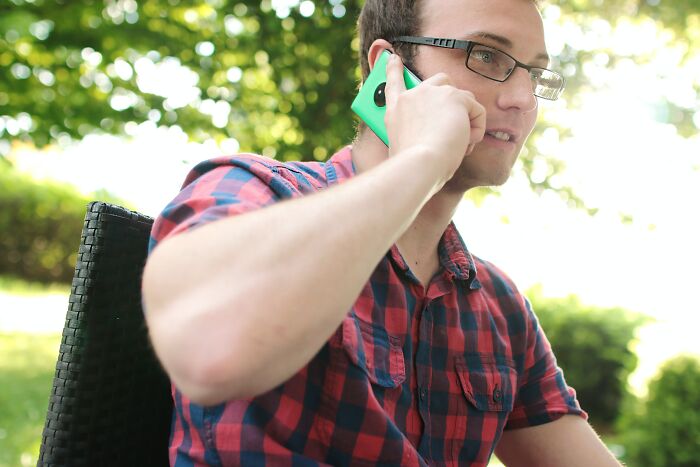 Mobile phones have a low powered speaker just above the screen, so you can put the phone to your head and other people can't hear your call
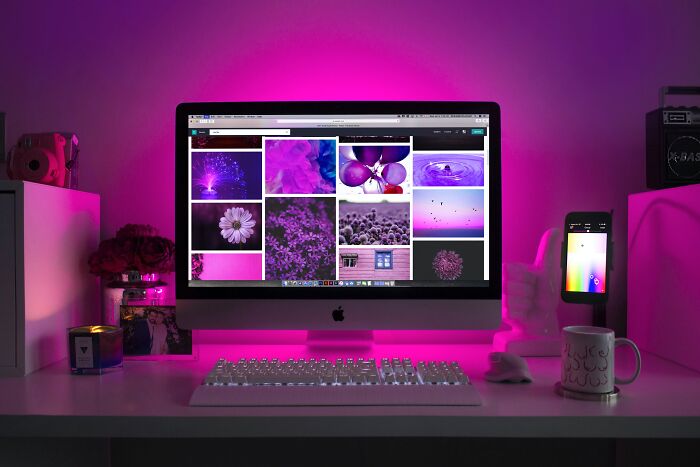 Closed an important tab accidentally? Press CTRL+SHIFT+T to bring it right back.
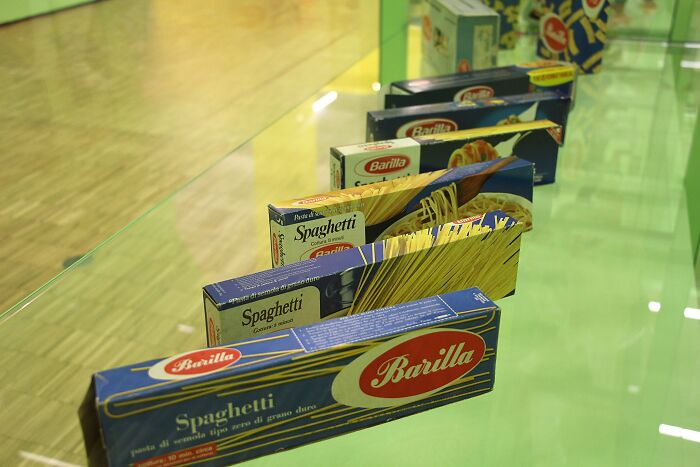 Barilla Pasta has a Spotify list. Each specific song has a duration to match the relevant pasta’s cook time
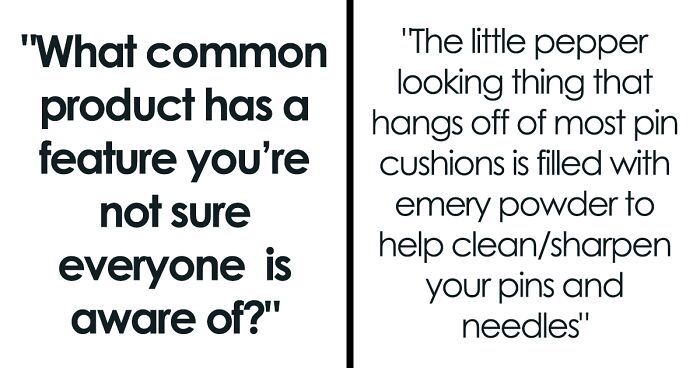
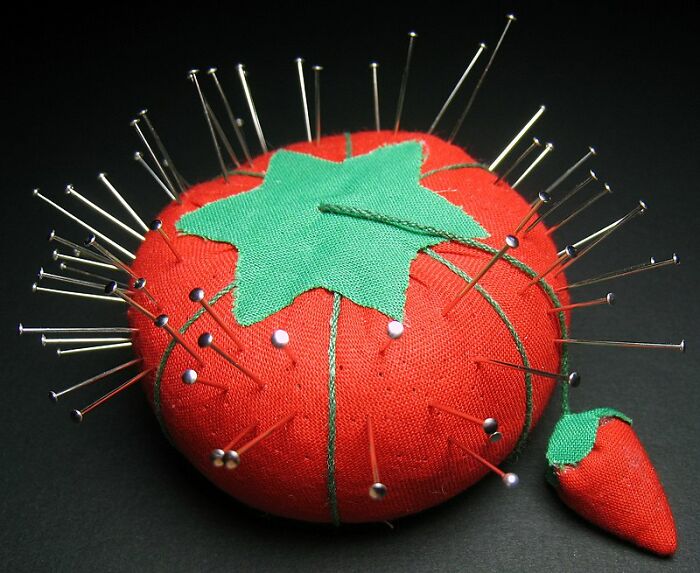 The little pepper looking thing that hangs off of most pin cushions is filled with emery powder to help clean/sharpen your pins and needles.

I found this out when using my mom's setting kit, but mine just has pins in a box and no tomato. I'll have to see about getting one, or making one (maybe I'll make one that looks like Pinhead...)
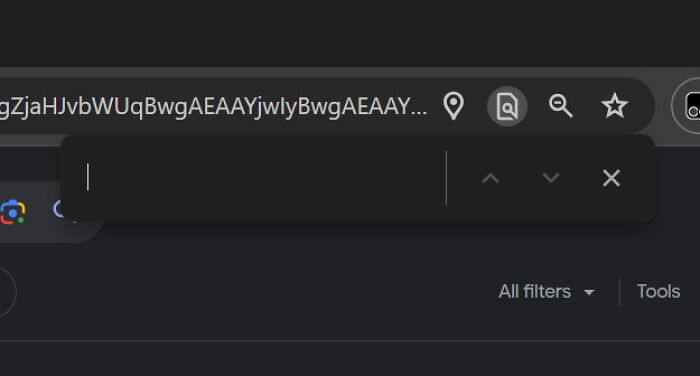 Browsers let you use ctrl+f to search within a page. You can use this, for example, to check if 500 people have already made a joke about turn signals

I’ve always wanted to know if 500 people made a joke about turn signals!
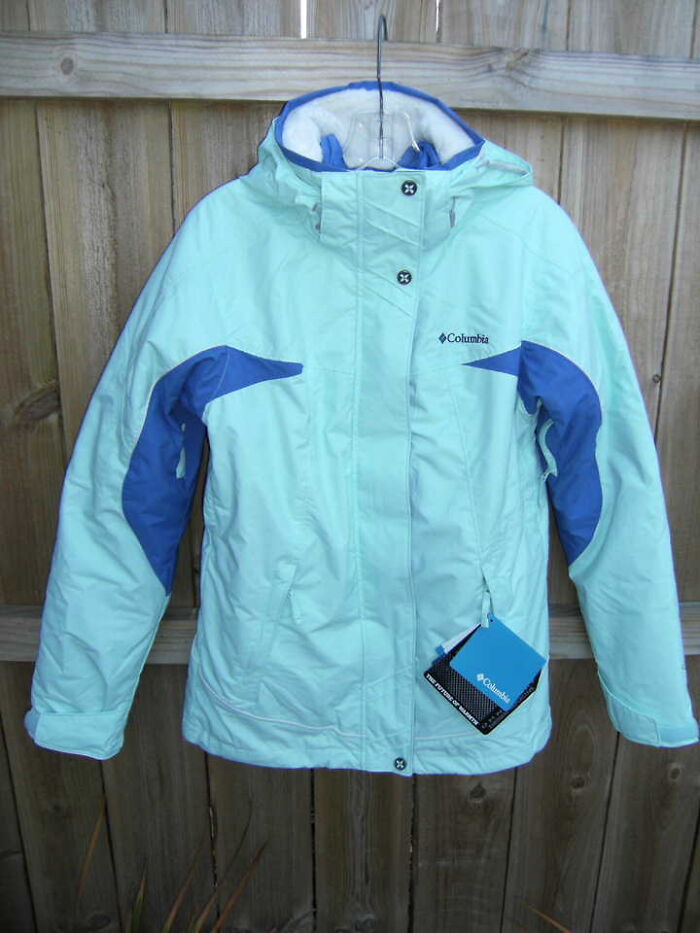 Lifetime warranties on consumer goods. Like Columbia jackets and Jansport backpacks. If your zipper fails or the material separates or is no longer repelling water, file a claim online and pay for shipping to the factories. They will either repair it or ship you a comparable new version. Companies like this use your returns to identify weak points in their products while retaining lifetime customers.

I splurged 10 years ago on a Litter Robot. These run around $500 (I used my tax refund and it was the best money I think I've ever spent.) A piece broke, and I called to see if I could just order the piece. The rep said they no longer made that model. I wasn't super upset. Ten years is a good run. So I was about to order a new one, when she told me they'd be happy to just send me a new unit. A brand new, $500 unit. I was blown away. Can't recommend the original Litter Robot highly enough!!!!
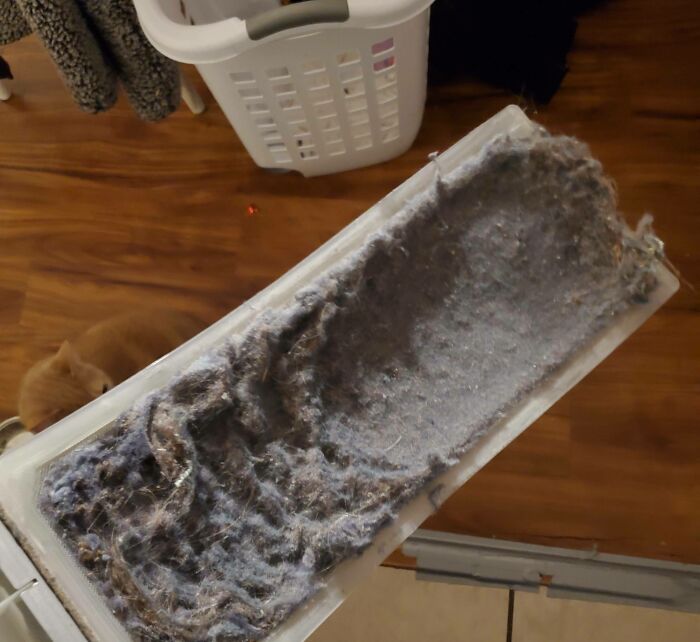 The number of people on this site who don't know to clear their lint trap after using the dryer is too high
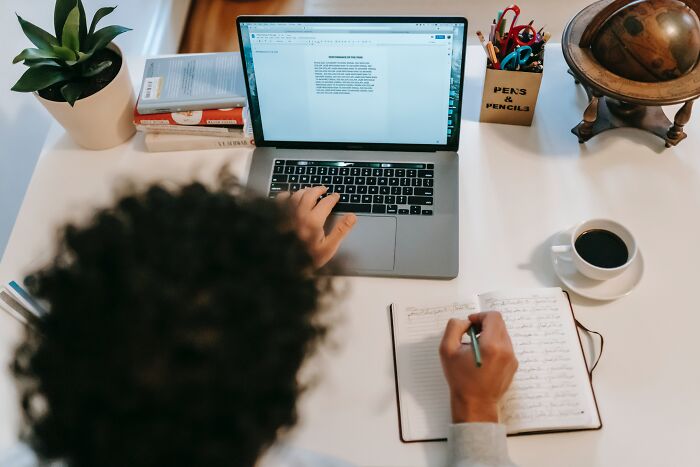 When you are writing in Microsoft word or Outlook and accidentally leave caps lock on, select the text and press Shift F3. It will change the text between upper and lower case, and there's a third option to make the first letter of each word upper case too.
Always seems to blow peoples minds when I tell them.
When you are writing in Microsoft word or Outlook and accidentally leave caps lock on, select the text and press Shift F3. It will change the text between upper and lower case, and there's a third option to make the first letter of each word upper case too.
Always seems to blow peoples minds when I tell them.

Control Z will bring back your accidental deleted sentence, paragraph, etc. if you hit delete while the text is highlighted.
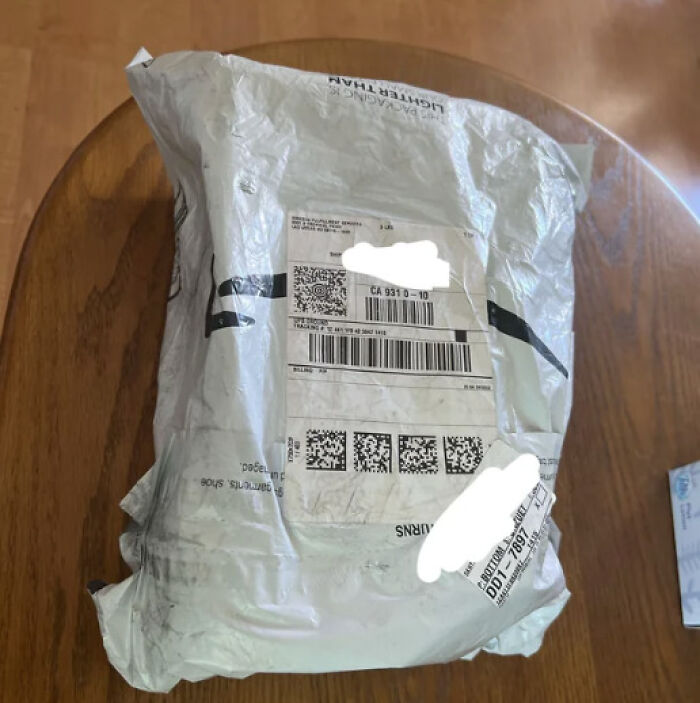 The amazon bags are reusable. Turn them inside out, and turn the piece of plastic off to reveal the tape to reseal.
Very useful for making returns.
The amazon bags are reusable. Turn them inside out, and turn the piece of plastic off to reveal the tape to reseal.
Very useful for making returns.
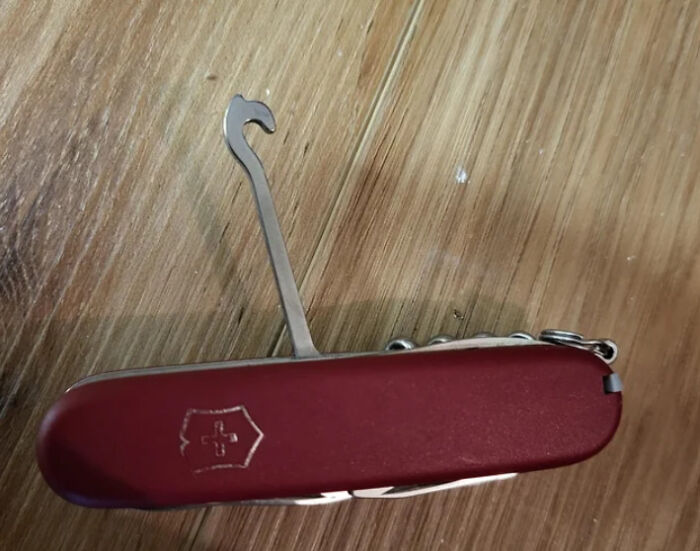 Swiss army knife, parcel hook. Most people don't know what it's for, but it lets you use the knife as a handle for carrying unwieldy c**p.
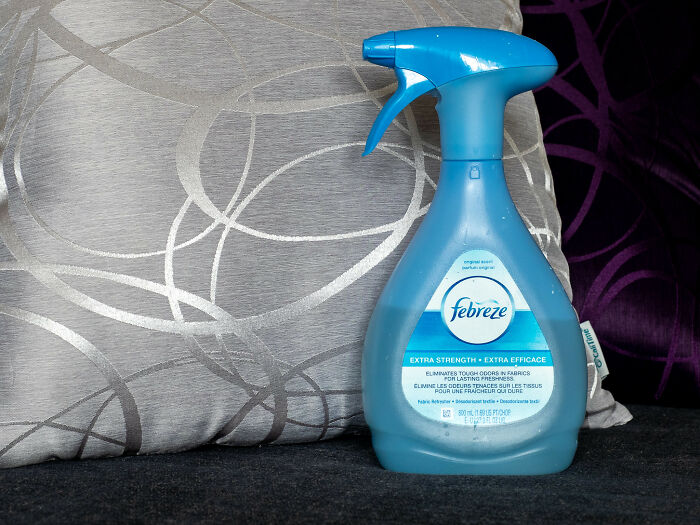 A lot of people think that Febreze just covers up odors with perfume.
It's actually an excellent odor *remover* and there's an unscented version that works extremely well and leaves no smell behind. It's just that when they first brought it to market, a lot of people didn't like it because they associate "smelling clean" with perfumed products. They found that adding a perfume to it increased their sales. It's hard to find in stores, but you can still order the unscented version on Amazon.
A lot of people think that Febreze just covers up odors with perfume.
It's actually an excellent odor *remover* and there's an unscented version that works extremely well and leaves no smell behind. It's just that when they first brought it to market, a lot of people didn't like it because they associate "smelling clean" with perfumed products. They found that adding a perfume to it increased their sales. It's hard to find in stores, but you can still order the unscented version on Amazon.

Well, I've met many odors that Febreze couldn't quell, so this was my assumption from the beginning.
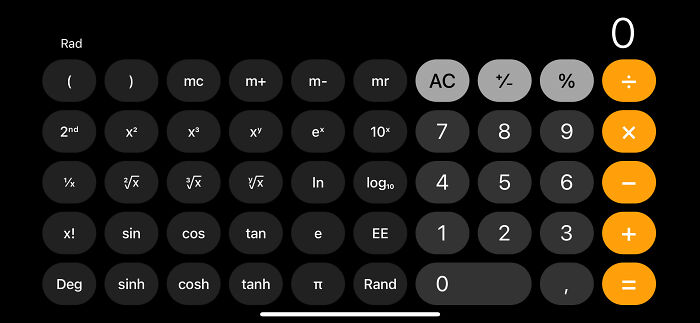 Turning your phone sideways in calculator mode gives you a full scientific calculator.
Holding letters down on your phones keyboard brings up a selection of ‘alternate forms’ șö ŷòų ċæņ ďo þħīß! ŴØÁĦ
Turning your phone sideways in calculator mode gives you a full scientific calculator.
Holding letters down on your phones keyboard brings up a selection of ‘alternate forms’ șö ŷòų ċæņ ďo þħīß! ŴØÁĦ
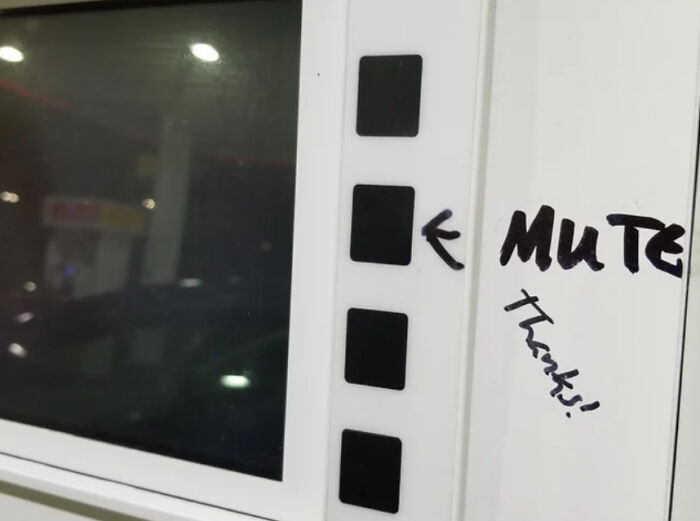 The second button down on the left on a gas pump will often mute the audio coming from it.
Also, whoever decided to put videos on gas pumps should be sent to The Hague for trial.
Edit: lots of people are saying it's the second button down on the right. Just try whichever and see if it works.
The second button down on the left on a gas pump will often mute the audio coming from it.
Also, whoever decided to put videos on gas pumps should be sent to The Hague for trial.
Edit: lots of people are saying it's the second button down on the right. Just try whichever and see if it works.
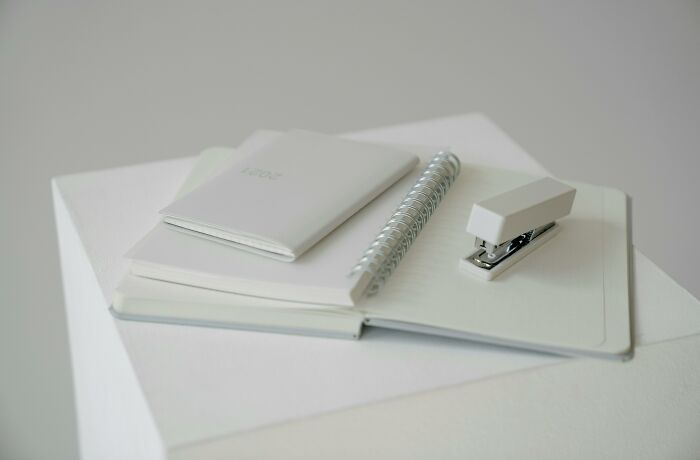 Nearly all staplers can make two kinds of staples: regular and temporary. You can spin the strike plate around by pushing it up from underneath and the resulting staples will go out instead of in, making them easier to remove.
I thought this was common knowledge, but my wife of 14 years was amazed when I showed our daughter how that worked.
Nearly all staplers can make two kinds of staples: regular and temporary. You can spin the strike plate around by pushing it up from underneath and the resulting staples will go out instead of in, making them easier to remove.
I thought this was common knowledge, but my wife of 14 years was amazed when I showed our daughter how that worked.
 A regular pair of binoculars pointed at Jupiter will reveal four of Jupiter’s moons! Io, Europa, Ganymede and Callisto.
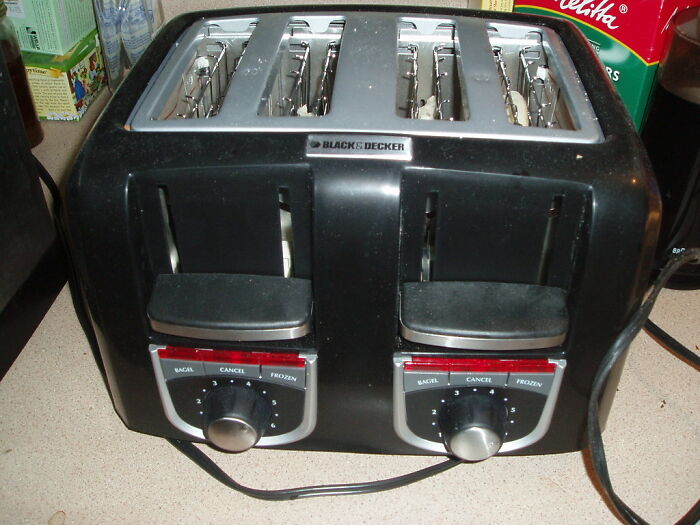 Toasters have crumb trays in the bottom that you can and SHOULD remove and clean
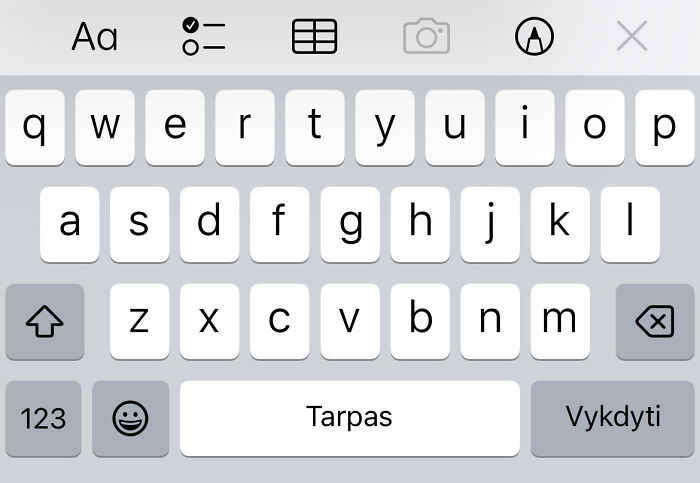 If you want to move the cursor on the text you just typed on the phone, just slide your finger to the left or right of the spacebar. No more annoying "tap tap tap oh s**t I accidentally deleted it"
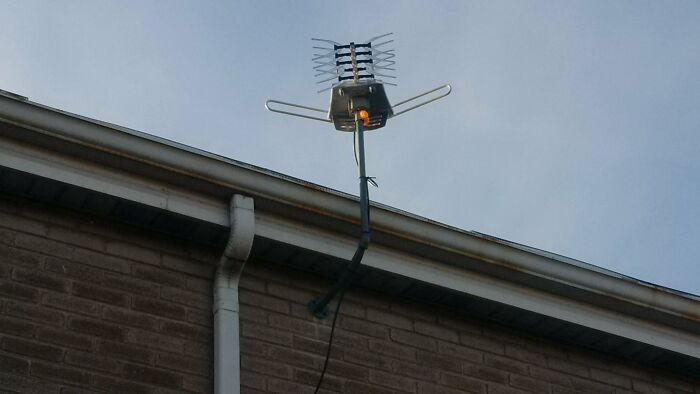 Even though it's only been a couple decades, I feel like people forget that you can just buy an HD antenna and watch local channels instead of needing cable/satellite.

We did that - tried the indoor antenna first (which didn’t work at all) and then just bought the roof antenna and we get 43 channels.
 Netflix has a Fitness or Exercise genre where you can watch and workout alongside videos.
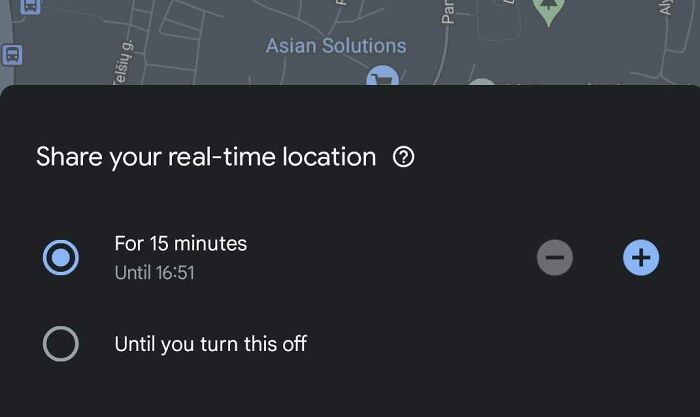 With Google Maps on your phone, when traveling to someone, you can let them know exactly where you are so they can track your progress.
Open maps, tap your account icon at the top right, tap location sharing, and you have the option to share your location for a set amount of time (like an hour). You can then tap to send this location sharing directly to a person or to send it through a text message. The other person can now know where you are along your journey. This way they can better prepare for your arrival.
With Google Maps on your phone, when traveling to someone, you can let them know exactly where you are so they can track your progress.
Open maps, tap your account icon at the top right, tap location sharing, and you have the option to share your location for a set amount of time (like an hour). You can then tap to send this location sharing directly to a person or to send it through a text message. The other person can now know where you are along your journey. This way they can better prepare for your arrival.

I use this while traveling both locally and out of town. If some bloke starts trailing me, the first person I click on in my contacts list will now know where I disappeared.
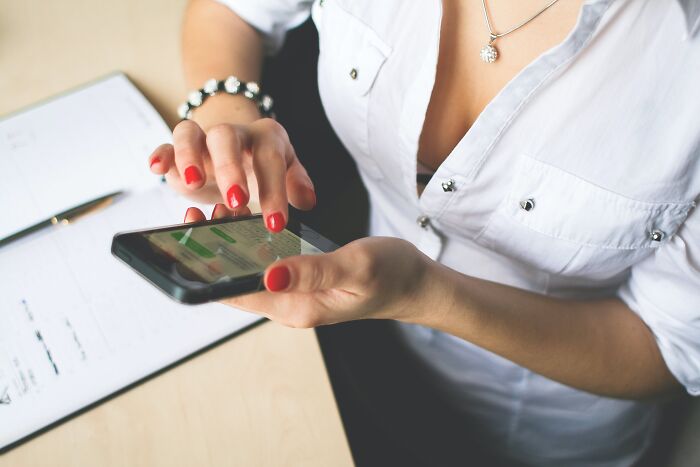 So one that kinda blows my mind and I use all the time now.
But you can program your phone to send texts at later times depending on the software.
You hold the send button and see if any prompts come up, it's insanely handy for calling out sick on a job (if you your bosses # anyway) or checking in with somebody when you think of them but know right now is a bad time to text, etc.
So one that kinda blows my mind and I use all the time now.
But you can program your phone to send texts at later times depending on the software.
You hold the send button and see if any prompts come up, it's insanely handy for calling out sick on a job (if you your bosses # anyway) or checking in with somebody when you think of them but know right now is a bad time to text, etc.
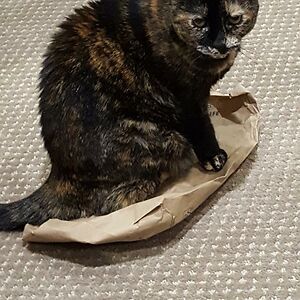
You can do the same thing in Outlook email. I have definitely used it to make it look like I'm reporting in sick first thing in the morning when I really did it late the night before so I can sleep in. :) You can find it under Options > delay delivery and choose what time you want the message to be sent.
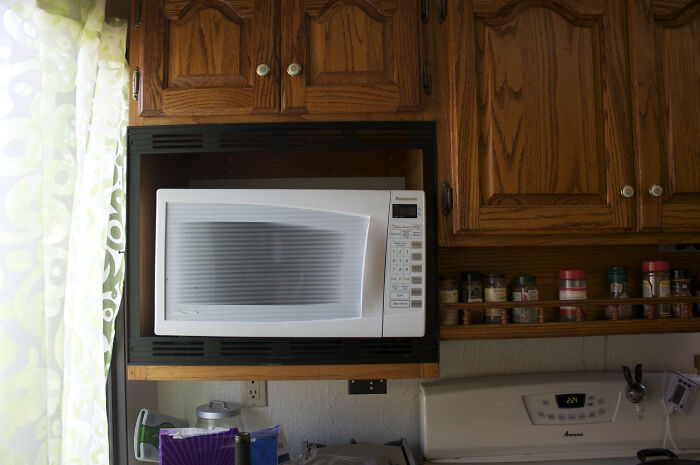 Least and best used feature in a Microwave is actually low power and defrost settings.
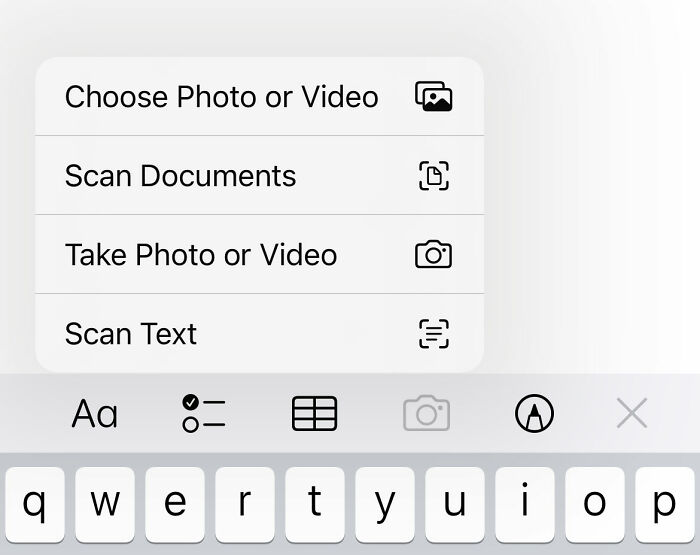 You can use the Notes app on your iPhone as a scanner. Start a note, hit the camera icon, and it will give you the option to scan a document. You can do single or batch, and if you share the note or email it to yourself, it will come through as a PDF.
The "scan text" feature below that one is great too; instead of creating a PDF, it'll import printed (or some handwritten, depending on how tidy your writing is!) text into your note. You just hover over a doc and it'll pop up as text.
You can use the Notes app on your iPhone as a scanner. Start a note, hit the camera icon, and it will give you the option to scan a document. You can do single or batch, and if you share the note or email it to yourself, it will come through as a PDF.
The "scan text" feature below that one is great too; instead of creating a PDF, it'll import printed (or some handwritten, depending on how tidy your writing is!) text into your note. You just hover over a doc and it'll pop up as text.
I've met a weirdly high number of people that think you can't charge an EV off a standard wall outlet. You can, it just takes a while. My Model 3 takes about two days to go from 0% to 100%. As opposed to 40 minutes at a fast charger

Yes. I come home from work, put my electric car in the garage, then plug it into the AC electric outlet. I charge it every night. In four years I have never used a public charger, just my home electric outlet. (BTW, my electric bill is about $20 a month extra because of this - still far cheaper than gasoline or paying for a charge.)
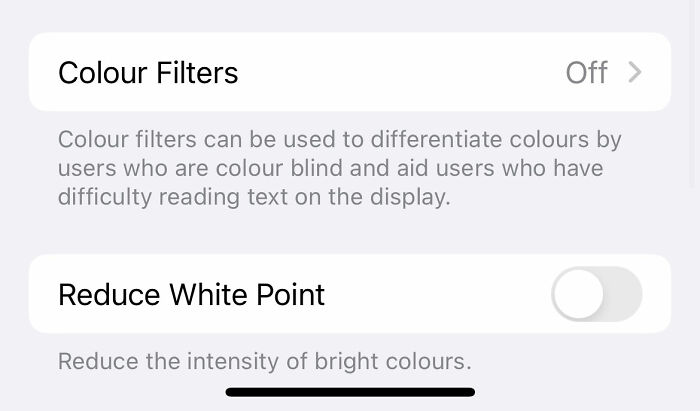 you can turn your brightness lower than the lowest brightness setting.
settings —> accessibility —> display & text size —> reduce white point
you can turn your brightness lower than the lowest brightness setting.
settings —> accessibility —> display & text size —> reduce white point

That’s how I have my screen at all times! 95% reduced. It doesn’t hurt my eyes or give me headaches, and I fall asleep scrolling bp every night!
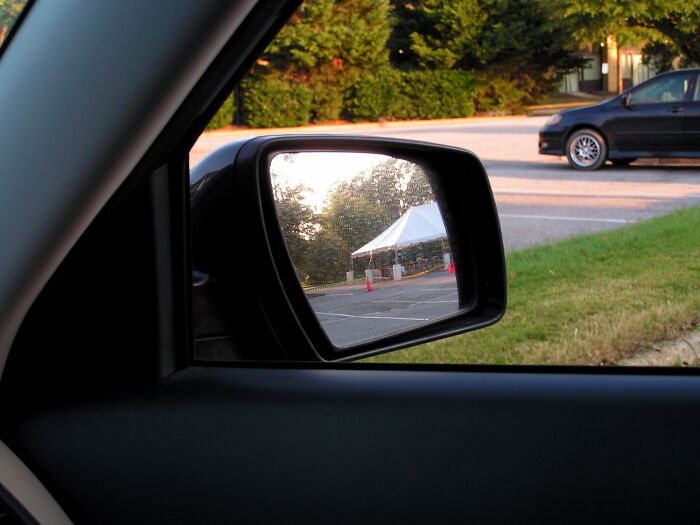 Rearview mirrors have a tab that lets you flip it upward, effectively reducing the glare if the car behind you has its high beams on. I've been surprised by how many people haven't been aware of this.
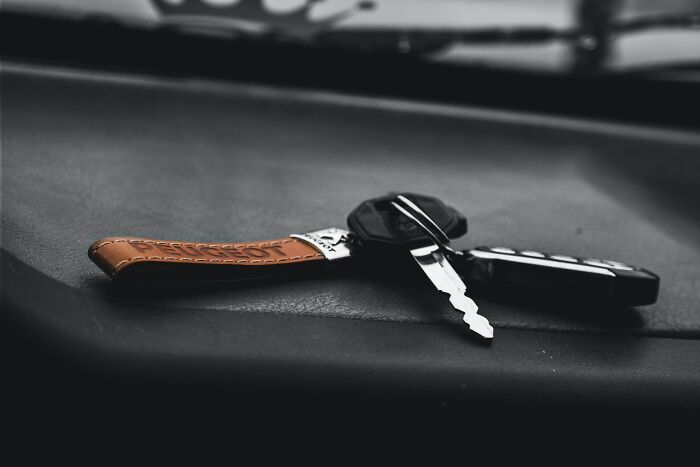 I recently found out that if i press and hold my car key to unlock the car, all the windows open automatically.
Not so impressive but some people might try it out lol
I recently found out that if i press and hold my car key to unlock the car, all the windows open automatically.
Not so impressive but some people might try it out lol
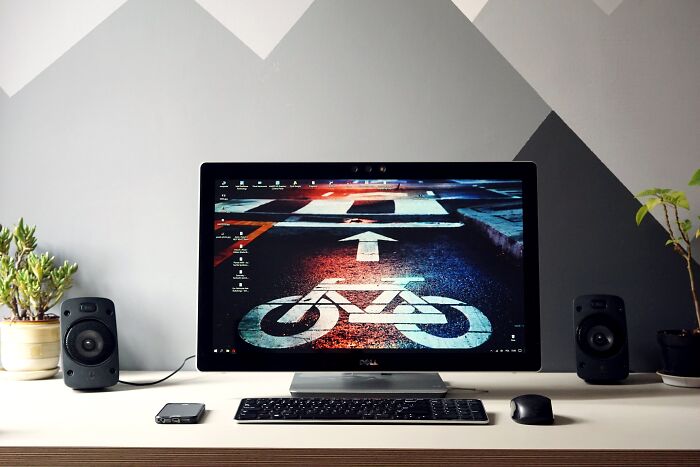 On a Windows computer WinKey + Tab brings up a virtual desktop switcher. At the top of the screen, hit the plus (+) icon to make a second desktop. You can then use Ctrl + WinKey + L/R arrow to switch back and forth quickly.
I keep all my browsers on one desktop, and Spotify/Discord/Reddit on the other and swap back and forth all day at work.
On a Windows computer WinKey + Tab brings up a virtual desktop switcher. At the top of the screen, hit the plus (+) icon to make a second desktop. You can then use Ctrl + WinKey + L/R arrow to switch back and forth quickly.
I keep all my browsers on one desktop, and Spotify/Discord/Reddit on the other and swap back and forth all day at work.
I love how Windows 10 has all these added feature where your desktop image jumps randomly to some weird configuration and you have no idea what key you pressed to cause it to happen.
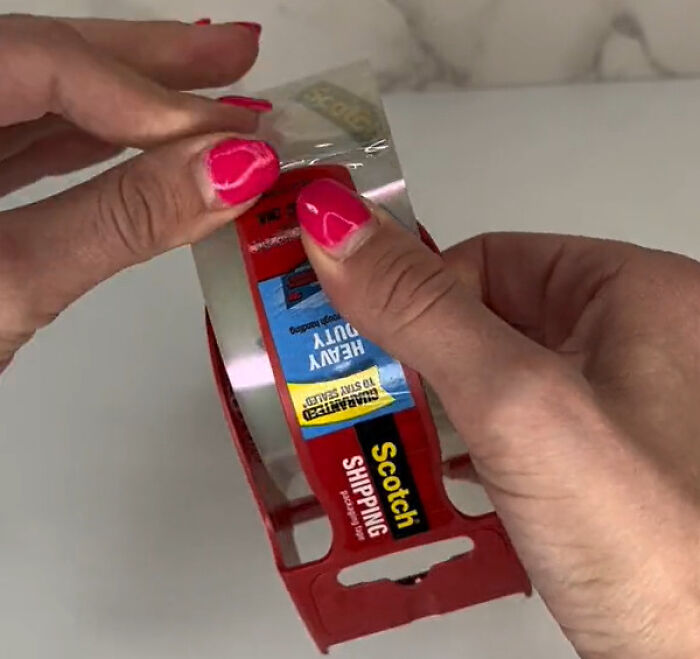 The nub on the edge of a tape dispenser (the red one for moving boxes) is meant to find the edge of the tape. Press it down and move the tape around and it’ll peel it up
Edit: copying a video tagged below to answer questions Edit 2: here to blow your mind again. There’s a regular cap under all OTC child safety caps. Put a butter knife in there and pry off the cap example

Again I concur with Ron. I tired this on multiple bottles. Even the ones that come off to reveal a regular cap are REALLY hard to get off.
Windows Key + Shift + S is a shortcut to a snipping tool. It will freeze and darken your computer screen and then you can click and drag a square to grab a snapshot that you can then paste wherever. If you double tap the lock button on an Android, it opens the camera. You can take a phone screenshot on an Android by pressing the volume down and lock buttons at the same time.
I use the screen shot/snipping tool almost every day at work. (On my laptop, not my phone) Very useful.
For a new Google doc, in the browser bar you can just type “doc.new” Works for sheet.new and slide.new too
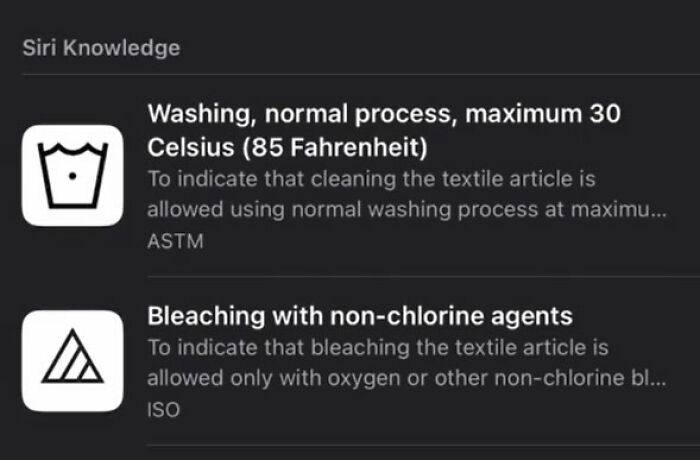 Apple camera comes pre installed with a feature that translates those laundry symbols
E-readers and TTS is on everyone's phone. I'm blind and yall have no clue how many times a day people ask me "how are you reading and talking online?"

What, you don't have touchscreen Braille?? My old uni laptop had specialist TTS designed to handle medical terminology (I was studying pharmacy). However, it was unable to differentiate between 'Asperger's' and 'a*s burgers' lmao.
If you press and hold the flashlight button on your iPhone, you can adjust the brightness of it
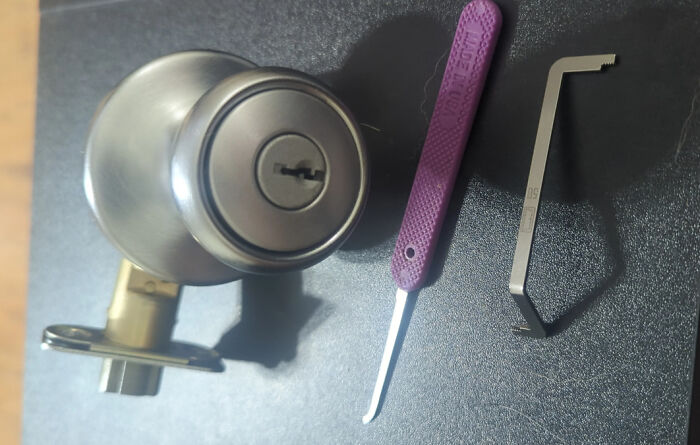 KwikSet locks can be easily rekeyed in about 30seconds.
Buying the rekey kit online comes with four new keys that are cheaper than duplicating a new key.
KwikSet locks can be easily rekeyed in about 30seconds.
Buying the rekey kit online comes with four new keys that are cheaper than duplicating a new key.

Not a KwikSet lock. Those have a small hole to the bottom left of the keyhole, which is where you insert the reset key. Read the instructions very carefully! If you get it wrong you can find that neither the original or new keys work, which means a locksmith or new doorknob.
That most new phones (at least Samsung) has a panic button function that will work even if your phone is dead (this depends on the phone). You can put in your distress contacts and when activated, they will receive a text, call and a live map to your location.
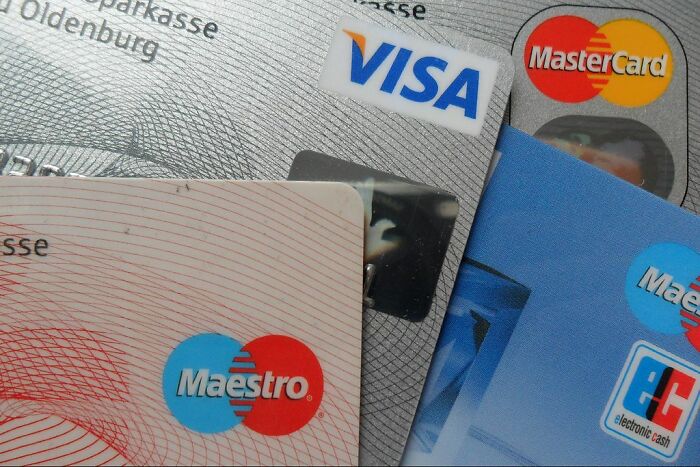 Mastercard and Visa both offer cell phone insurance on some of their credit cards if you pay your phone bill with their card. This can cover theft and damage to your cell phone.
Edit: about time i add this to the main, check your credit card benefits guide for details to see if it's applicable. And yes it might be a pain in the a*s, but it's still there for some cc's
Mastercard and Visa both offer cell phone insurance on some of their credit cards if you pay your phone bill with their card. This can cover theft and damage to your cell phone.
Edit: about time i add this to the main, check your credit card benefits guide for details to see if it's applicable. And yes it might be a pain in the a*s, but it's still there for some cc's
The little door for your gas pump should have a spot to rest the cap so gas doesn't drip onto the handle
Alumin[i]um boxes have two little tabs on the side you're supposed to push in. Now you don't have to struggle when pulling out a sheet. That extra container you've never touched since installing your dishwasher? It's for Rinse Aid. Now your plates won't have streaks on them when you take them out.

For a cheaper and better tasting rinse aid use white vinegar. I've done this for 15 years and works really well.
In the US, most electrical stuff uses a type of combination screw called ECX. It can be turned by a slotted, Phillips, or Square (Robertson) bit, or a special ECX unique bit. If you use a Phillips with it (as most people do) it's very prone to stripping out. If you use a square bit, it is like a thousand times easier. But most people don't know about the feature and don't have a square screwdriver.
On windows. Holding the shift key while you move your scroll wheel gives you horizontal scrolling.

This is correct: however it works only if you have something to side-scroll. You can prove it by enlarging a web page over the window size, or by looking at a picture that more than fills your browser window. (downvotes, seriously??)
Most microwaves can be muted.
You can call an iPhone to stop its alarm
Edit: you can also turn off the your PS5’s power up beep

I love how most of these are genuinely useful things most people don't know, then the two most upvoted are just people being massively passive aggressive
I love how you think your opinion matters in face of the actual truth. Got to 9 of them and they're just as asinine as you.
Load More Replies...
Most of these features aren't actually hidden and most people know how to use them but more often just choose not to.

Do you have a source for that? I didn’t know about most of these features.
Load More Replies... I love how most of these are genuinely useful things most people don't know, then the two most upvoted are just people being massively passive aggressive
I love how you think your opinion matters in face of the actual truth. Got to 9 of them and they're just as asinine as you.
Load More Replies... Most of these features aren't actually hidden and most people know how to use them but more often just choose not to.
Do you have a source for that? I didn’t know about most of these features.
Load More Replies...
























 No fees, cancel anytime