Get Premium
Dark mode theme is available exclusively for premium users. Learn more about the benefits of subscribing.
No fees, cancel anytime.

 Dark Mode Ad-Free Browsing Unlimited Content
 Ad-Free Browsing Unlimited Content Dark Mode
Join 1.2 million Panda readers who get the best art, memes, and fun stories every week!
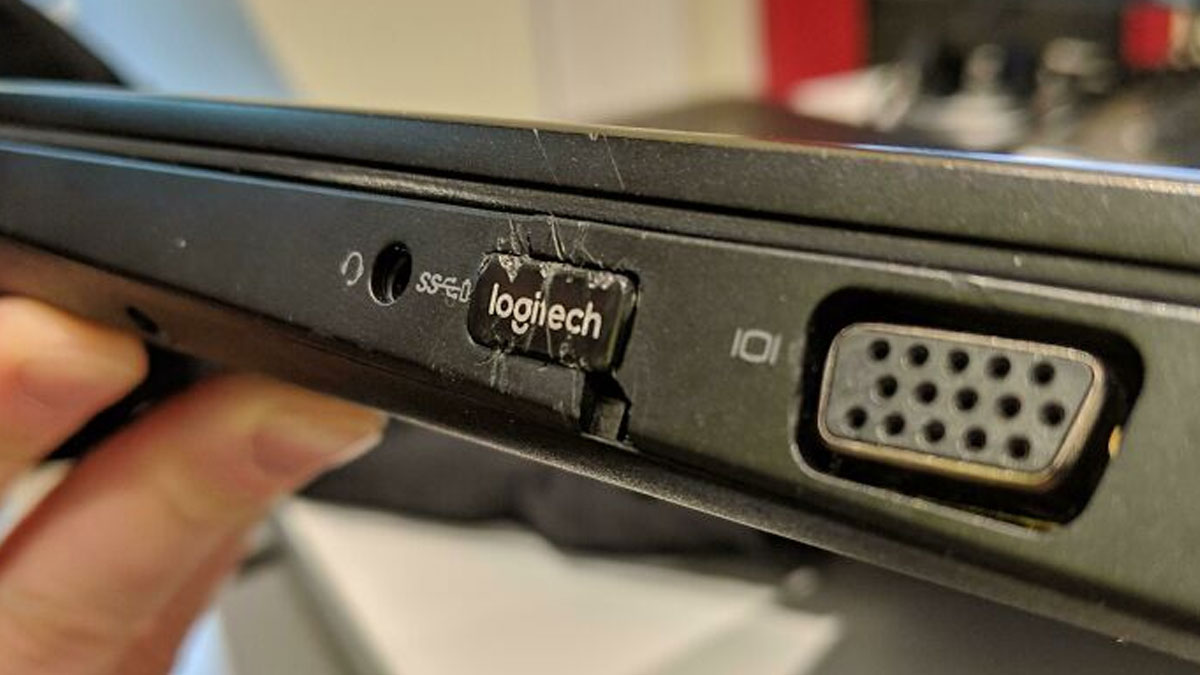
Anyone who has ever worked in tech support knows that no two days are ever the same. One minute you're resetting a password, and the next you're trying to explain that a computer won't turn on because it isn't plugged in. As frustrating as the job can be, it also comes with some truly unforgettable stories.
In this collection, tech support workers are sharing the funniest, strangest, and most baffling cases they've encountered on the job. Some of these situations are surprisingly relatable, others are downright unbelievable, and a few might leave you wondering how technology survived at all. Keep scrolling—these IT horror stories are almost too good to be true.
This post may include affiliate links.


Whoever did that shouldn't be allowed to own any more tech ever (of any kind!)
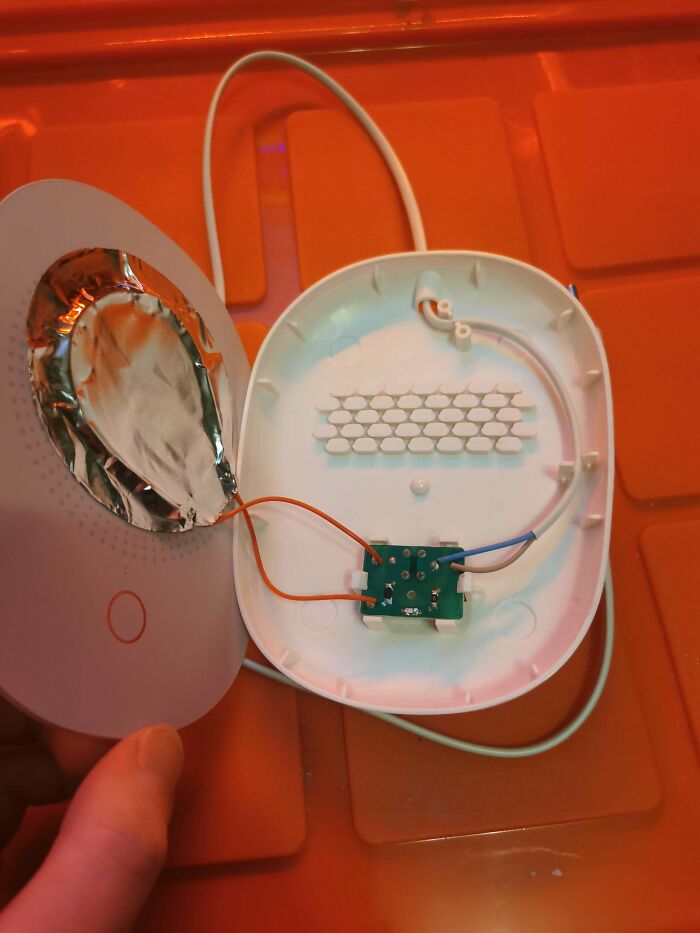
A friend of mine bought this mug warmer and never mentioned it. I only noticed when he placed his mug on it—because that’s when I heard some arcing noises.
Taking a closer look, it’s somehow even worse:
The heating element? Resistive wire taped to the back of a glass plate with aluminum foil like adhesive.
No safety features, no certification marks—just trust.
And the best part? It has to be wobbly to work. It stands on four feet, but the fifth "foot"( the red circle in picture 3) is actually just a tactile switch that only gets pressed when the mug is heavy enough. Until then, it wobbles like it’s trying to escape.
A quick calculation: The heating element has a resistance of 1500Ω, meaning it pulls around 35W (0.15A) (230V AC) through this tiny switch. There’s even an LED to tell you it’s working—as if that wasn’t obvious from the arking noises.
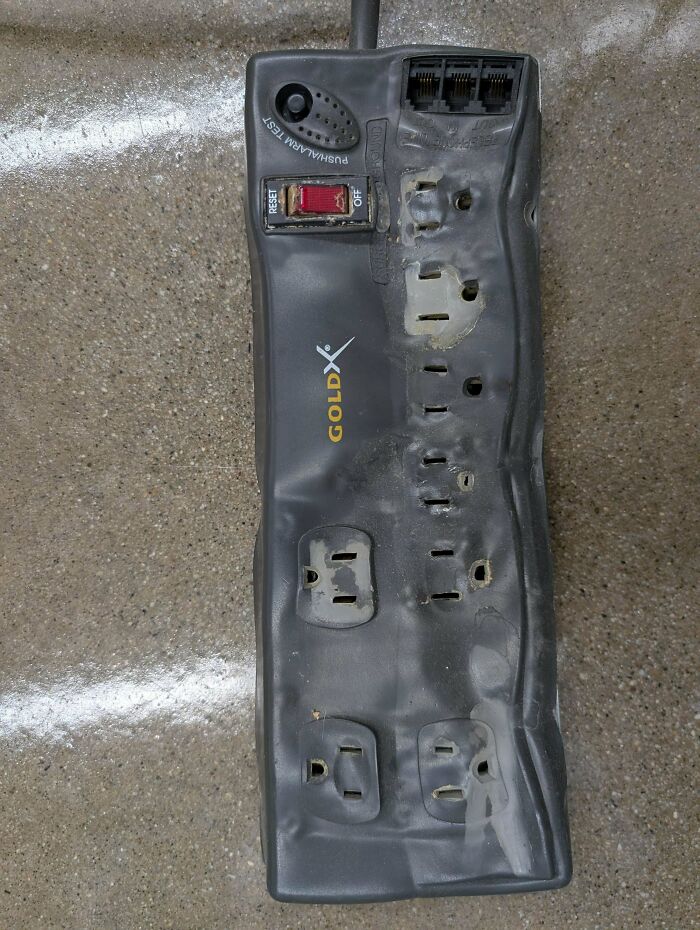
So yeah, it will keep your coffee warm. Even if it has to burn your house down to do it.
What are the sketchiest things you have seen at a friend's house?

its surprising how many systems that are still being used in broadcast industries and others due to nothing was ever made to replace the specific functions needed, there is a piece of gear at one site i look after that is run by winblows NT hasnt stopped for over 15 years
I have seen "shorts" before, but this does take the cake. The image made me groan in the 0.6 seconds it took to recognize what was going on.

The Wildfire Laboratory got one look at this and forgot all about The Andromeda Strain.

I'm anti-protector. The screens are made of glass that's extremely difficult to scratch, whereas the protectors are made of plastic that's very easy to scratch. And people don't replace the protectors regularly, so they have to put up with phones that have displays that are covered in scratches. Why keep your screen pristine if there's no benefit to it? Ditch the screen protectors. You'll replace your phone before the screen gets badly scratched.


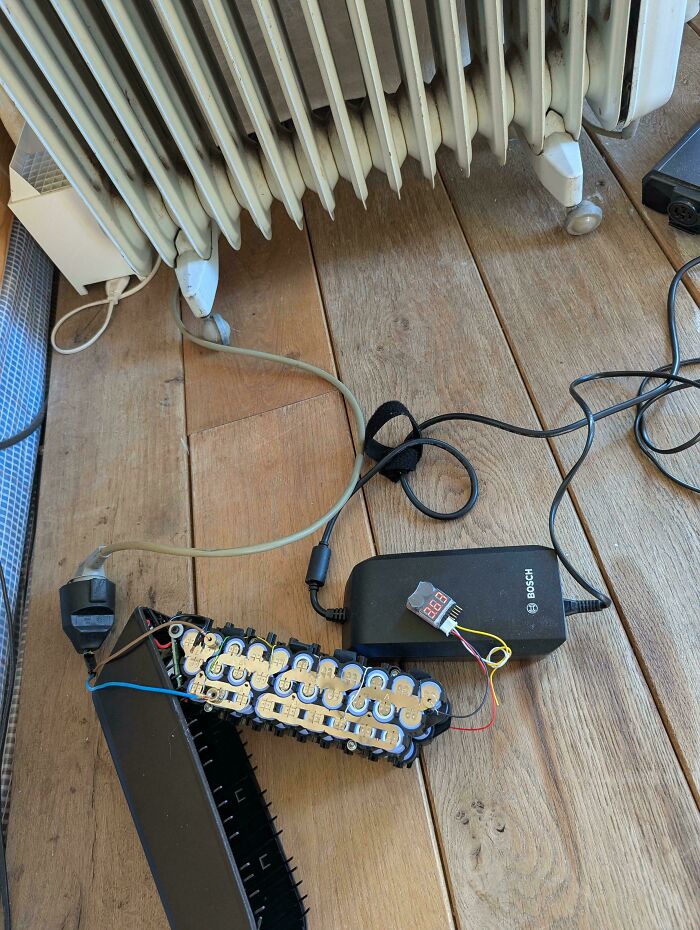
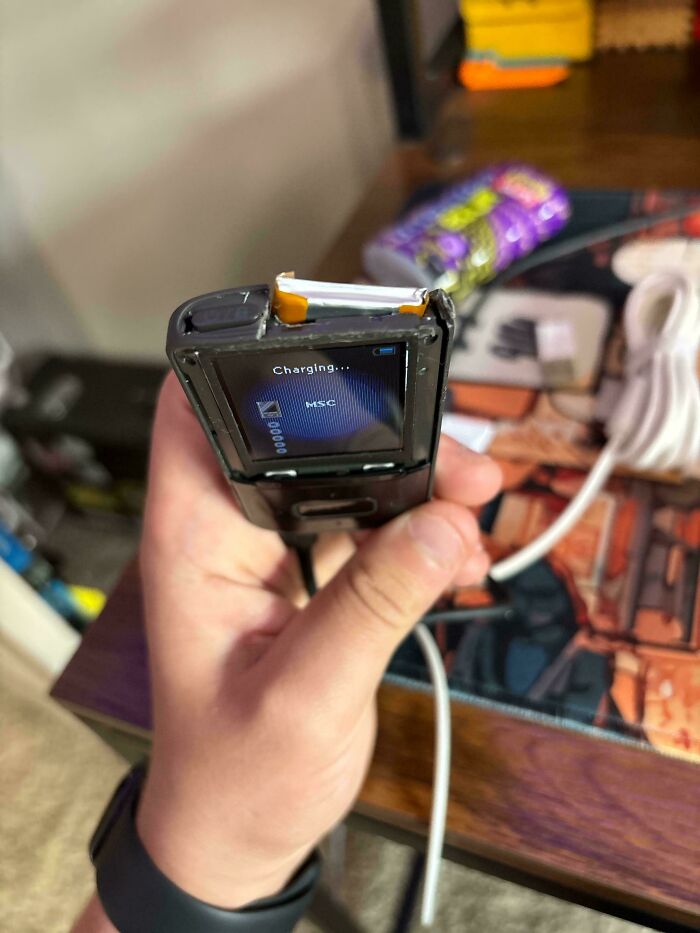
That's a completely valid way to safely drain a battery pack for disposal. Heaters are just big resistors.

I just want to know why the image has so much noise grain in it XD Was this photo taken in the dark?!


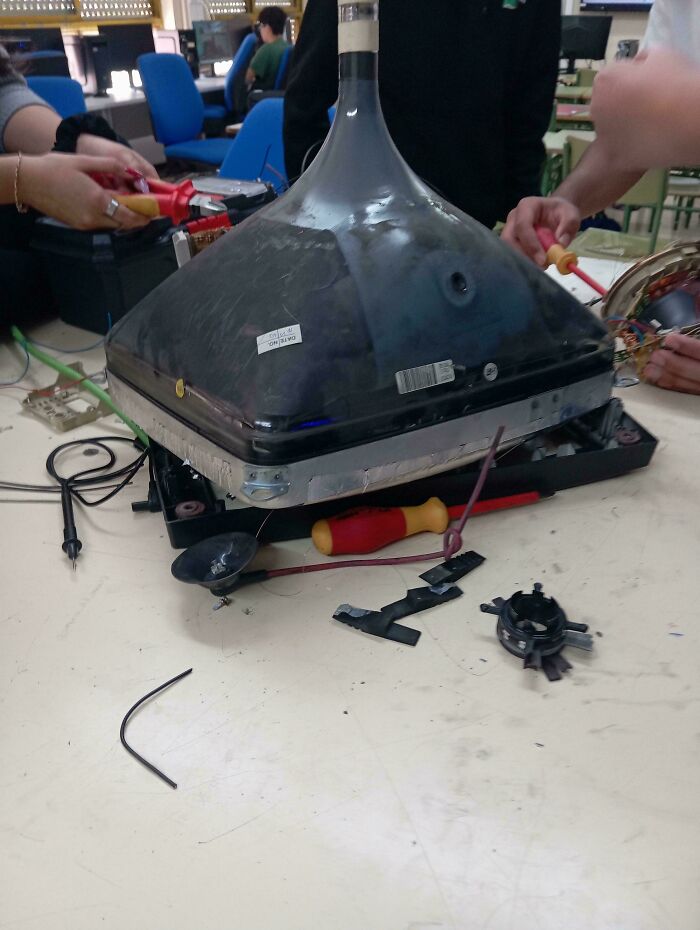
To slightly correct the other comments here, while the capacitors in a CRT-based display do potentially contain dangerous voltages, it's the CRT itself (the glass tube) that can contain the truly deadly voltages. The discrete capacitors might contain a few hundred volts, but the CRT itself can contain tens of thousands of volts. (And, yes, the CRT is technically functioning as a capacitor in this context, but no one would call it that.)

Last time I checked Roblox didn't involve slamming the computer against the wall. My nephew lives for that game and it's the quietest I've ever seen him.
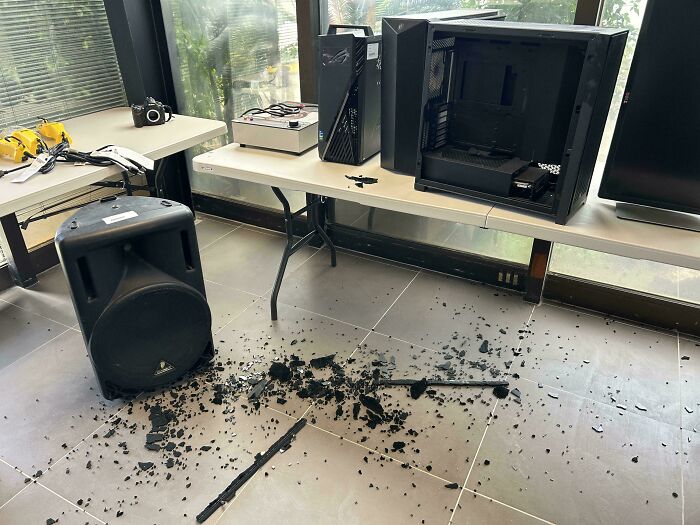
So, last Saturday, a guy in a truck drove into the office building where my family's small business is. We weren't in the office, luckily, but there was a lot of damage. He went right through the wall, creamed my sister's desk, obliterated the side table where our router sat, and hit my sister's computer, which was in a glass-sided case (it was on sale at MicroCenter when the computer got built, lol.) The glass was laminated, so it turned into a giant mess of spiderweb cracks, but didn't shatter like this case did. I'm actually really impressed with the case!

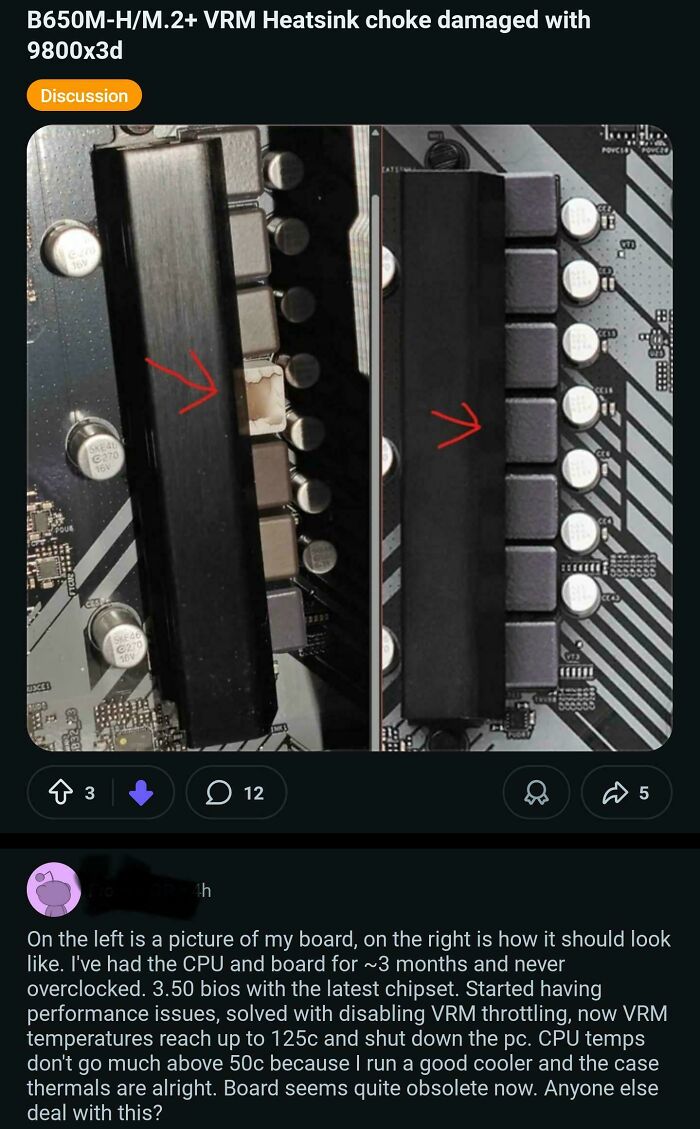
From the original post: Allegedly, this was working for 1.5 years, and then the user tried turning it on, and then pzzt. No more motherboard and CPU. Everything else is working, apparently. Another moment of Asrock shenanigans? Or maybe PSU decided to take revenge on this user? Who knows. Later comments go on to suggest that a lack of a flashing of the BIOS may have led to this. This wasn't flagrant user error, as the other posts seem to be about. I dunno.

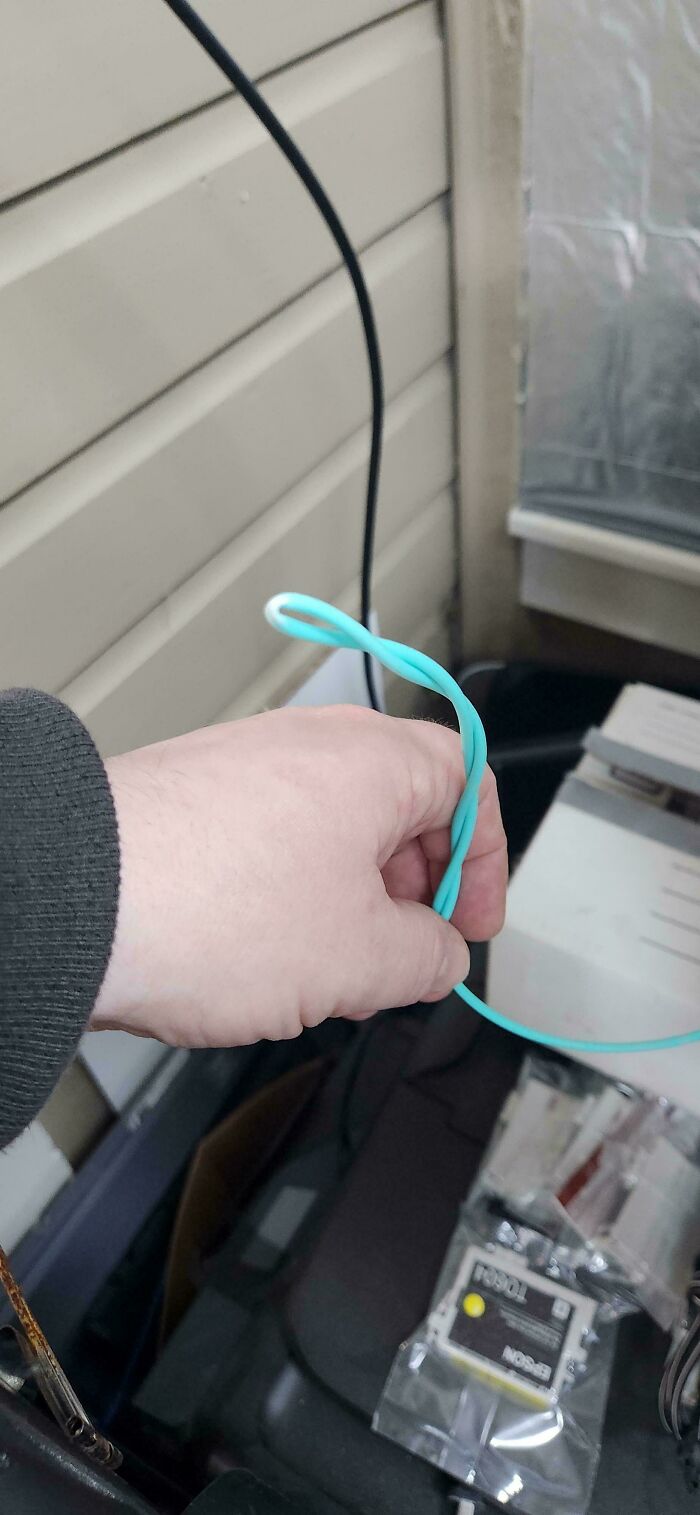
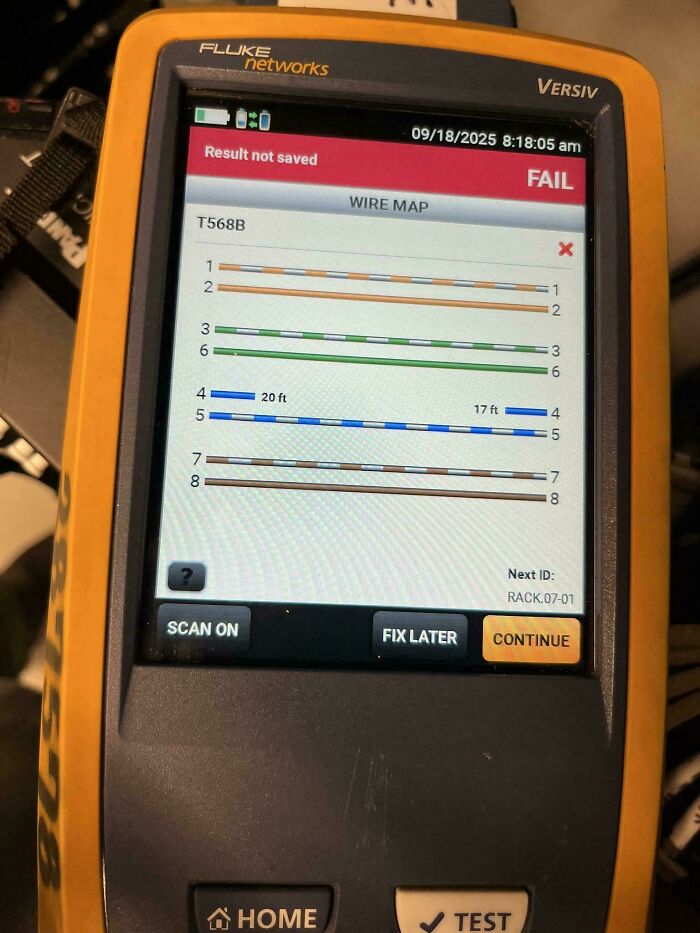
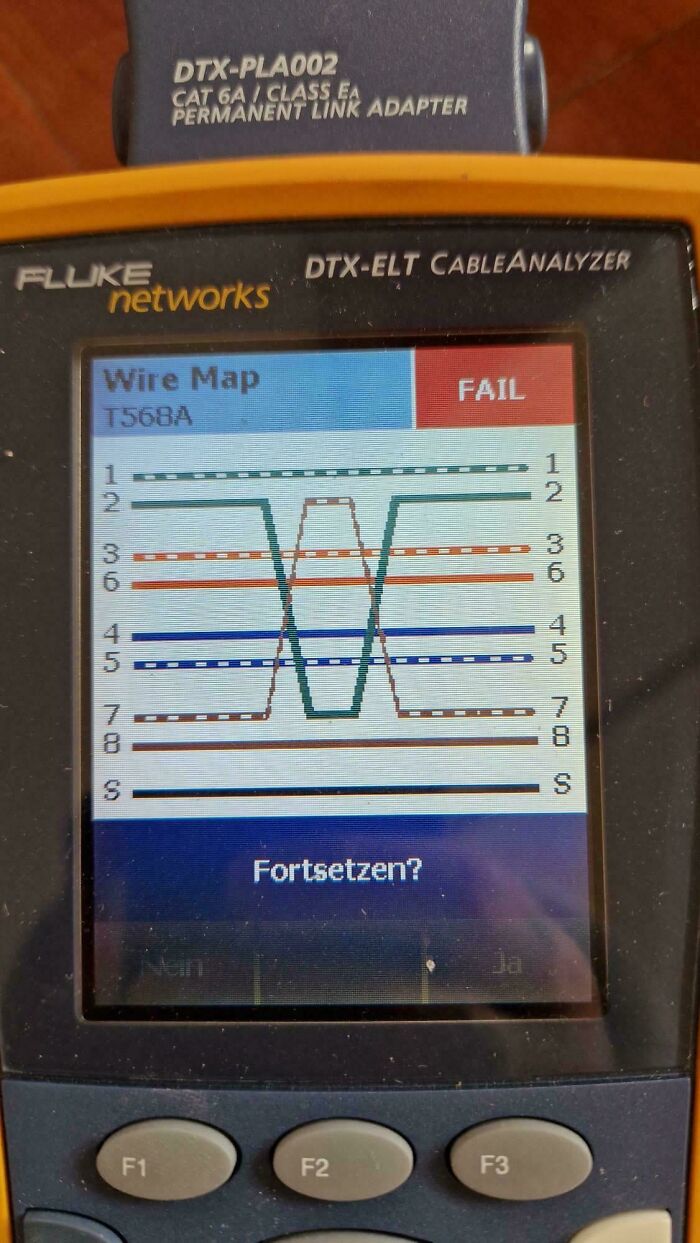
I though the fiber wound in a circle knot a few images ago was bad enough. This is a quasi miracle. Simple fix if the cable length is short.

At first I thought "don't know what's wrong, but its been years since I worked with Cos and Sin", then I scrolled down a bit more...
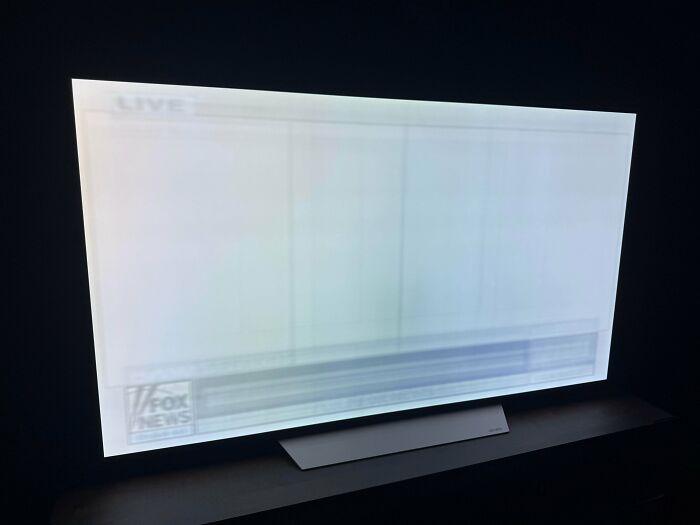
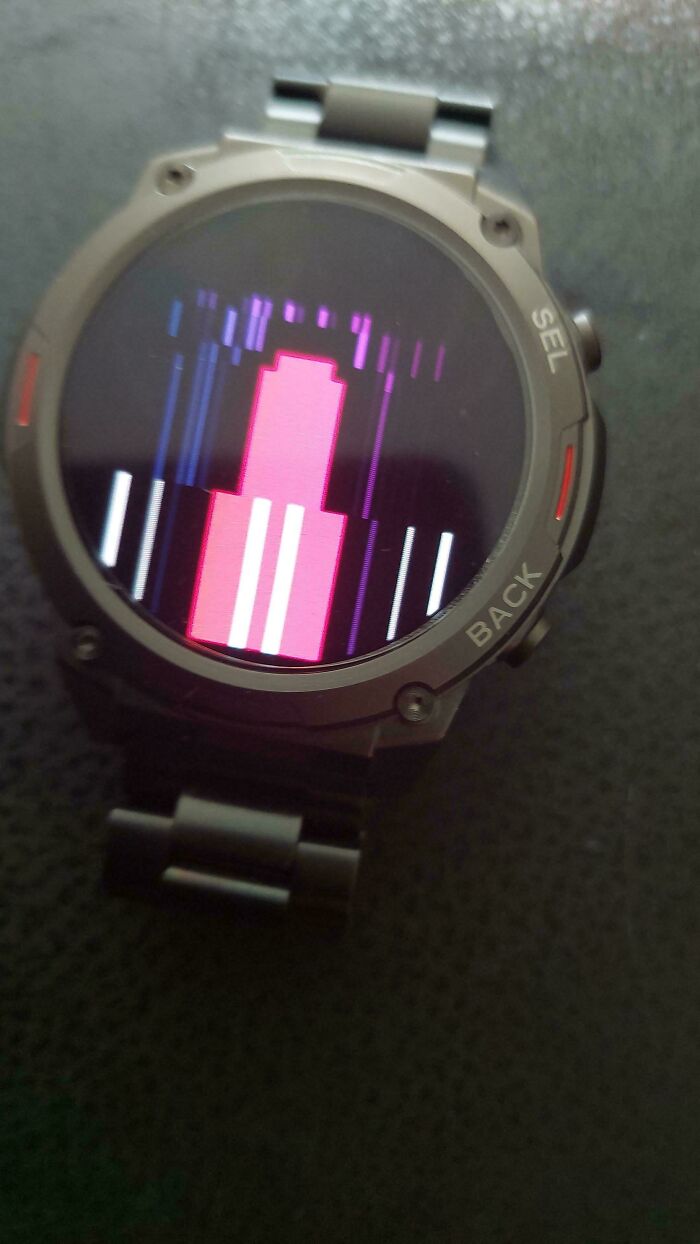
jfc, Dad must have never turned off his feed to Trump Búttlicking TV (Fox News.) I haven't even seen screen burn since I was a kid in the 90s.
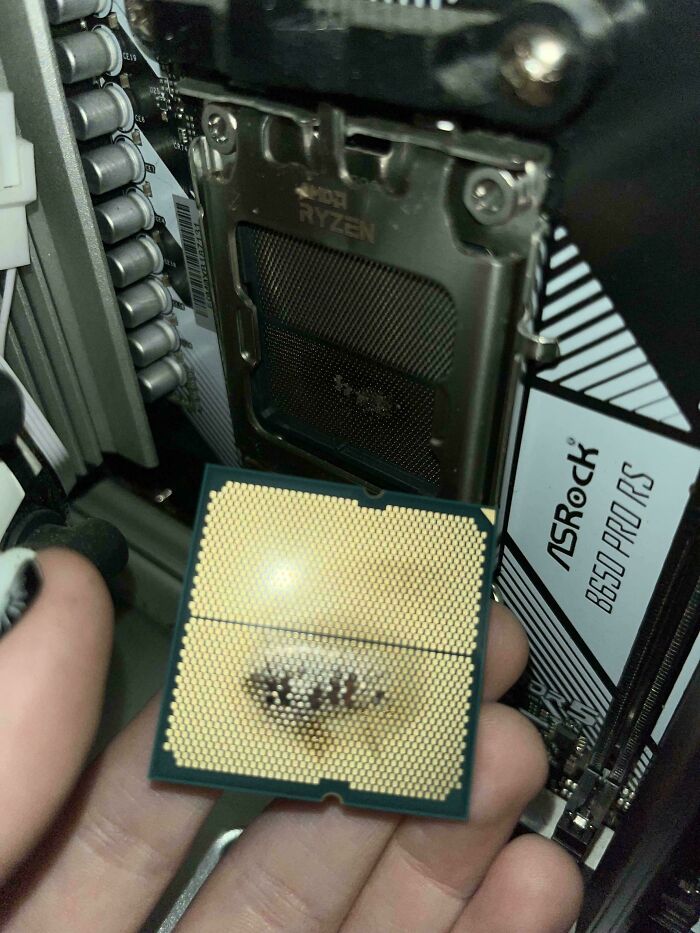
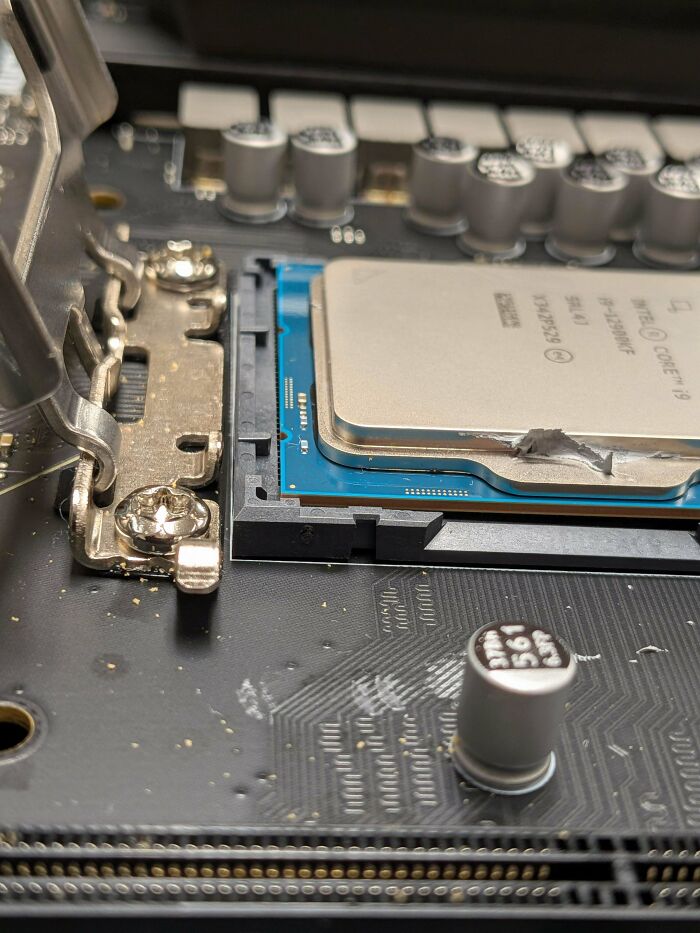
So, this is a CPU chip in a computer. It's designed to fit into that little black bracket in a specific orientation/direction; it is not supposed to be interchangeable. The metal hinge on the left side is a "locking" bracket that closes down over the CPU to hold it in place. Whoever built this computer put the CPU in in the wrong orientation... and forced the holding bracket down, warping the CPU, breaking some of the pins on it, and completely ruining it. And that's an Intel Core i9 chip - that's Intel's flagship top-of-the-line chip. They are not cheap. This particular chip is generally $400-$600.
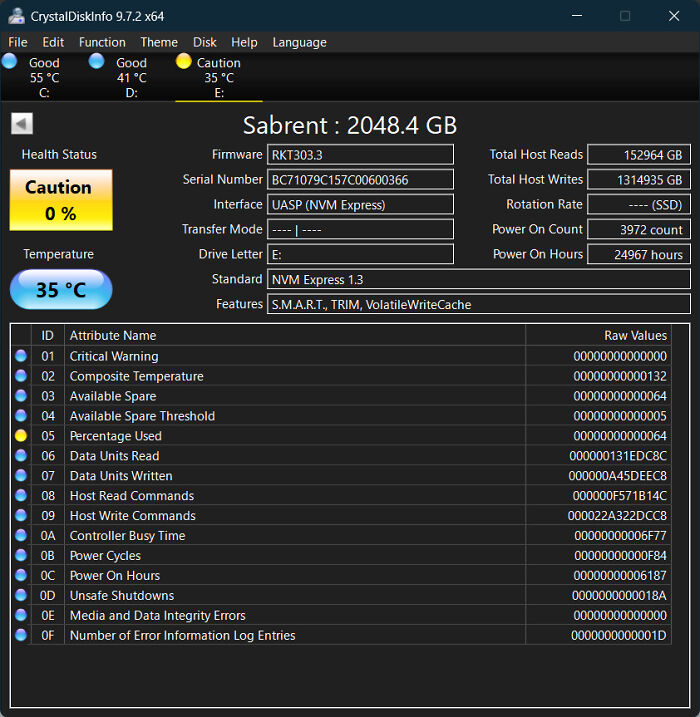
Holy hell. You're not supposed to defrag a solid-state drive! It can actually reduce its lifespan.

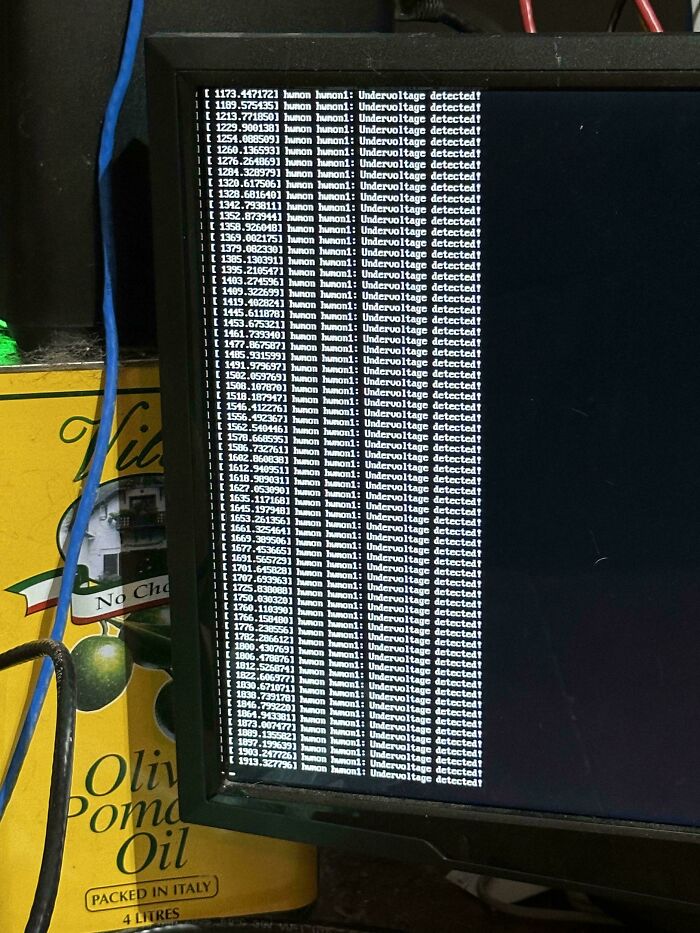
Is that...olive oil by a computer..?? Aah never mind I don't want to know!
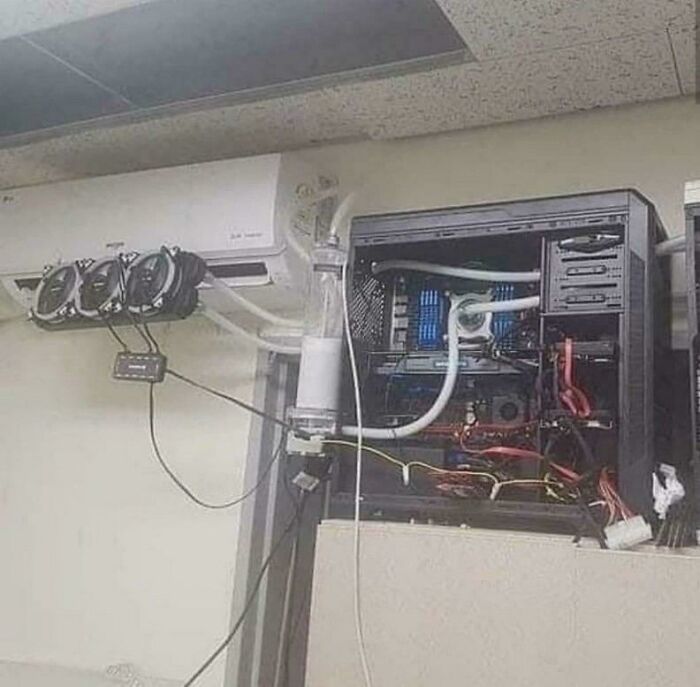
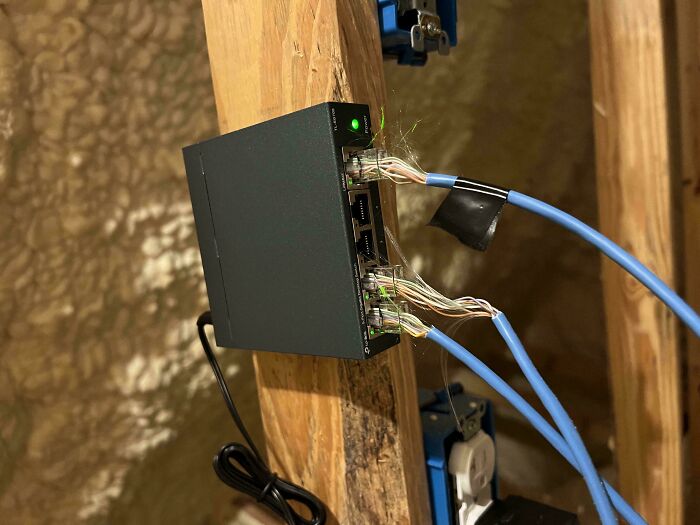
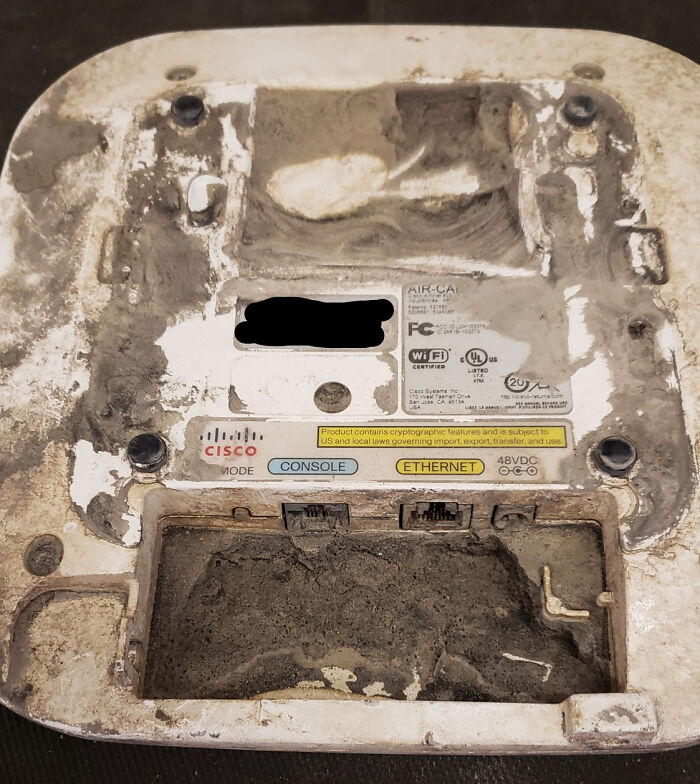
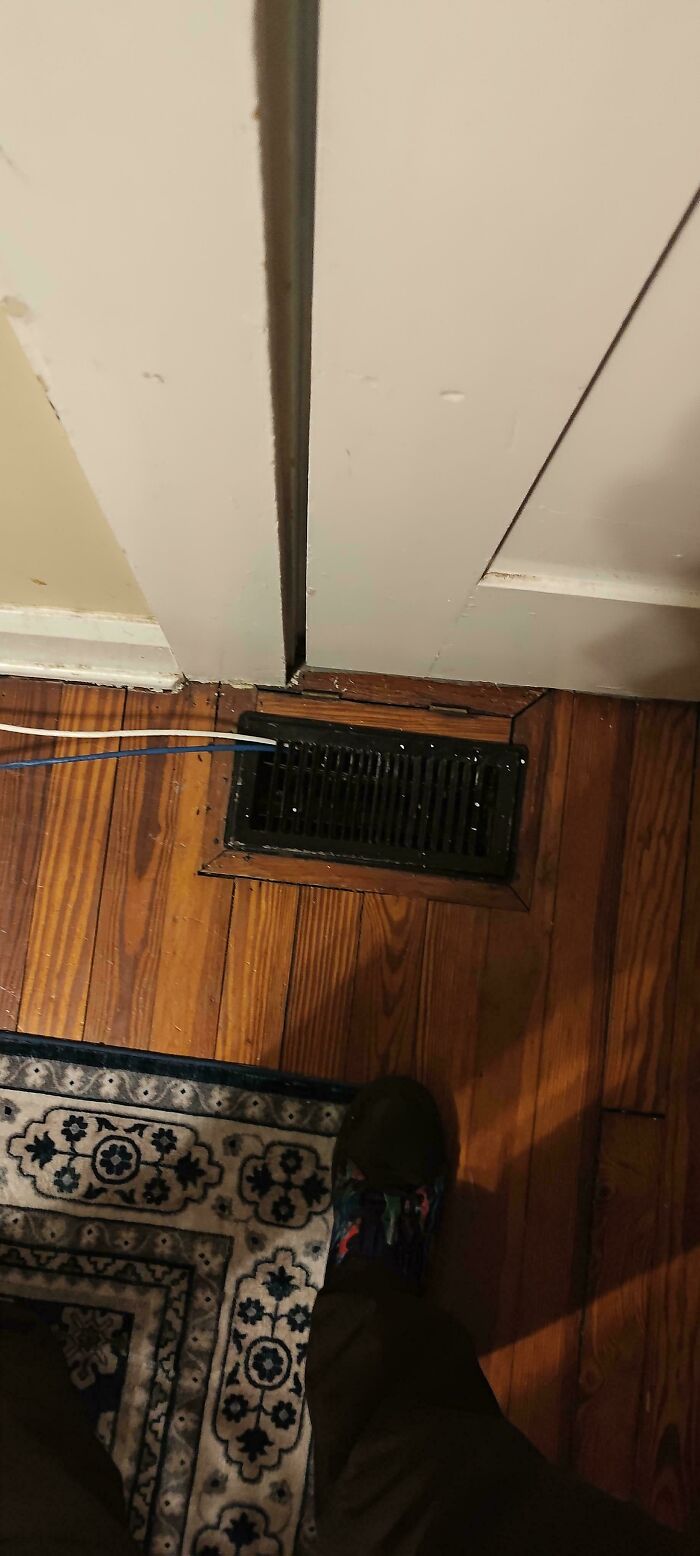
BP's weird capitalization scheme in the titles sort of ruined this one. It's supposed to look like this: IPoHVAC - the joke is "IP over HVAC" - internet protocol (internet traffic) over heating, ventilation, and air conditioning XD The usually-seen real term is IPoE - internet protocol over ethernet. It is generally NOT a good idea to run your ethernet cables through your heating ductwork unless you are using the right kind of cables XD It's probably not too dangerous for a single connection or two, but can be risky.
in a factory? And you put them in PPE?? I'm assuming you worked in a loud, could-quickly-be-dangerous environment, and you are a dúmbàss
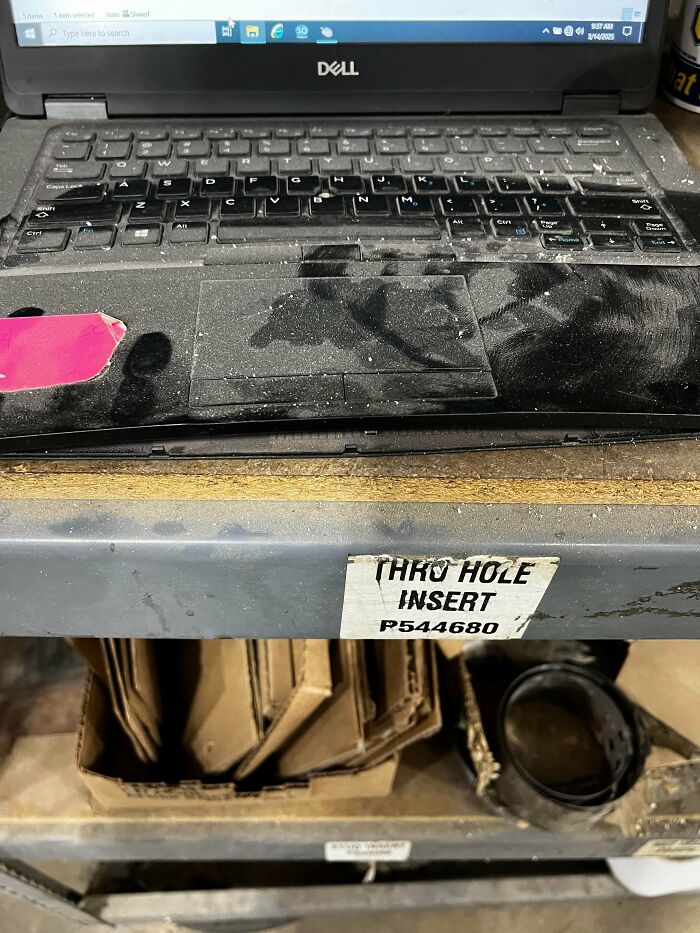
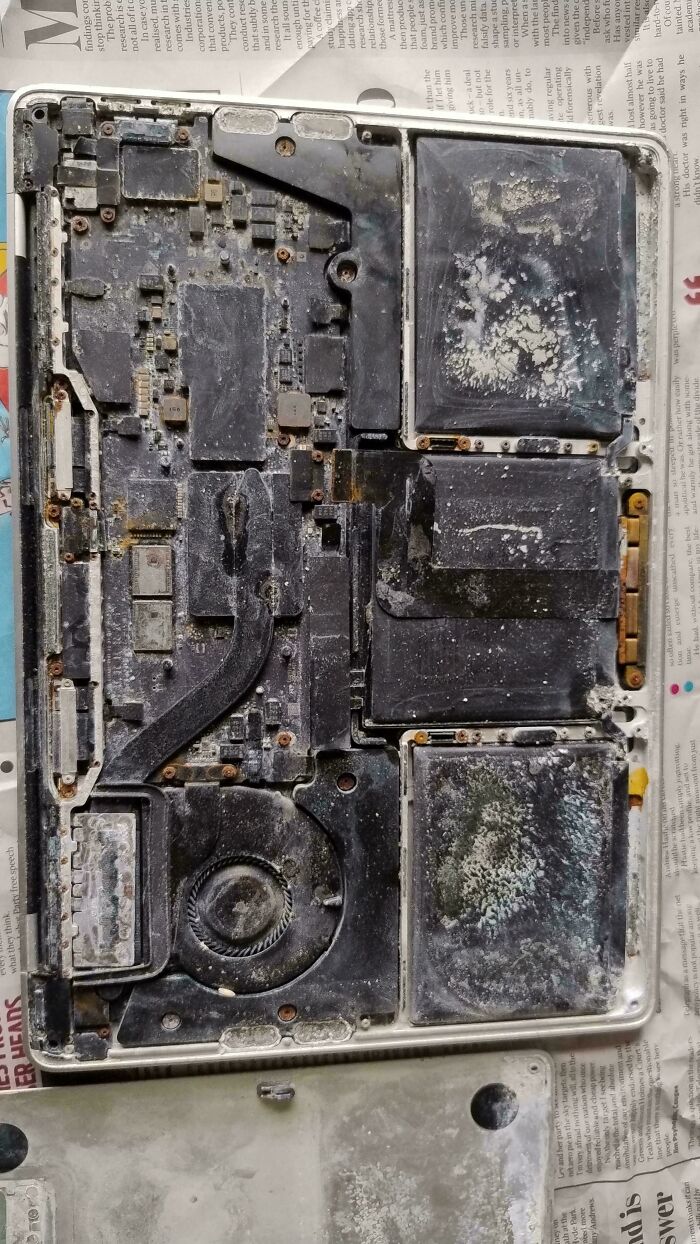
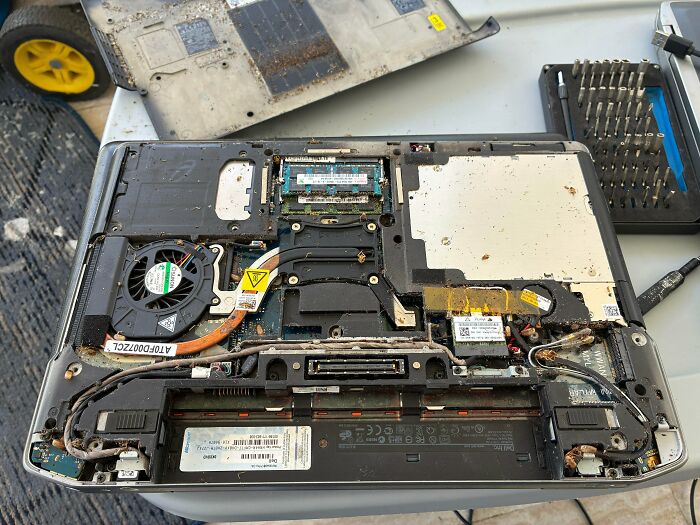
I'll spare all y'all from needing to zoom in and/or look at the other photos: it's bugs. The laptop is infested with bugs. Specifically... roaches.





































 No fees, cancel anytime