Get Premium
Dark mode theme is available exclusively for premium users. Learn more about the benefits of subscribing.
No fees, cancel anytime.

 Dark Mode Ad-Free Browsing Unlimited Content
 Ad-Free Browsing Unlimited Content Dark Mode
Join 1.2 million Panda readers who get the best art, memes, and fun stories every week!
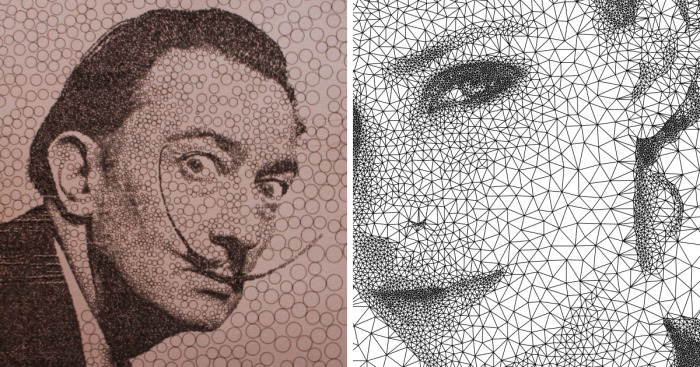
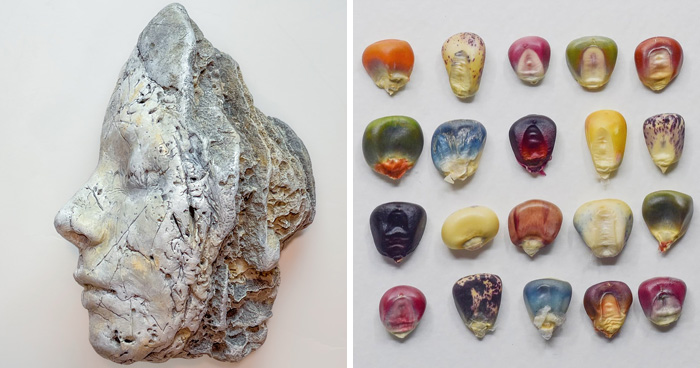
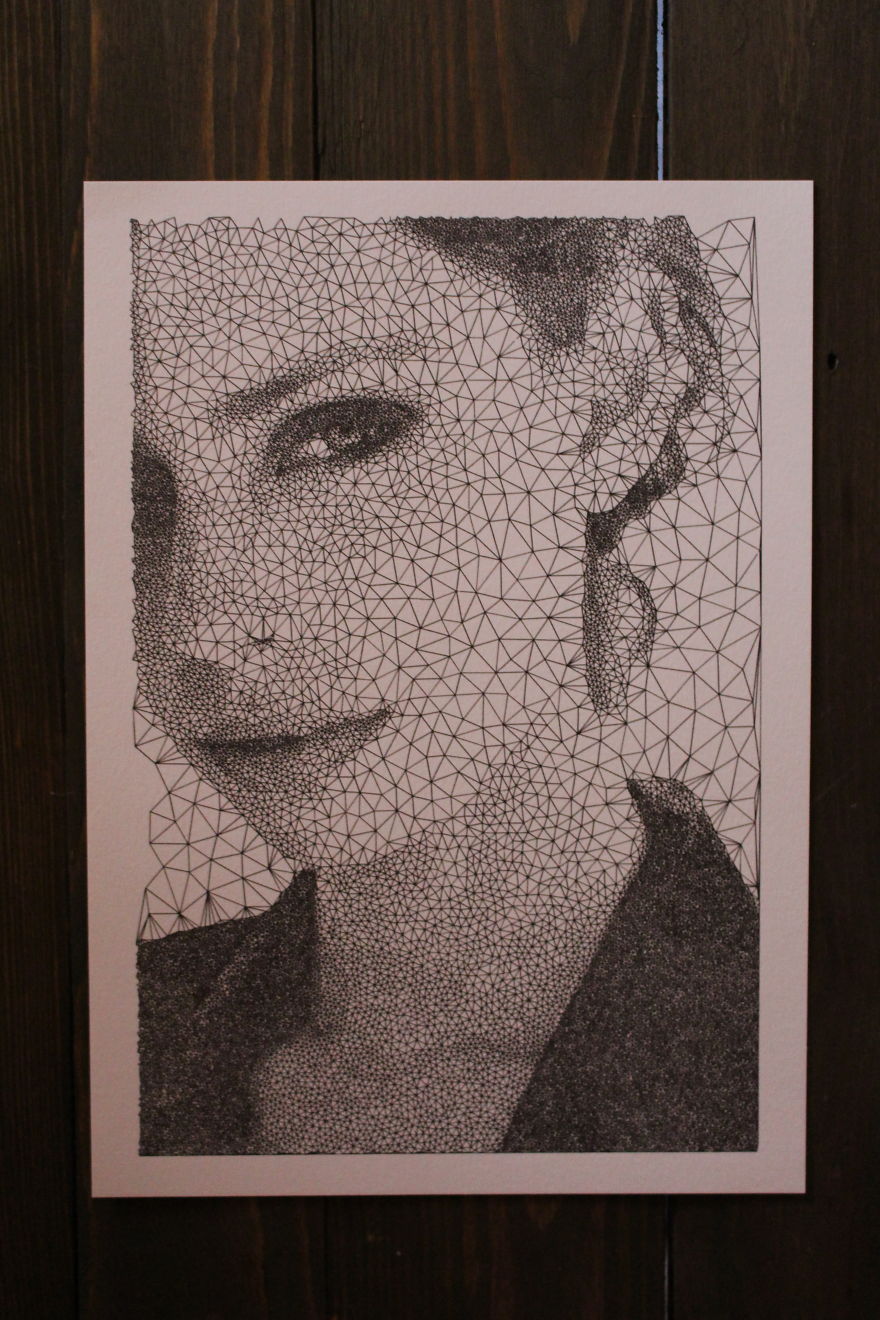
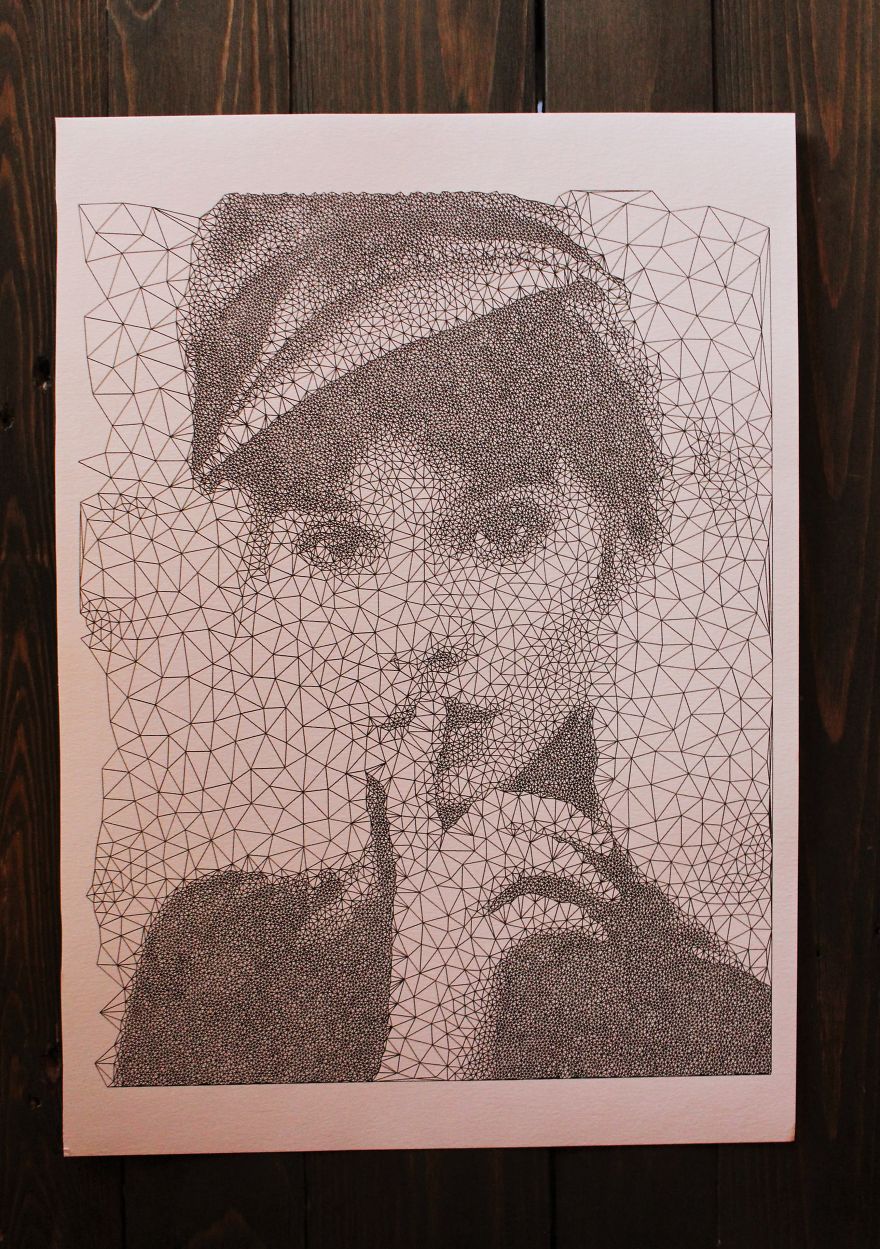
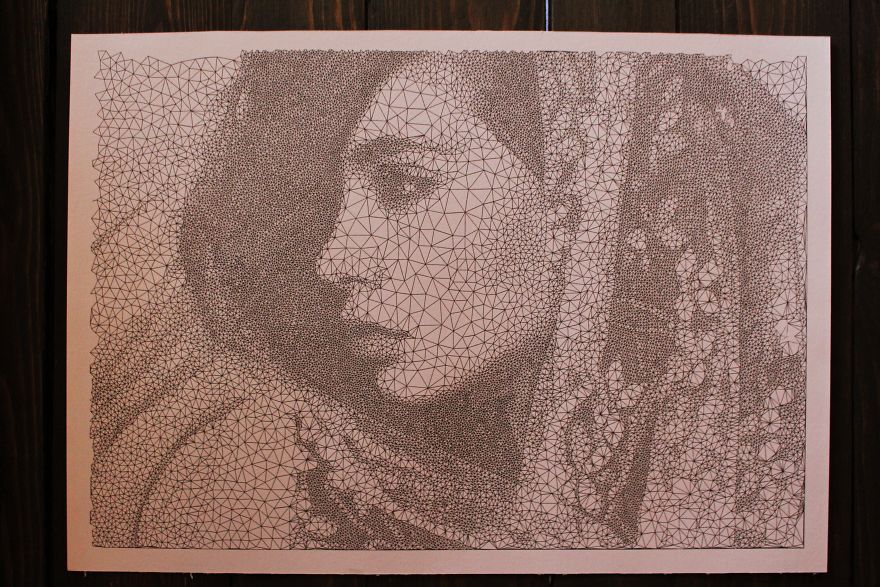
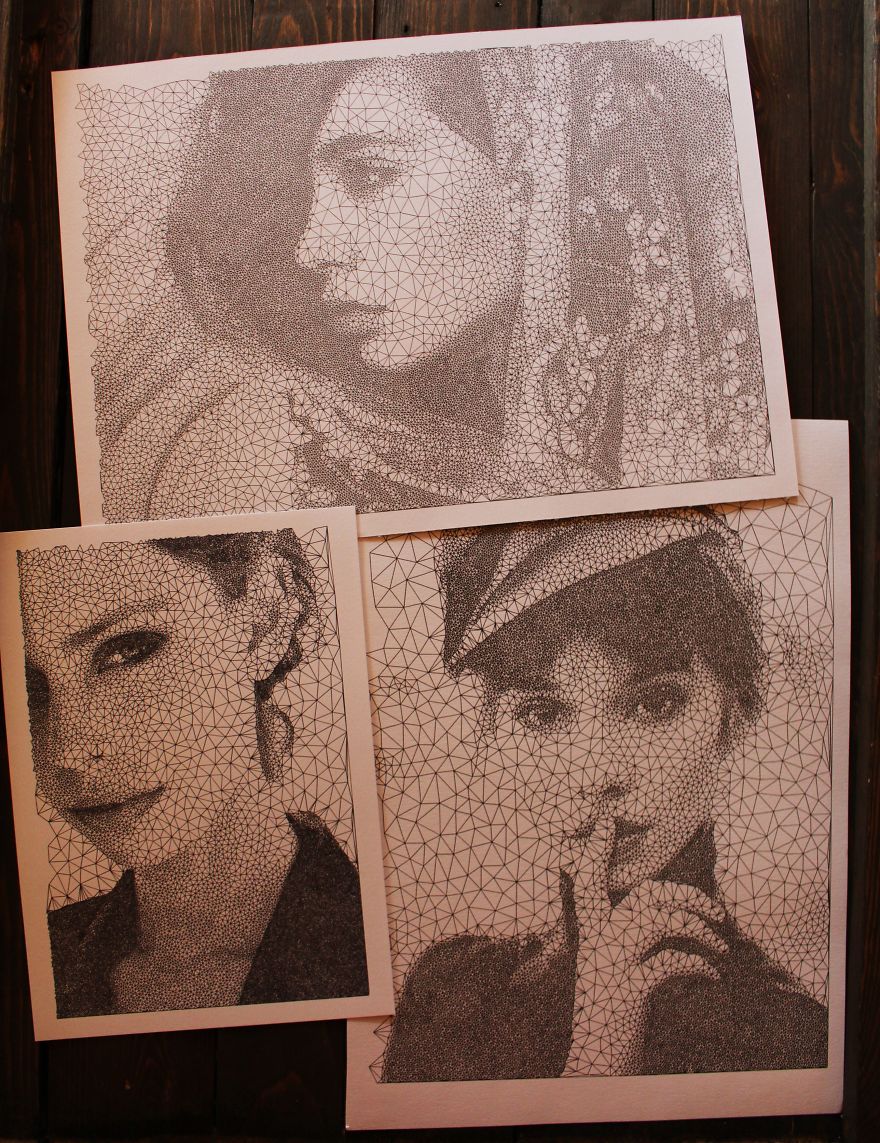
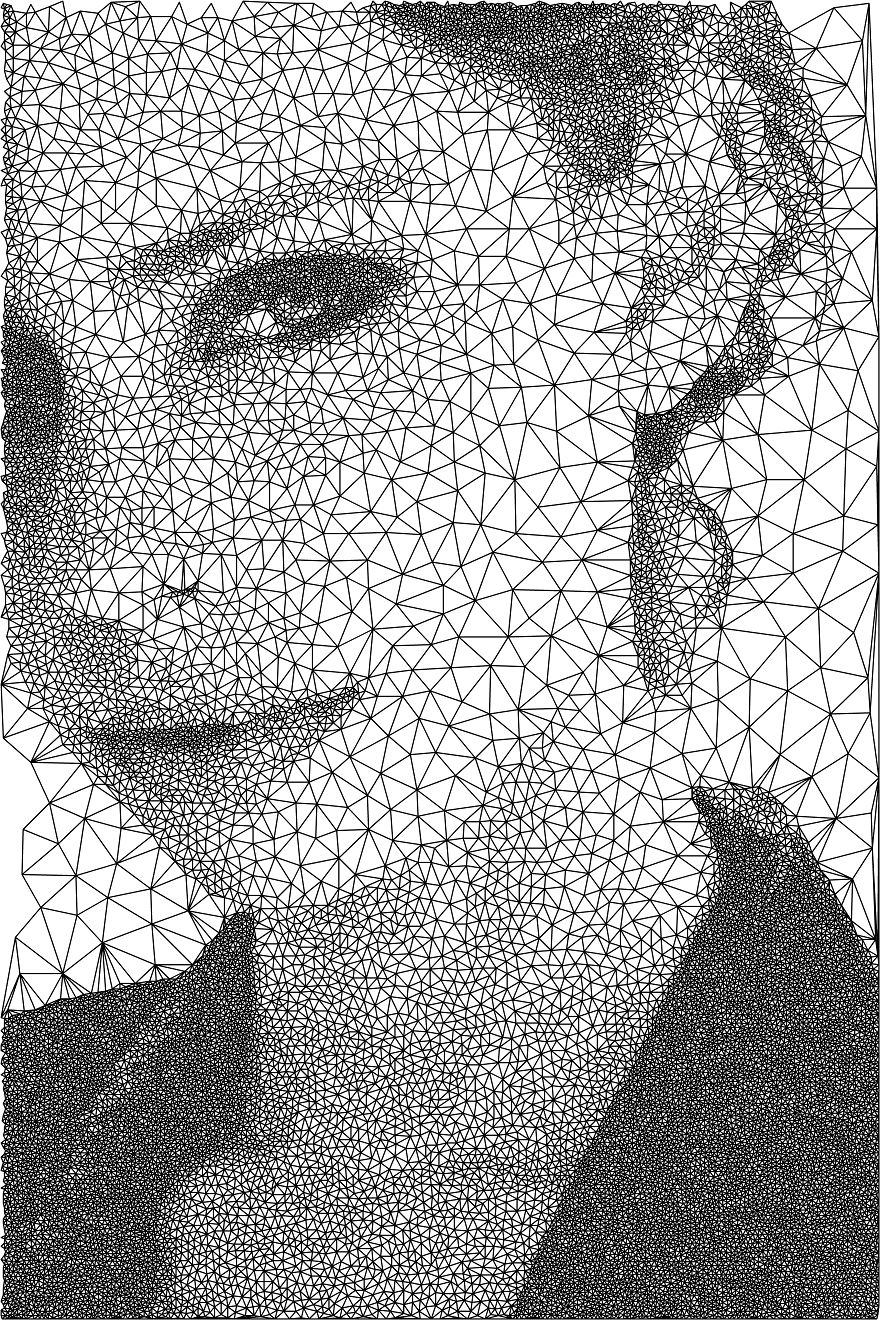
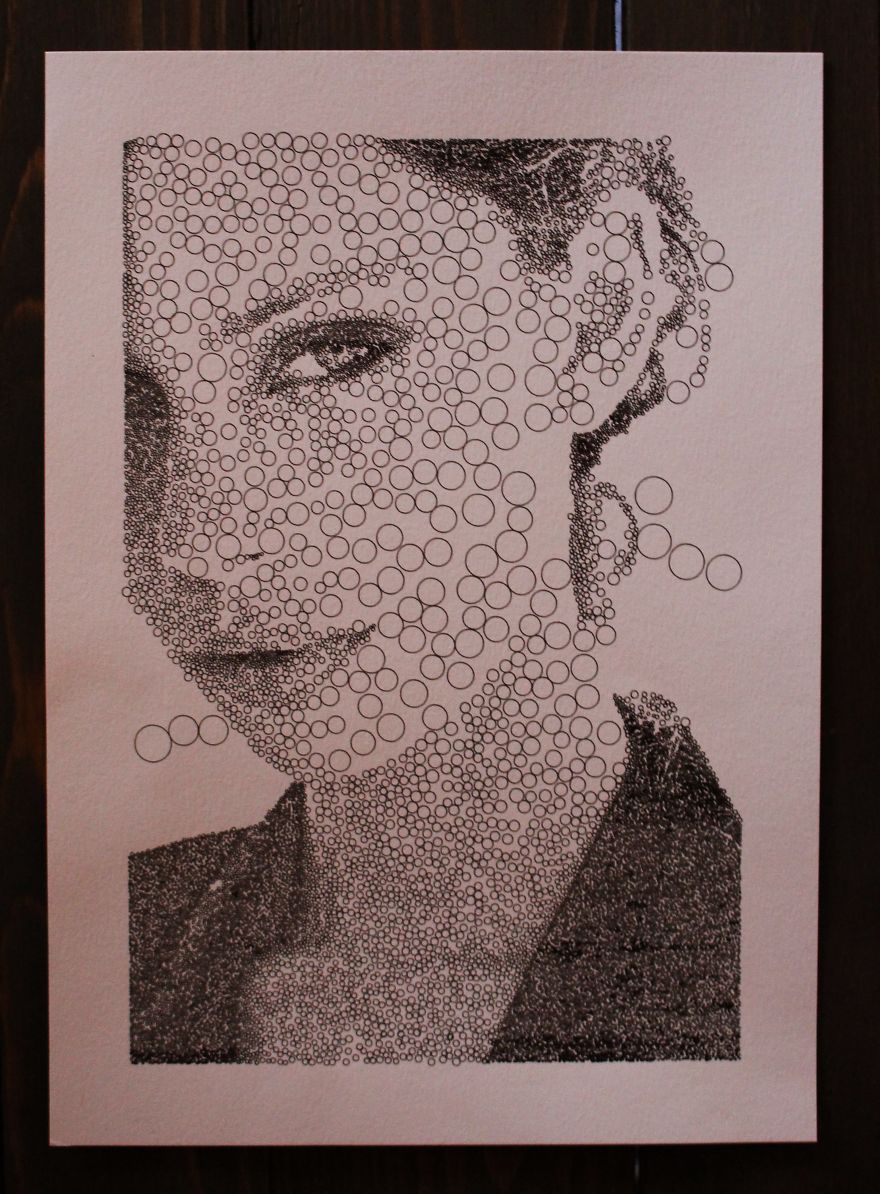
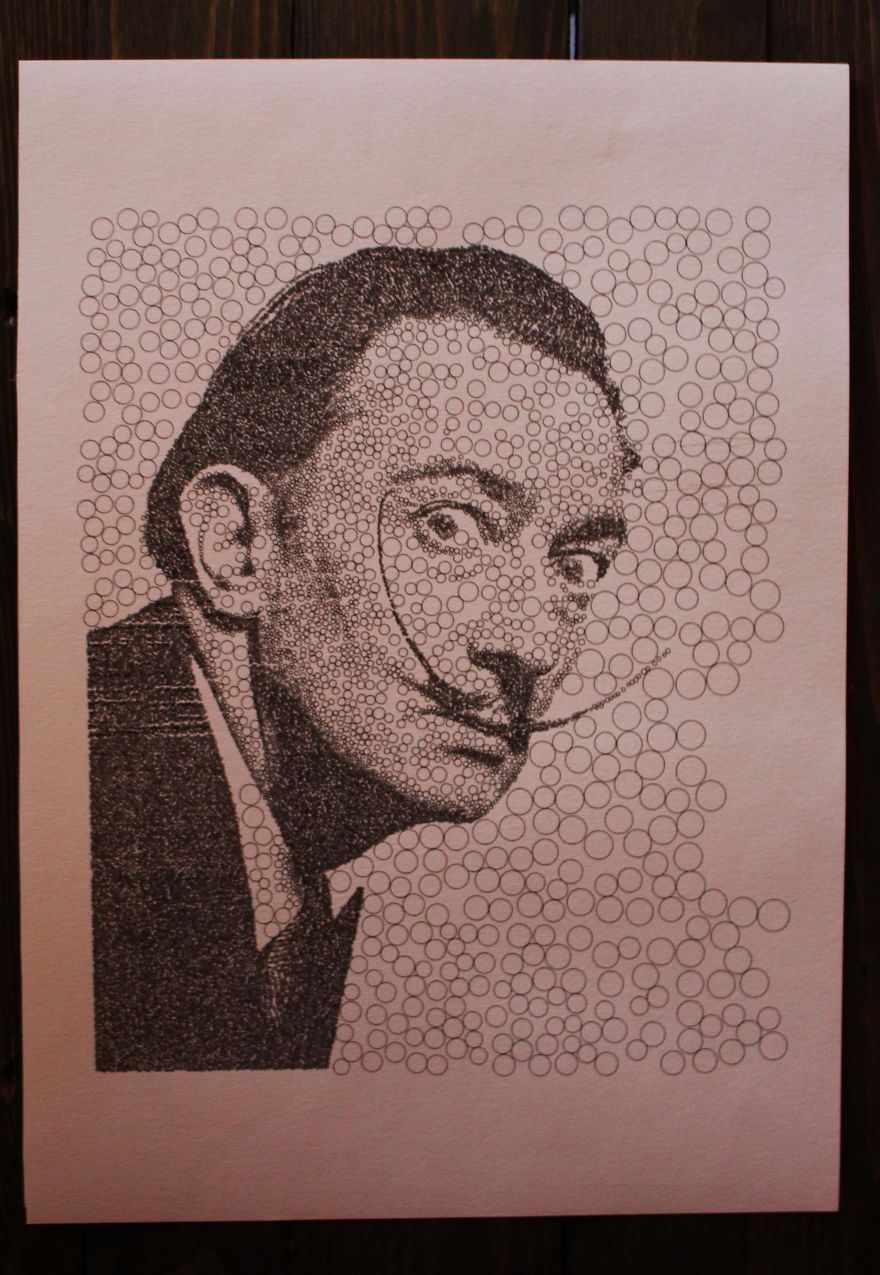
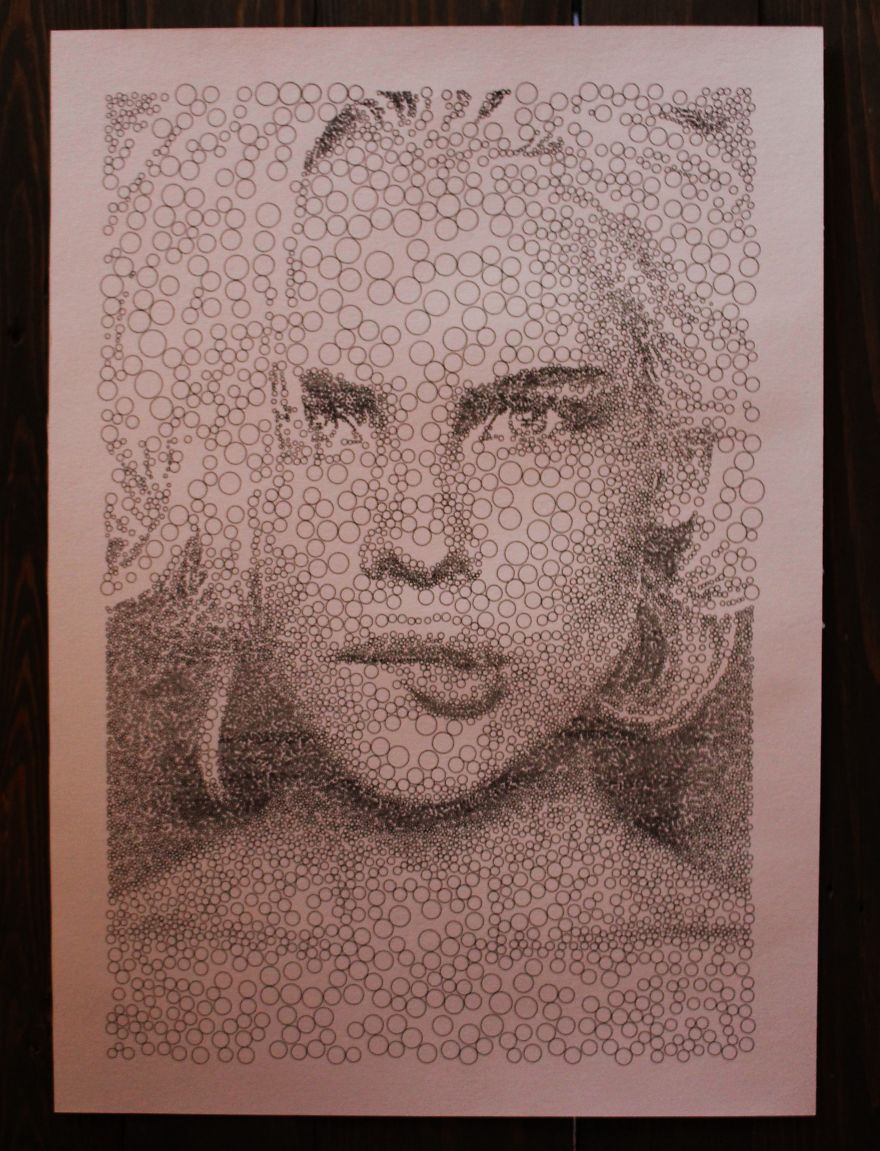
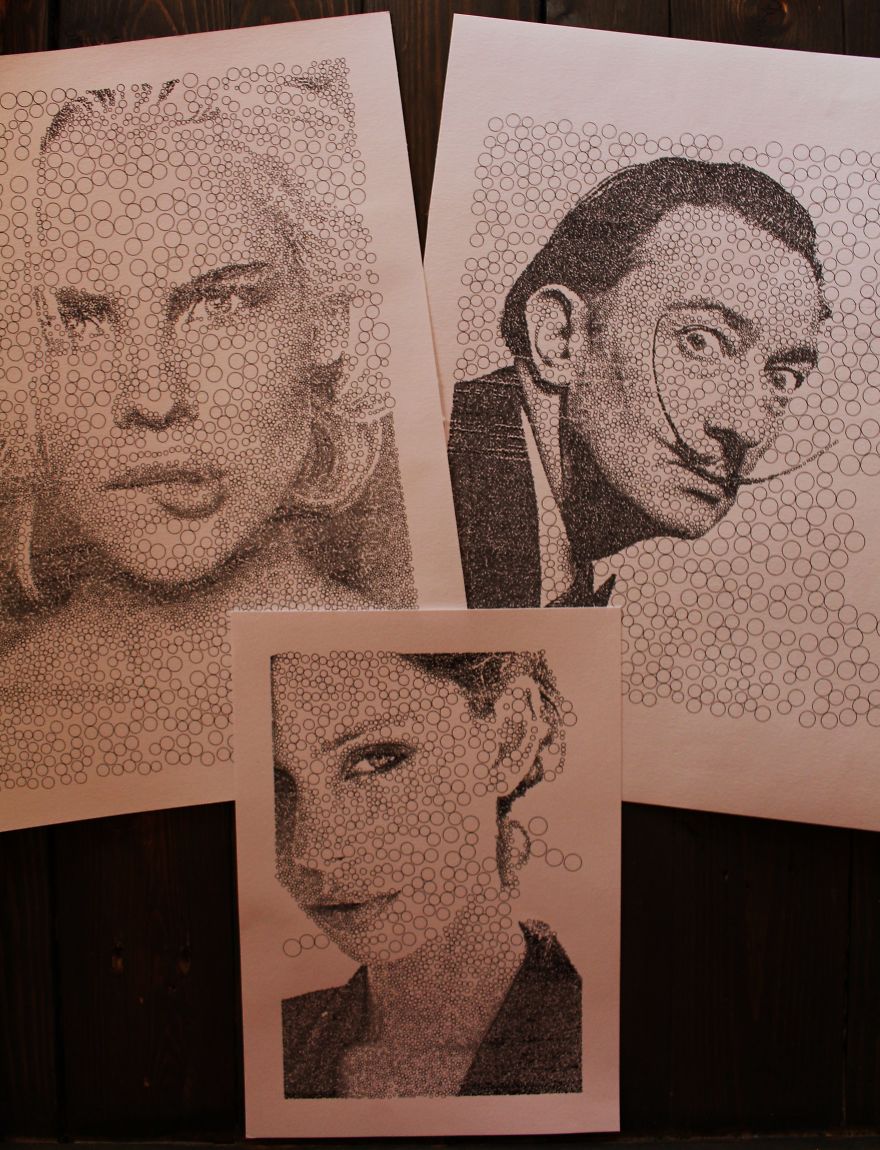
In my free time, I program my plotter Karel to draw illustrations. Here are two examples of his styles. Portraits made of only circles or triangles. I love using simple shapes in my work and creating complex drawings a collection of the most simple things.
The drawings are drawn with a simple sharpie marker and Karel takes a little bit more than one hour to finish those.
More info: Facebook
I like how the details of the head scarf come out.
2Kviews
Share on Facebook

Hi Sergej, I love it , I have dyi cnc machine, can you share how did you get this result . Thanks
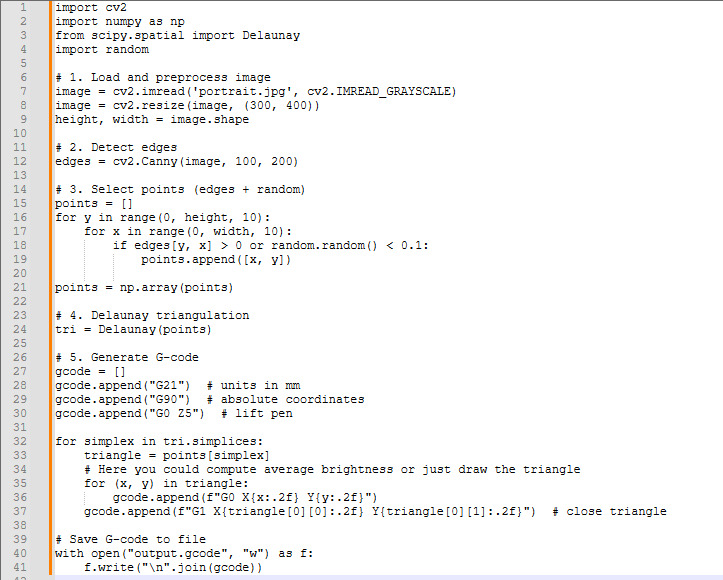
import cv2 import numpy as np from scipy.spatial import Delaunay import random # 1. Завантаження і обробка зображення image = cv2.imread('portrait.jpg', cv2.IMREAD_GRAYSCALE) # Завантаж у градаціях сірого image = cv2.resize(image, (300, 400)) # Зменши розмір для швидкості обробки height, width = image.shape # 2. Виявлення країв і створення точок edges = cv2.Canny(image, 100, 200) # Виявлення країв points = [] for y in range(0, height, 10): # Додаємо точки з кроком 10 пікселів for x in range(0, width, 10): if edges[y, x] > 0 or random.random() < 0.1: # Точки на краях або випадково points.append([x, y]) points = np.array(points) # 3. Триангуляція Делоне tri = Delaunay(points) # 4. Генерація G-code gcode = [] gcode.append("G21") # Одиниці в мм gcode.append("G90") # Абсолютні координати gcode.append("G0 Z5") # Підніми перо # Для кожного трикутника for simplex in tri.simplices: triangle = points[simplex] # Обчисли середню яскравість у трикутнику
Load More Replies...
Hi Sergej, I love it , I have dyi cnc machine, can you share how did you get this result . Thanks
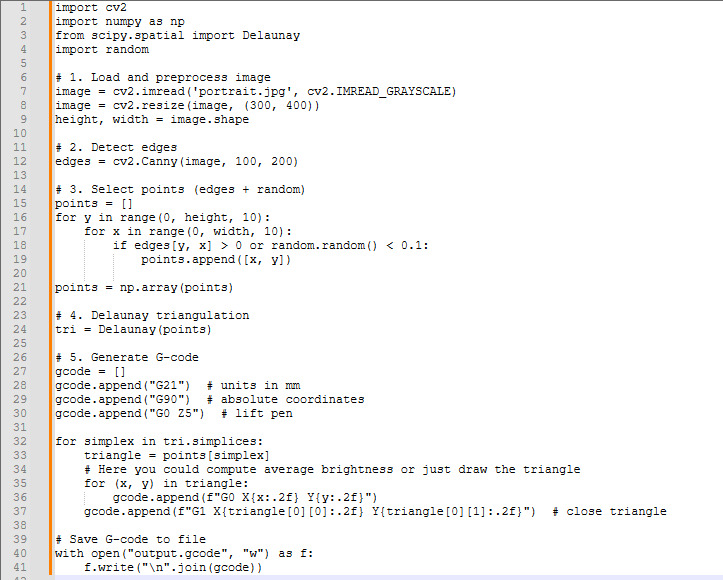
import cv2 import numpy as np from scipy.spatial import Delaunay import random # 1. Завантаження і обробка зображення image = cv2.imread('portrait.jpg', cv2.IMREAD_GRAYSCALE) # Завантаж у градаціях сірого image = cv2.resize(image, (300, 400)) # Зменши розмір для швидкості обробки height, width = image.shape # 2. Виявлення країв і створення точок edges = cv2.Canny(image, 100, 200) # Виявлення країв points = [] for y in range(0, height, 10): # Додаємо точки з кроком 10 пікселів for x in range(0, width, 10): if edges[y, x] > 0 or random.random() < 0.1: # Точки на краях або випадково points.append([x, y]) points = np.array(points) # 3. Триангуляція Делоне tri = Delaunay(points) # 4. Генерація G-code gcode = [] gcode.append("G21") # Одиниці в мм gcode.append("G90") # Абсолютні координати gcode.append("G0 Z5") # Підніми перо # Для кожного трикутника for simplex in tri.simplices: triangle = points[simplex] # Обчисли середню яскравість у трикутнику
Load More Replies... 









 No fees, cancel anytime






18
9