Get Premium
Dark mode theme is available exclusively for premium users. Learn more about the benefits of subscribing.
No fees, cancel anytime.

 Dark Mode Ad-Free Browsing Unlimited Content
 Ad-Free Browsing Unlimited Content Dark Mode
Join 1.2 million Panda readers who get the best art, memes, and fun stories every week!
At first glance, Google is all business. It’s the tool over 1 billion internet users turn to when they need to answer a random question, fact-check a barbershop argument, find directions, or power through midnight research.
Its interface is designed to be both functional and minimalist. All you have is a search bar and a logo you've seen a thousand times, signaling the gates to this treasure trove of information.
But underneath that clean, efficient surface, the Google team has been hiding playful surprises to delight curious users since the early 2000s.
Alongside the popular Doodle games and iconic logo redesigns, they created hidden Google tricks, interactive features, animations, jokes, and mini-quests.
Like "Easter eggs", users have to hunt for these features, and they only reveal themselves if you know exactly what to search for and where to click.
If you only knew Google for its business angle, these Google Easter eggs are about to catch you off guard. From hidden Google games you can play right now to visual tricks and secret animations, we're going to break, tilt, spin, and play with Google Search in ways you probably didn't know were possible.
This post may include affiliate links.
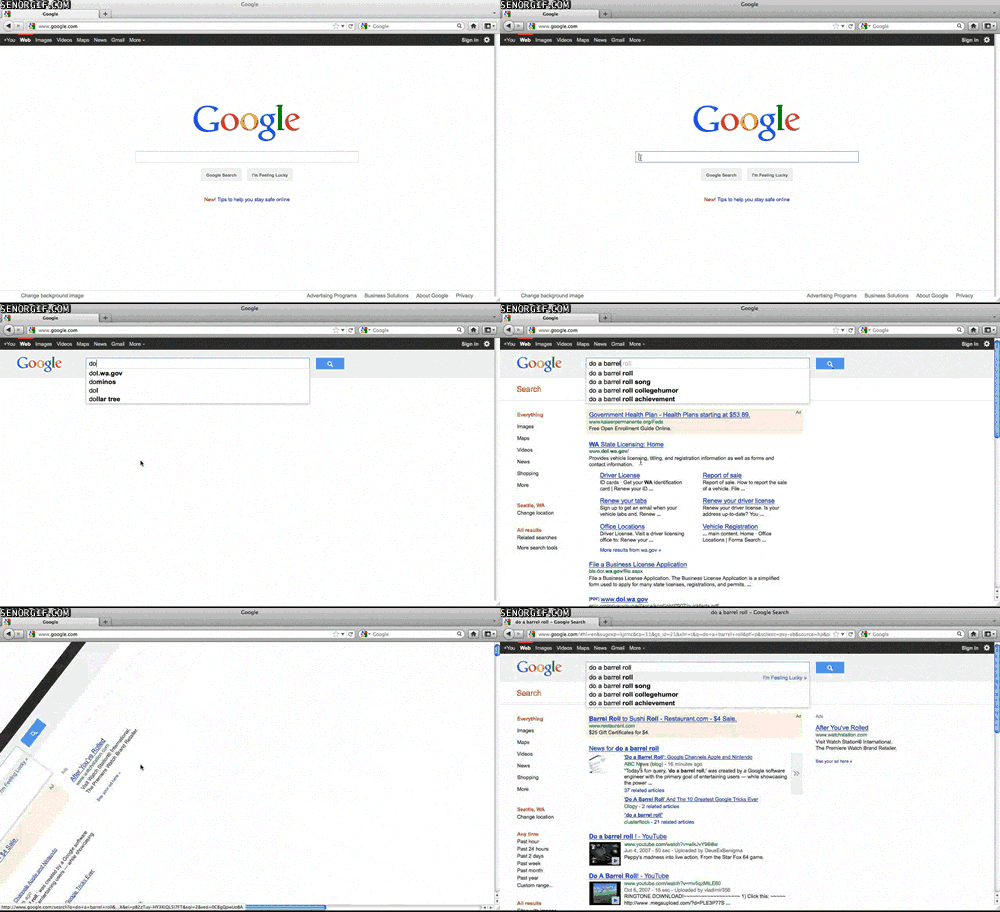 What to type into Google search: do a barrel roll
When you search "do a barrel roll" on Google, the search page spins a smooth 360 degrees as though your browser briefly lost control. Google got the internet buzzing in November 2011 when it quietly released this Easter egg.
According to a software engineer who spoke to ABC News, the goal was to showcase the presentation features of the Cascading Style Sheets 3 (CSS3) language module, which had just been released, while entertaining users.
The Easter Egg is a reference to Star Fox 64, a 1997 Nintendo game. During gameplay, Peppy Hare, the rabbit character who plays a veteran space pilot, often tells players to do a defensive barrel roll to deflect enemy fire or dodge incoming obstacles. Peppy Hare shot to fame when the game sold over 4 million copies worldwide, and the phrase became an internet meme used to mockingly advise people to do a complicated task to avoid imminent danger.
Star Fox players could also do a barrel roll by typing "Z" or "R" twice, so to pay homage to the game, searching "Z or R twice" on Google will also give you the barrel roll effect.
Nearly fifteen years after its release, the barrel roll is still one of the most popular Google Easter eggs because it's fast, surprising, and plain satisfying.
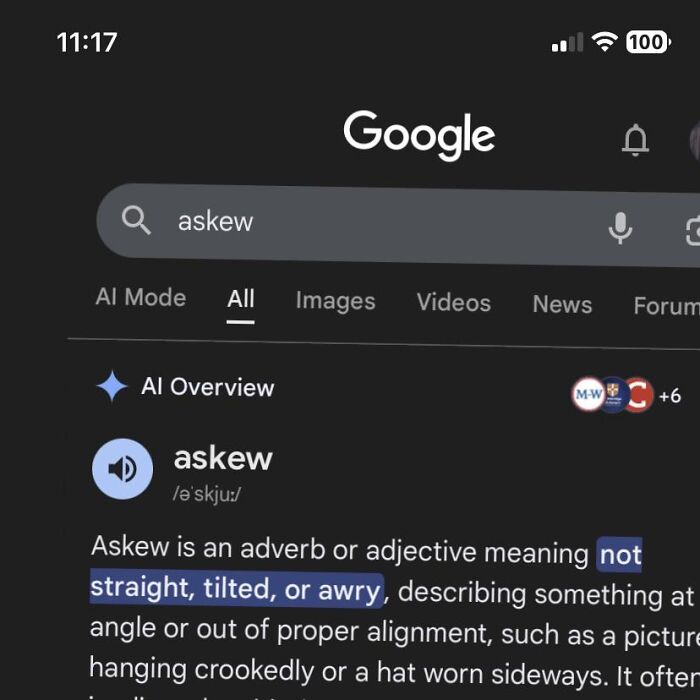 What to type into Google search: askew
"Askew" means "not in a straight or level position." If you ever need to Google the word, you'll find that Google takes it quite literally. Right after you hit Enter, the search page will tilt slightly to the right.
This Easter egg plays with your perception instead of making a spectacle. Unlike the more dramatic animations, this one just turns your screen at an angle so subtle you wonder whether something is wrong with your device. The angled screen stays that way throughout your search, forcing your brain to keep noticing it.
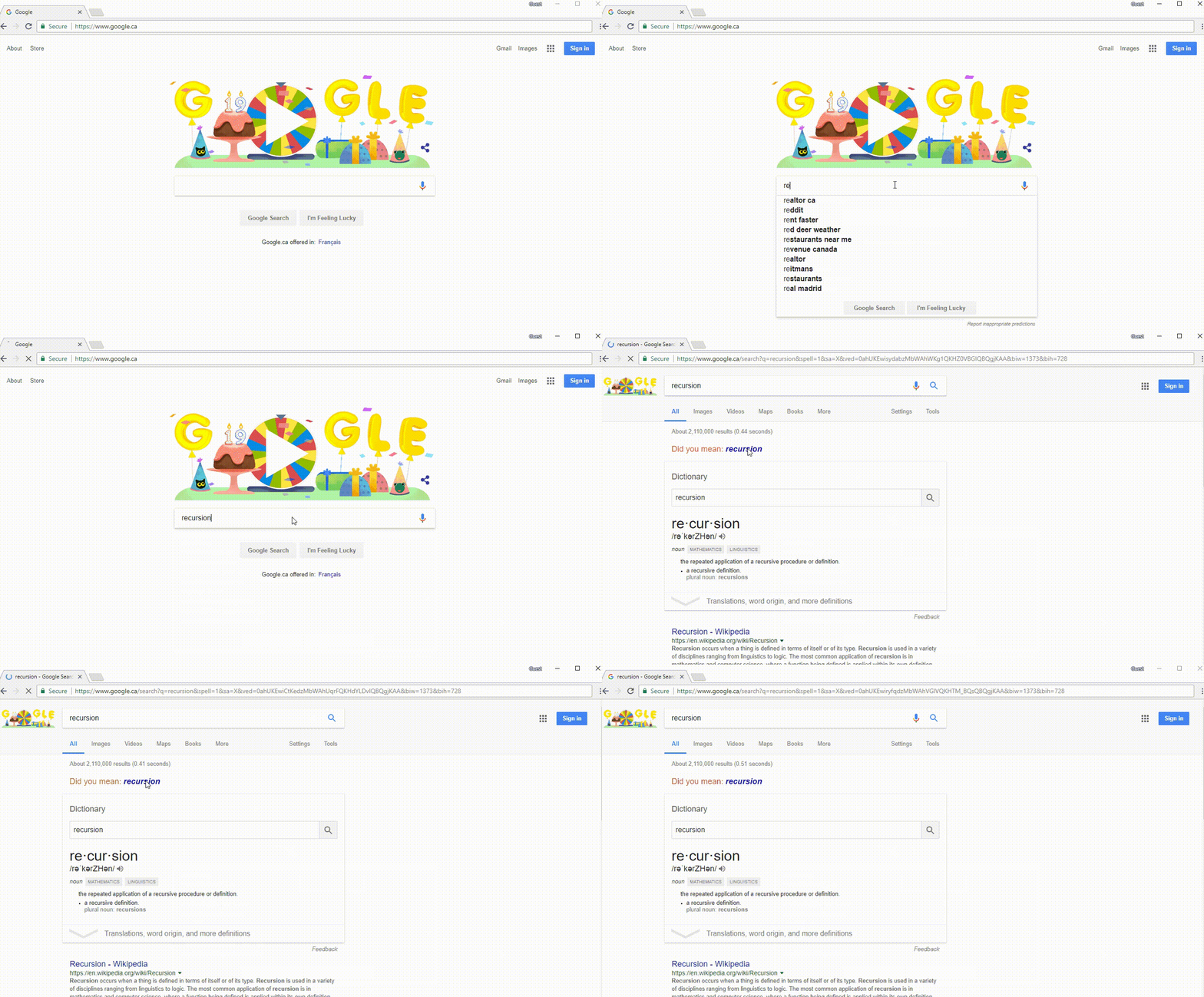 What to type into Google search: recursion
This Google Easter egg is a clever play on language that's perfect for the programming nerds. When you search "Recursion", the top of the results page flashes a suggestion: “Did you mean: recursion?” If you click on that suggestion, it'll regenerate the same suggestion in an indefinite loop.
To get the joke, you need to understand what recursion means. According to Geeks for Geeks, recursion is a computer programming process in which a function calls itself directly or indirectly until it meets a stopping condition. And what easier way to explain a self-calling function than to make the definition itself into a loop?
In this case, the stopping condition is that you understand the logic of recursion. It's a simple idea, but it stylishly captures how the function works without a formal explanation, which makes it extra iconic.
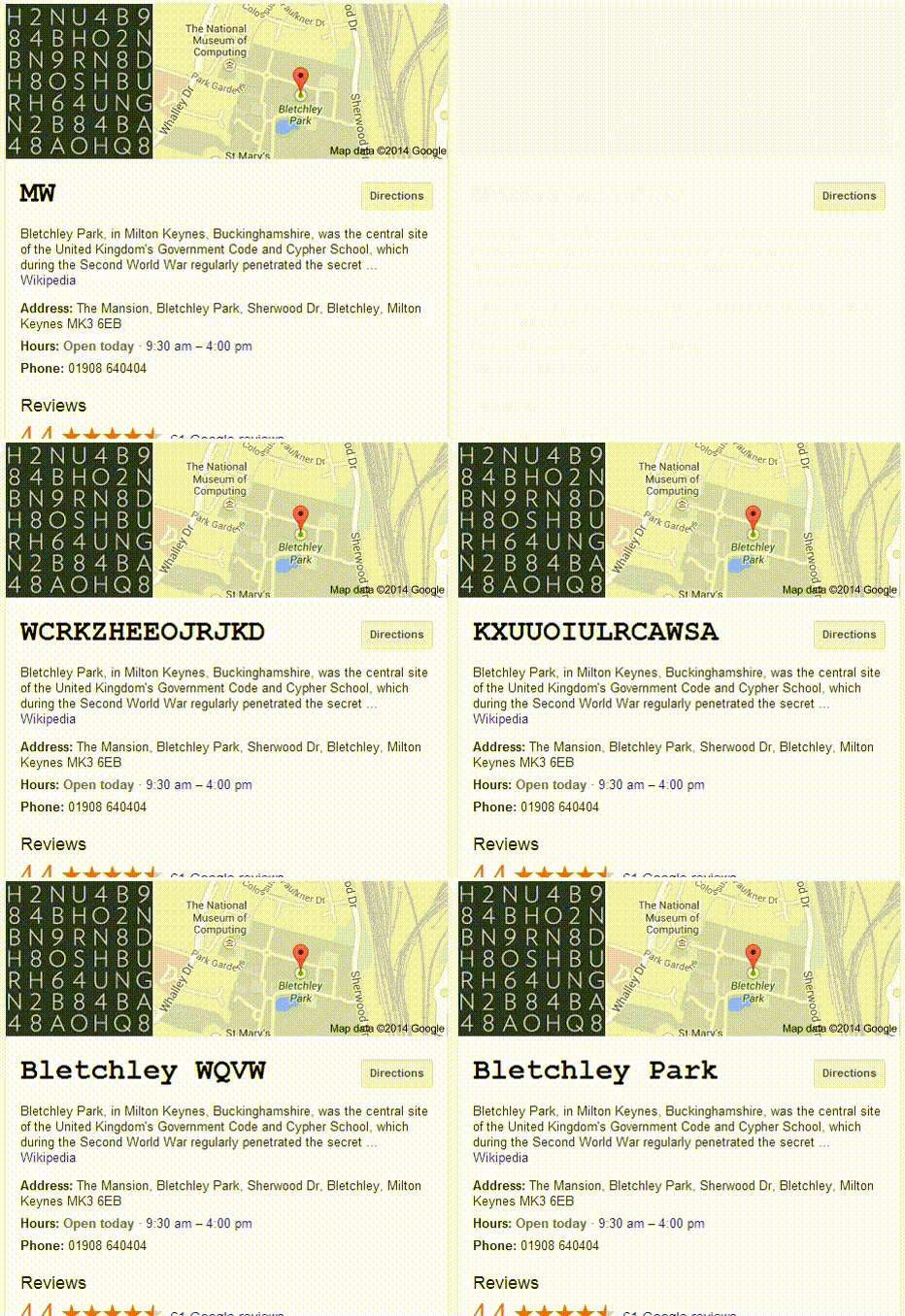 When you search for "Bletchley Park", the knowledge panel at the top of the page shows a bunch of gibberish. Then, slowly, like in a spy movie, the text shifts through random characters, as if you're decoding an encrypted message, before resolving into the name of the location.
Bletchley Park was the British codebreaking headquarters during World War 2. The Ultra intelligence project allowed the Allied Forces to tap into encrypted communications intercepted from the German, Italian, and Japanese Armed Forces.
According to Google Arts & Culture, the top-secret work of 10,000 scientists at the Park and its outposts helped end the war two years earlier and ushered in a new era of modern computing.
This Google Easter egg pays a thoughtful tribute to this legacy in an educational and engaging way.
 What to type into Google search: snake game
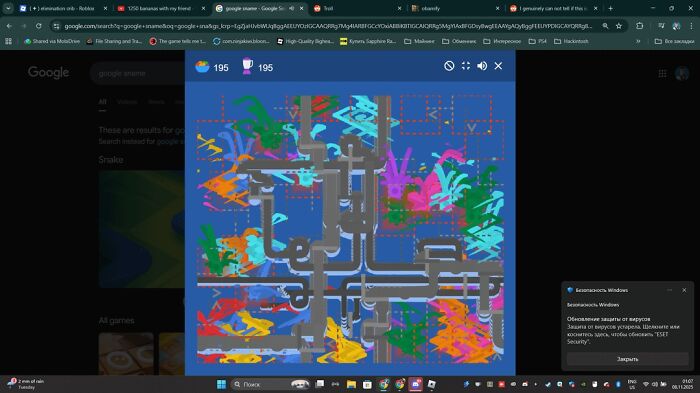
When you search for "Snake game", Google launches a modern version of the 1997 Nokia Snake game with a clear "Play" button to start your experience. Snake has evolved since the Nokia 6110, and Google has updated the original 2013 Easter Egg version in 2017 and 2025. Nonetheless, the basic idea remains the same: guide the snake across the screen to collect food while avoiding biting itself.
What to type into Google search: solitaire
Solitaire has a much older history, dating back to the 18th-century European fortune-telling games that Microsoft incorporated into Windows 3.0.
Over 500 million people play more than 2 billion games of Microsoft Solitaire annually (per USA Today), so in 2016, Google joined the fun by opening an Easter Egg version that you can play in the search engine result pages. This version features Easy and Hard modes, perfect for a short break or a longer, immersive experience.
What to type into Google search: tic tac toe
The original Tic Tac Toe is over 3,300 years old, so it's no surprise that this game is wildly popular all around the world. Alongside the Solitaire Easter Egg in 2016, Google released a Tic-Tac-Toe game that you can play against its Artificial Intelligence (AI) bot.
Like regular Tic-Tac-Toe, all you need to do is get three plays in a straight line. But unlike the physical game, the Easter Egg has the option of increasing the difficulty of the game up to an Impossible level, where the AI apparently becomes unbeatable.
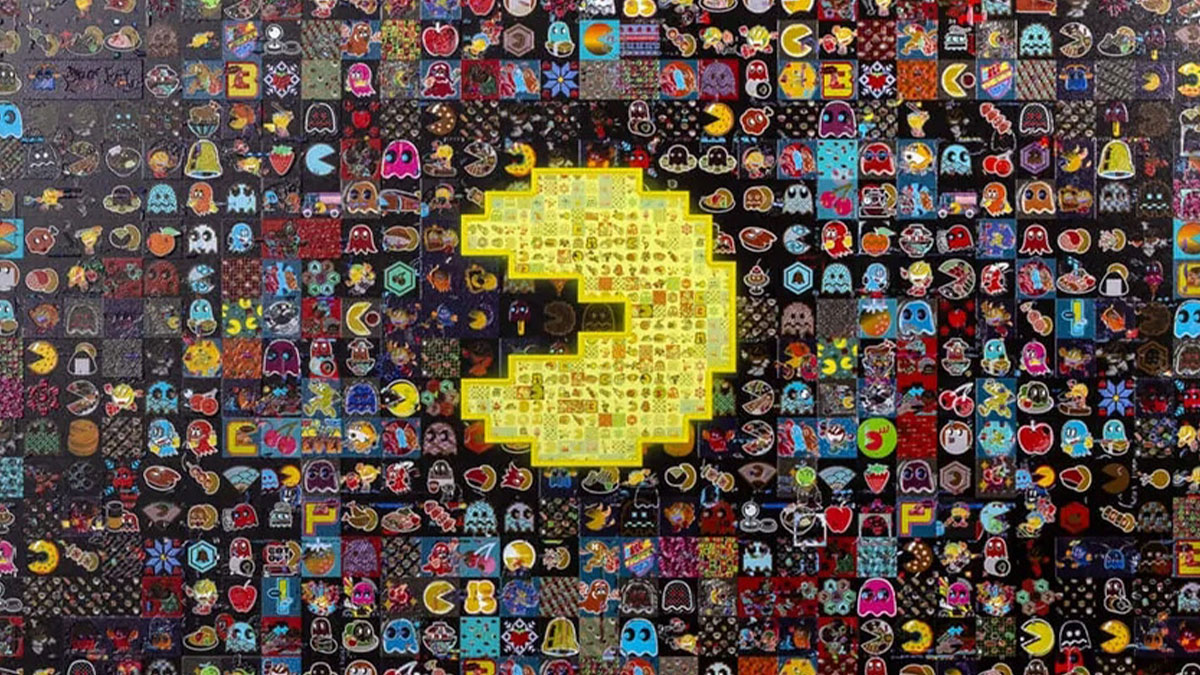
 What to type into Google search: Pac-Man
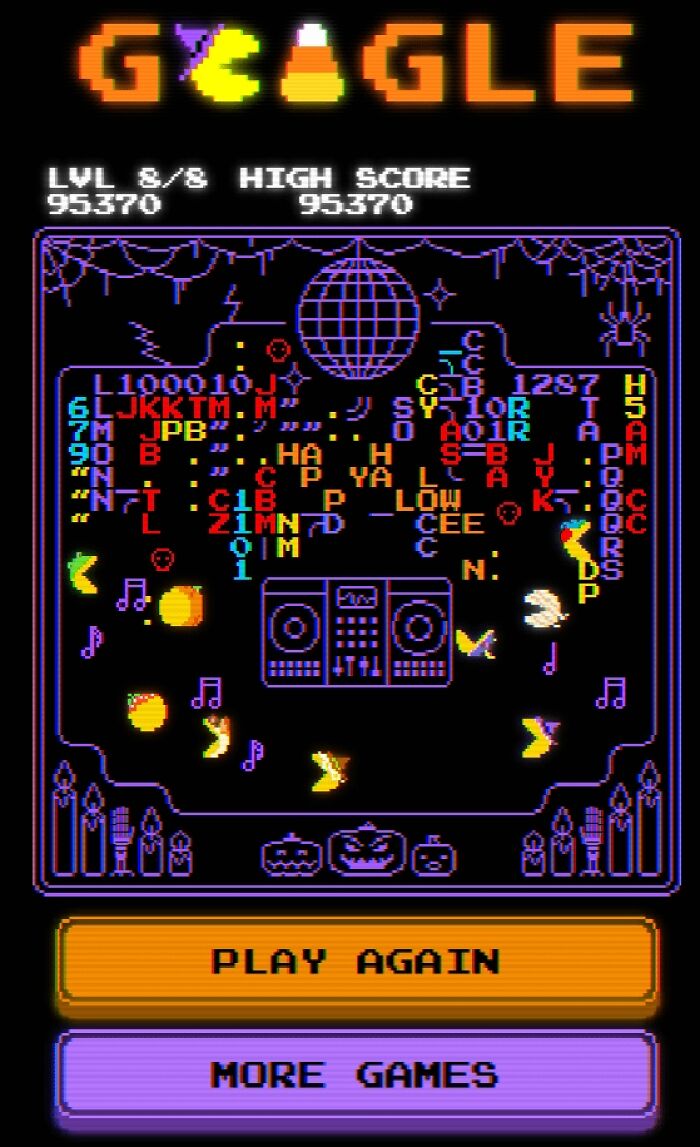
In 2010, Google brought the arcade to its search results page with the Pac-Man doodle. This Easter Egg version recreates the 1980 Pac-Man arcade release and was created to celebrate the game's 30th anniversary.
The Google gameplay stays true to the original mechanics. To play, you type "Pac-Man" into the search box, then guide the yellow character through tight corridors, collecting dots while being chased by four ghosts that become more aggressive as you progress. Power pellets give you a temporary advantage, allowing you to turn the tables and chase the ghosts instead.
Most Google Doodles are replaced and archived after the game is over, but Pac-Man was such a fan favorite that it was preserved through search for decades after. Now, a simple search can send you down memory lane to nostalgic arcade history.
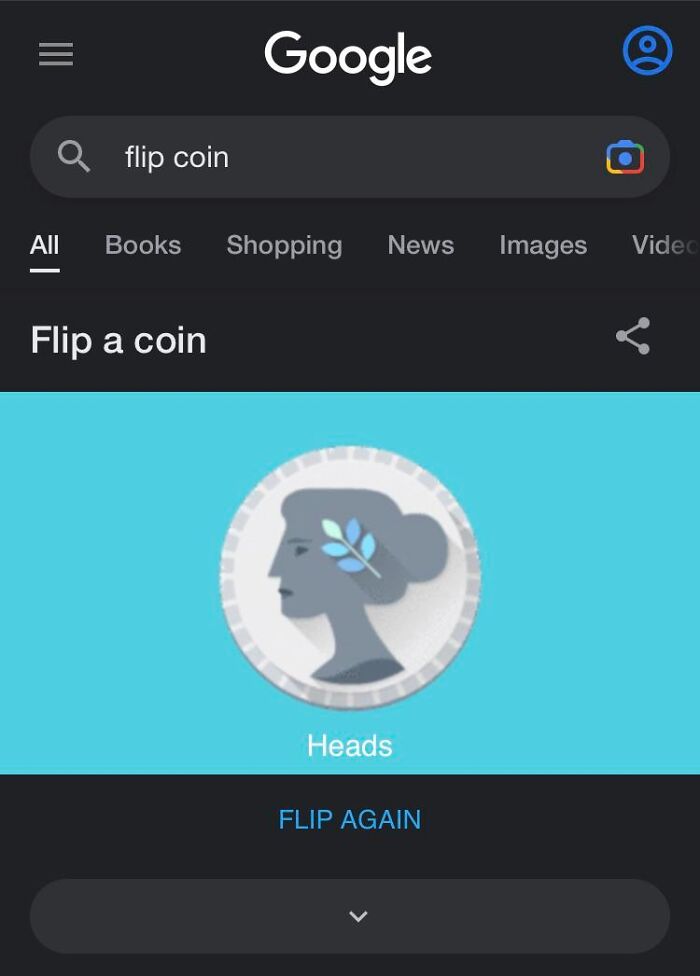 What to type into Google search: flip a coin / roll a die
When arguments get too close to call, there are Google search secrets ready to step in as the instant referee. If you search "flip a coin," a large interactive coin appears at the top of the page. You click the “Flip” button, and the coin spins in the air before landing on either heads or tails.
Similarly, if you search “roll a die,” Google gives you options of virtual dice with 4, 6, 8, 10, 12, or 20 faces. You stick with the default six-sided choice or choose a more adventurous one, then roll with a click. It shows a short spinning animation that ends with a randomly generated number on the die's face. You can spin multiple dice at the same time to get your total score, so this is perfect for board games where you can't find physical dice. The Google Spinner is an alternative to the dice that comes in the form of a six-number wheel.
Behind the scenes, the coin-flipping and dice-rolling Easter eggs rely on a pseudorandom number generator, the same kind of system used in most digital applications to produce outcomes that appear random. The algorithm is designed to be statistically uniform, so each possible outcome has an equal probability of appearing over time. You're getting a fair flip or toss at every play because there's no built-in bias toward a particular result.
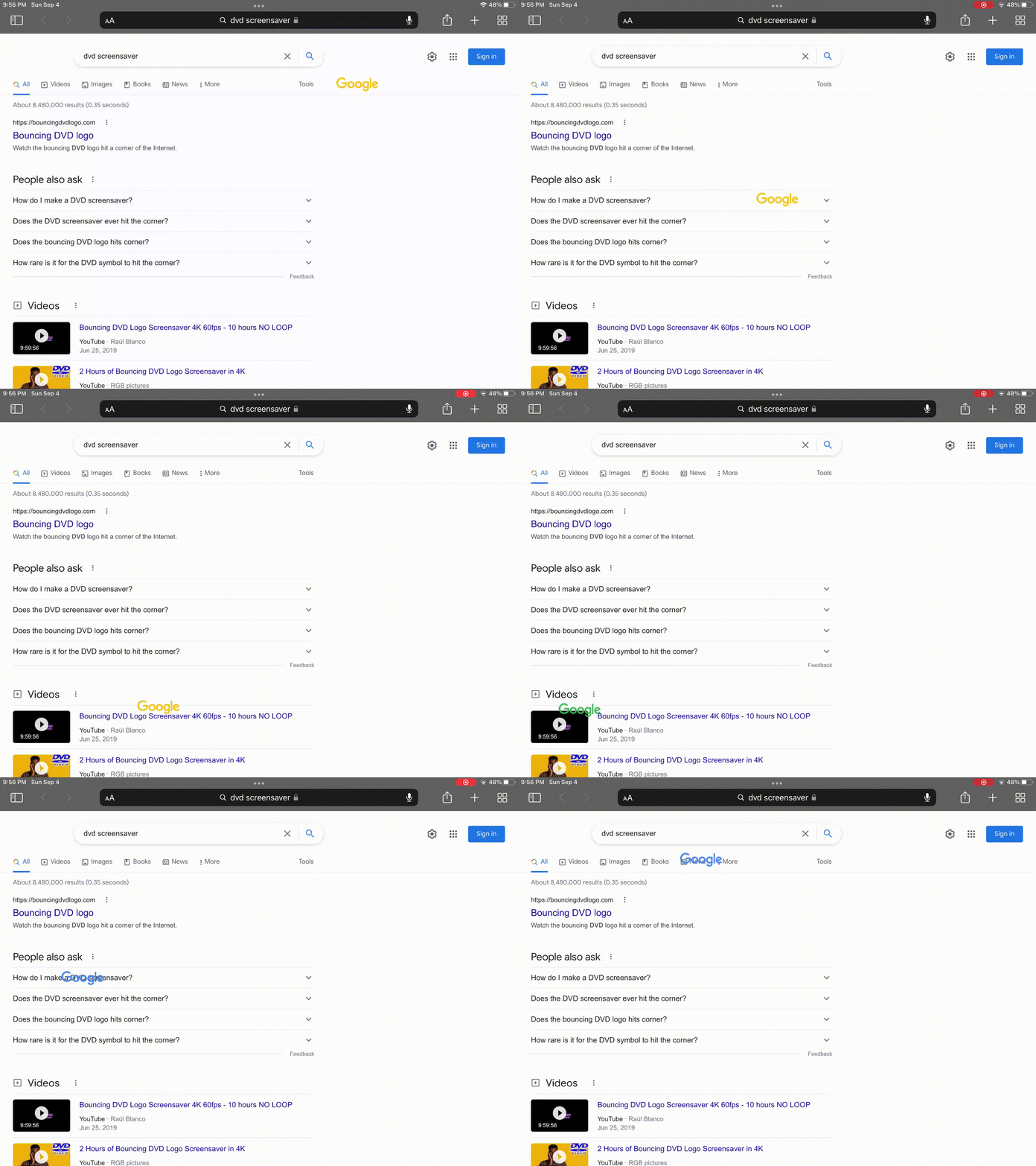 What to type into Google search: DVD screensaver
For those who experienced the golden era of early 2000s entertainment, the bouncing DVD player screensaver is a classic reminder of the good ol' days. In May 2021, Google created a replica of this experience as an Easter Egg.
Search "DVD screensaver" and look closely at the top of the results page. The Google logo will appear in the small, bouncing shape of the original DVD logo and start moving across the screen, changing color every time it bounces off an edge. If you're lucky, you might even catch that oddly satisfying moment when it hits the corner perfectly.
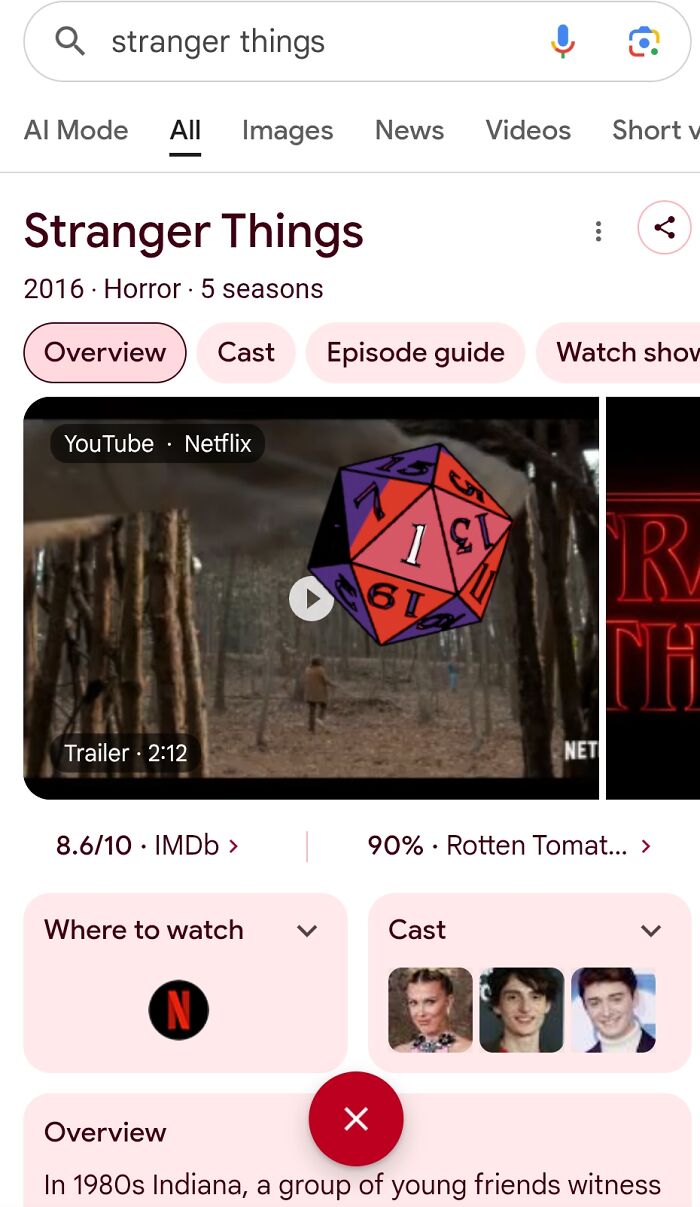 What to type into Google search: Stranger Things
When Season 5 of Netflix's Stranger Things amassed 59.6 million views in the first five days, the largest premiere week for an English-language show (per The Guardian), Google had to do something to celebrate the supernatural horror show's 1.2 billion global viewers.
When you search "Stranger Things", a twenty-sided die pops up at the bottom of the page, a reference to the Dungeons & Dragons basis of the show. You click the die to roll it, and it lands on number 1, from which red cracks spread out across the screen.
After a dramatic explosion animation, the search page turns upside-down, covered with the flickering debris that's typical of the "Upside Down" parallel dimension in the series.
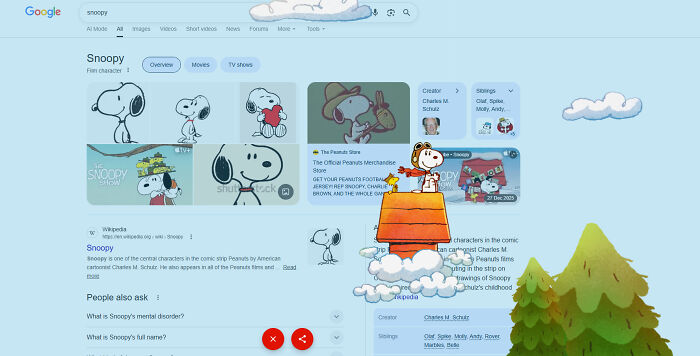 What to type into Google search: Snoopy
In October 2025, Google released a Snoopy Easter Egg to celebrate the 75th anniversary of the character's comic strip, Peanuts. The comic ran for almost fifty years, with Snoopy entertaining nearly 355 million readers daily at the height of its popularity.
When you search "Snoopy," a red icon in the shape of Snoopy's house pops up at the bottom of the screen. Clicking the button starts a delightful animation of Snoopy perched on his house, riding on the clouds.
It runs through three cycles of Snoopy in a scarf flying through Christmas trees, then in sunglasses flying through palm trees. Lastly, the dog changes into an astronaut's outfit as he flies through the planets of the solar system with a contented smile.
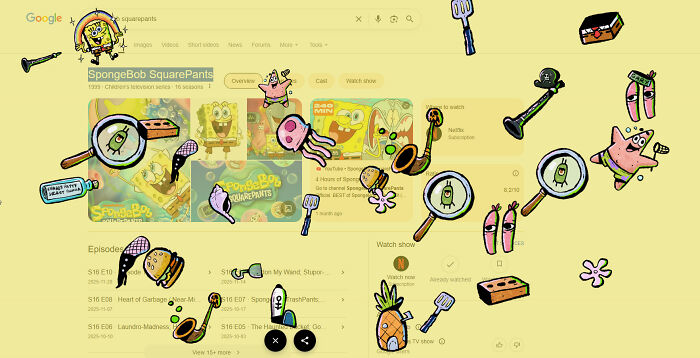 What to type into Google search: SpongeBob SquarePants
When you search for "SpongeBob SquarePants," an amoeboid icon appears at the bottom of the screen. Click the sign, and an excited Patrick jumps at you. For every other part of the screen you click on, an item from the show appears: SpongeBob's torso, a cartoon crustacean, the Krusty Krab's spatula, the Bikini Bottom Bugle, and much more.
Since 1999, the world of SpongeBob SquarePants has delighted more than 100 million young viewers each month across 170 countries, making it one of the most-watched animated series in history. Google released an Easter Egg to celebrate the release of the SpongeBob movie.
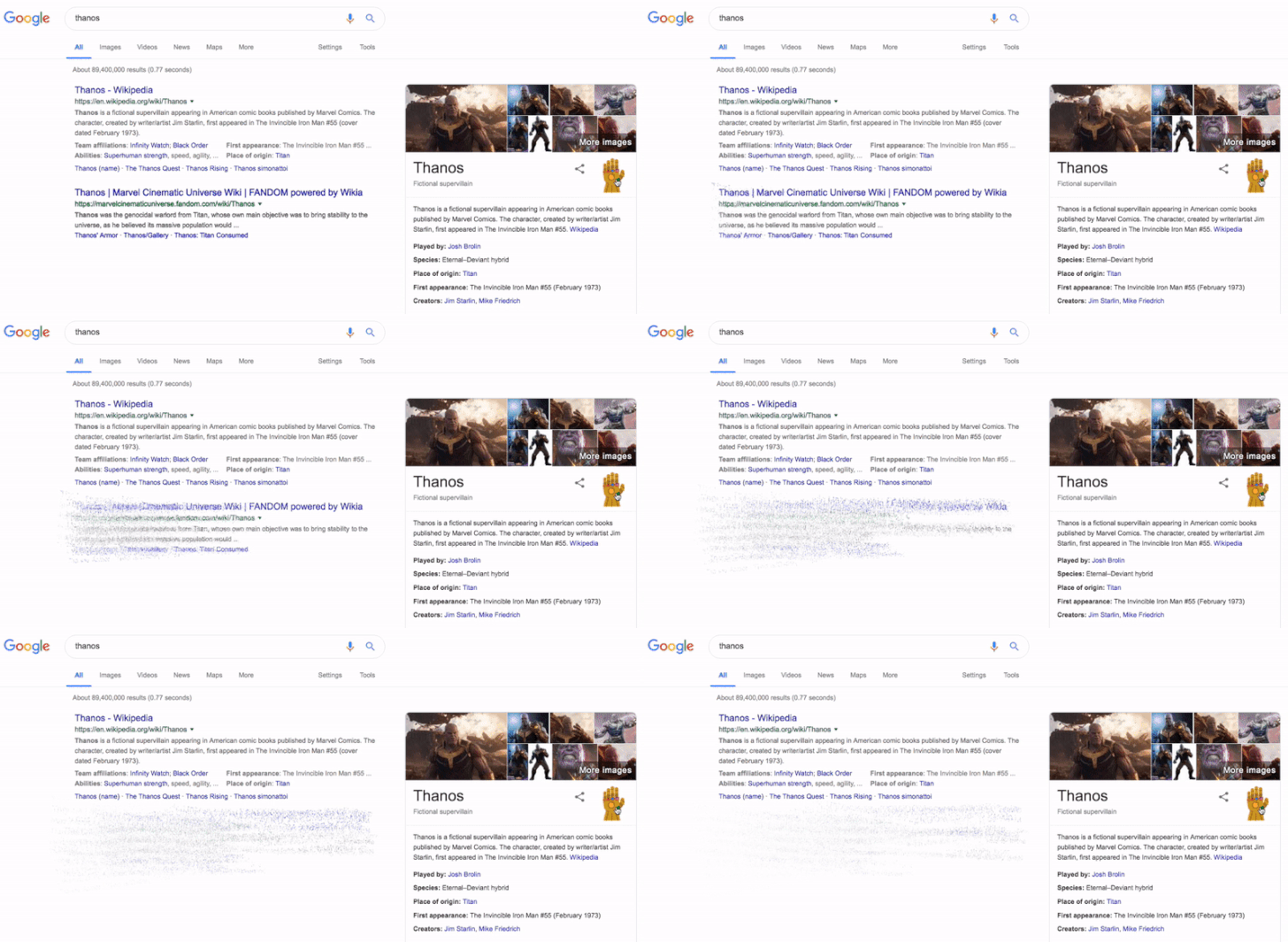 What to type into Google search: Thanos
When you search "Thanos," a gold gauntlet icon appears on the right side of your screen beside the knowledge panel. Click it, and half of your Google search results disintegrate into ash and dust, a direct reference to the infamous "Infinity Snap" from Avengers: Infinity War (2018).
The Easter Egg was released by Google in 2019 to coincide with the premiere of Avengers: Endgame. Clicking the gauntlet a second time reverses the snap and restores all results, just as in the sequel film. Google quietly removed this Easter Egg sometime after 2023, but users periodically report it reappearing, so it's always worth a try.
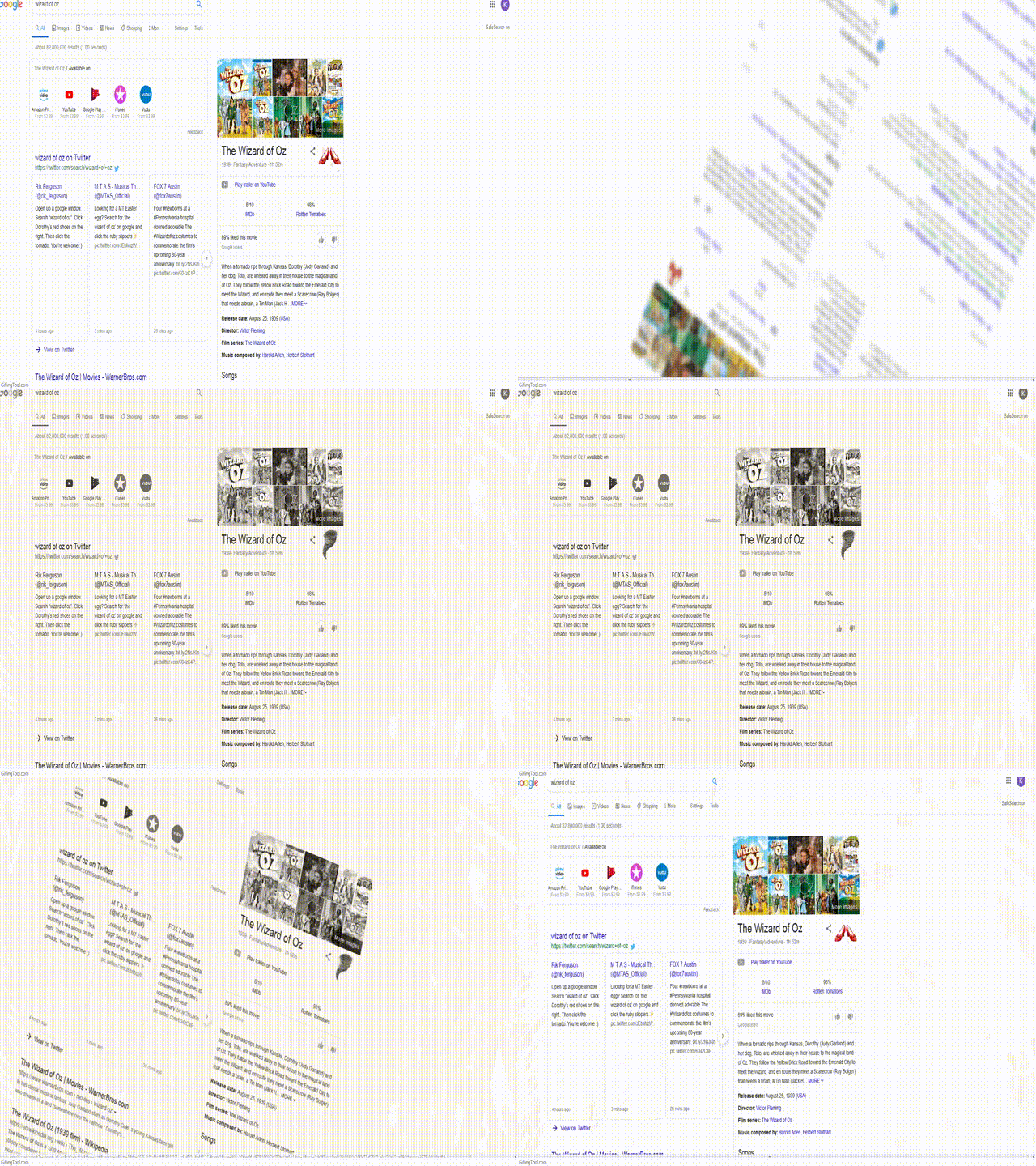 What to type into Google search: Wizard of Oz
When you search "Wizard of Oz," a pair of ruby red slippers appears in the knowledge panel. Click them, and the screen begins to spin, transporting you to a black-and-white version of the results page, just like Dorothy's transition from colorful Oz back to monochrome Kansas. Click the tornado icon to spin it back.
Google released this Easter Egg in 2013 to celebrate the film's 75th anniversary. The Wizard of Oz (1939) is widely considered one of the most influential films in cinema history, and this hidden trick is one of Google's more visually rewarding surprises.
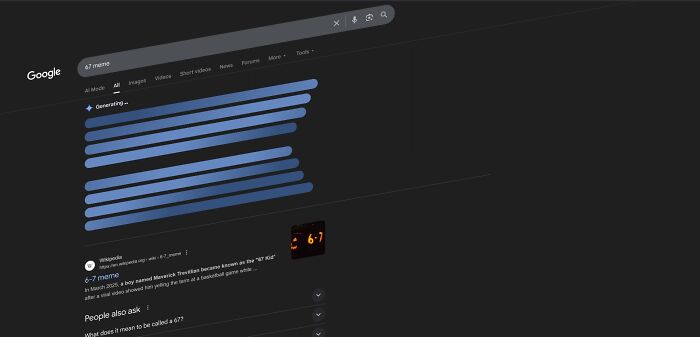 What to type into Google search: 67
Search for the number "67" on Google and watch carefully, the search results page briefly shakes and wiggles. It's subtle enough to make you wonder if something is wrong with your screen, but deliberate enough to reward those who notice it.
The origin of this Easter Egg remains one of Google's more mysterious additions, with no official explanation from the company. Its understated nature makes it one of the most satisfying finds for Easter Egg hunters, specifically because it looks like a glitch rather than a feature.
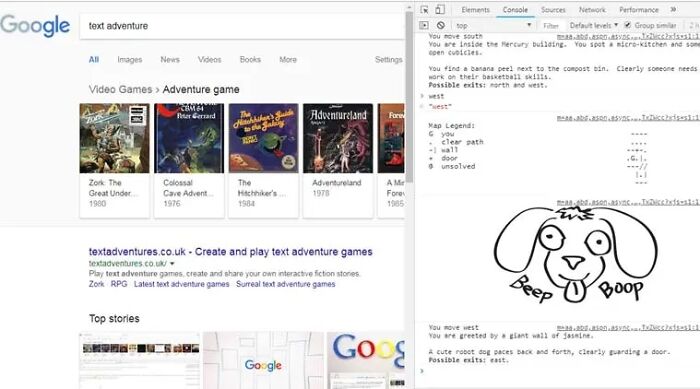 What to type into Google search: text adventure Then: press Ctrl+Shift+J (Windows) or Cmd+Option+J (Mac) → Console tab → type "yes"
This is a hidden Google game that pays tribute to early computer games from the seventies and eighties that were entirely based on typed commands with no graphics.
When you search for "Text Adventure," nothing happens on the surface until you dig into the developer tools by pressing Ctrl + Shift + J on Windows/Linux or Command + Option + J on Mac. In the Console tab, you'll find a prompt asking if you would like to play a game.
When you type "yes", a terminal-style game opens up where you navigate by typing commands like “north,” “south,” “pick up,” or “open.” The goal is to collect letters that spell out G-O-O-G-L-E while feeding your curiosity by navigating the environment.
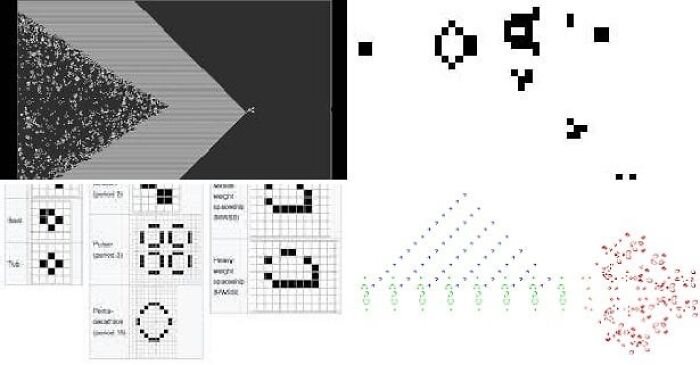 What to type into Google search: Conway's Game of Life
John Conway's Game of Life is a cellular automaton. It's a zero-player game, so the initial cell pattern will either live, die, form patterns, or proliferate indefinitely according to simple mathematical rules. This automaton is the foundational model for how simple laws of computer science or biology can give rise to complex life.
In July 2012, Google created an Easter egg to bring the concept to life. When you search “Conway’s Game of Life”, small square cells start to creep into the corner of your screen, forming select patterns that grow, shift, and sometimes disappear entirely, just like the original model.
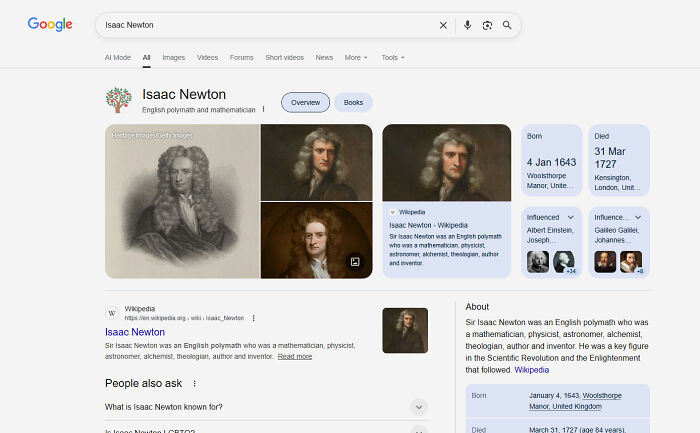 When you search "Isaac Newton", an apple tree appears beside his name in the knowledge panel. Clicking the tree causes an apple to instantly fall across the screen, referencing the famous story associated with Newton’s discovery of gravity.
Sir Isaac Newton was a physicist who proposed the law of universal gravitation by observing apples falling from trees in his orchard at Wollsthorpe Manor in 1687. This theory formed the foundation of our understanding of natural forces, planetary motion, satellite travel, and structural engineering.
Google created the doodle on January 4, 2010, to celebrate his 367th birthday and bring this classic classroom tale to life.
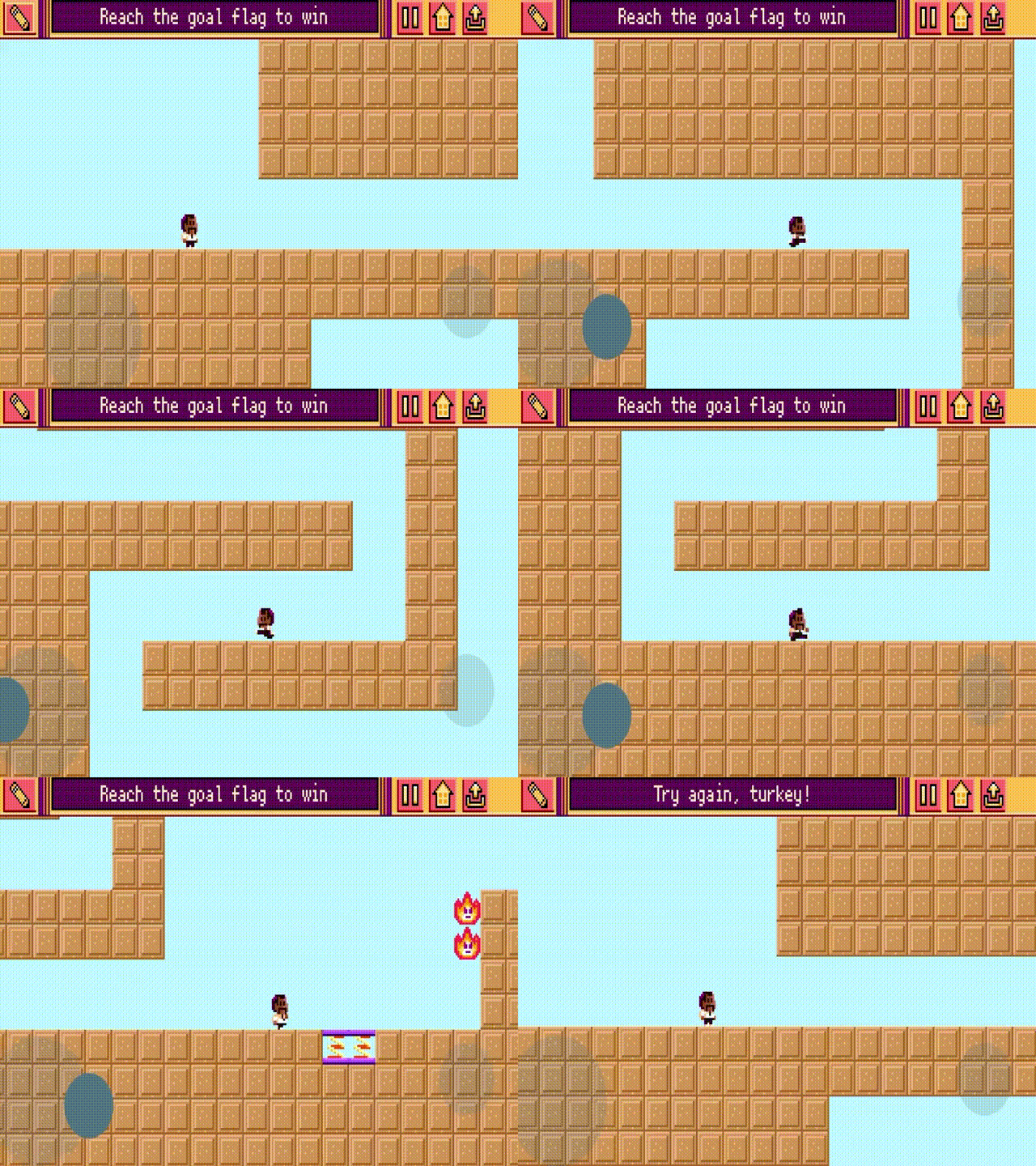 Beyond the topic-themed Easter Eggs above, Google also releases special hidden features tied to seasons and holidays that appear only once a year.
The Google Dreidel game spins to life every Hanukkah season, a snowflake animation quietly drifts across Christmas search results, and an oil lamp flickers into view during Diwali.
These seasonal surprises follow the same logic as everything else on this list: if you know what to search for, Google rewards your curiosity.
The same applies to Google's rotating cast of Doodle games, playable mini-games built into the Google homepage logo to celebrate anniversaries, athletes, and cultural icons.
If you enjoyed the Easter eggs on this list, our full breakdown of the most popular Google Doodle games covers every major game you can still play today.
One thing is certain: for a company whose entire brand is built on simplicity, Google has spent over two decades quietly building one of the internet's most elaborate playgrounds, and most people walk straight past it every single day.

I am making a real GOOD MONEY (300$ to 400$ / hr )online from my laptop. Last month I GOT check of nearly 18,000$, this online work is simple and straightforward, don’t have to go OFFICE, Its home online job. At that point this work opportunity is for you.if you interested.simply give it a shot on the accompanying site….Simply go to the BELOW SITE and start your work… This is what I do......... LIVEJOB1.COM
I am making a real GOOD MONEY (300$ to 400$ / hr )online from my laptop. Last month I GOT check of nearly 18,000$, this online work is simple and straightforward, don’t have to go OFFICE, Its home online job. At that point this work opportunity is for you.if you interested.simply give it a shot on the accompanying site….Simply go to the BELOW SITE and start your work… This is what I do......... LIVEJOB1.COM




























 No fees, cancel anytime