Get Premium
Dark mode theme is available exclusively for premium users. Learn more about the benefits of subscribing.
No fees, cancel anytime.

 Dark Mode Ad-Free Browsing Unlimited Content
 Ad-Free Browsing Unlimited Content Dark Mode
Join 1.2 million Panda readers who get the best art, memes, and fun stories every week!

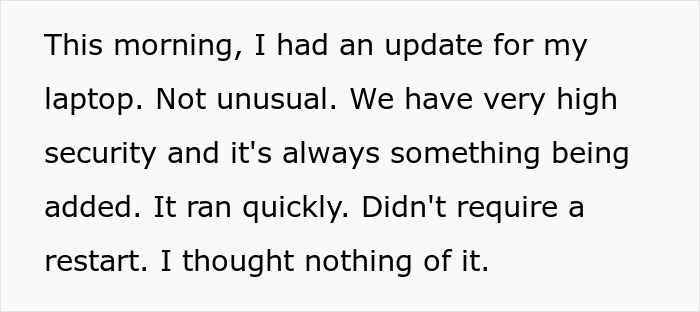
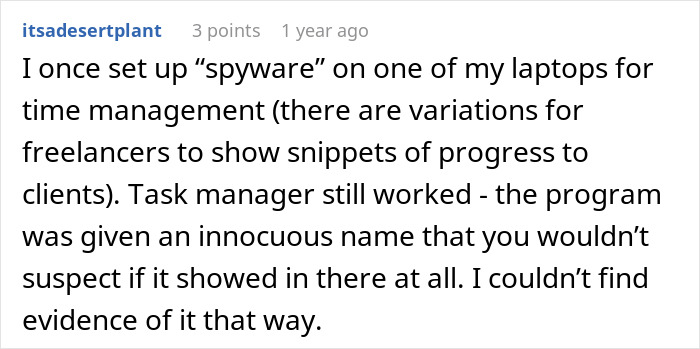
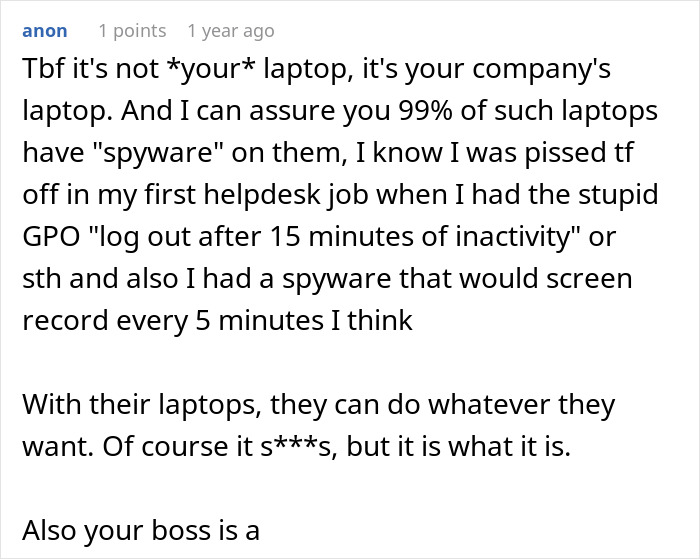
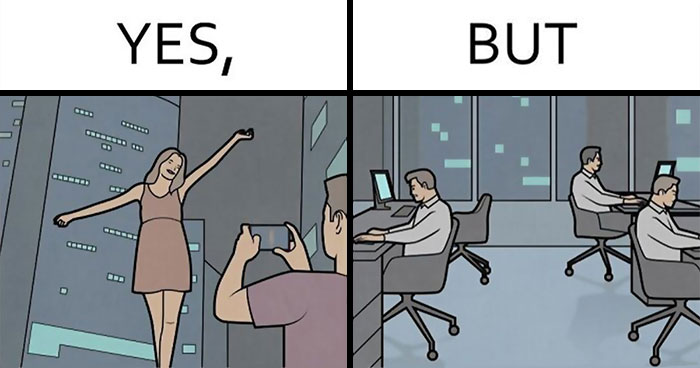
Several studies have found that employees are more productive when working from home. But not all bosses believe this to be true. Some are so suspicious that they’ll go to sneaky lengths to track the productivity of remote workers. For example, installing spyware software on computers under the guise that it’s just another routine update.
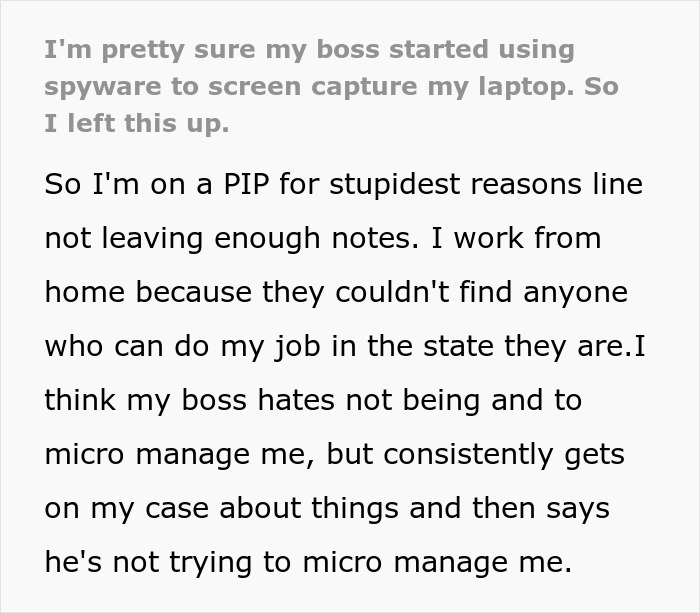
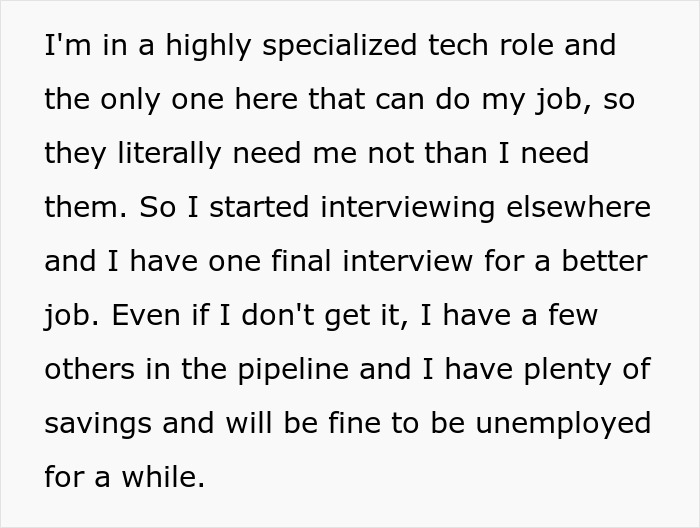
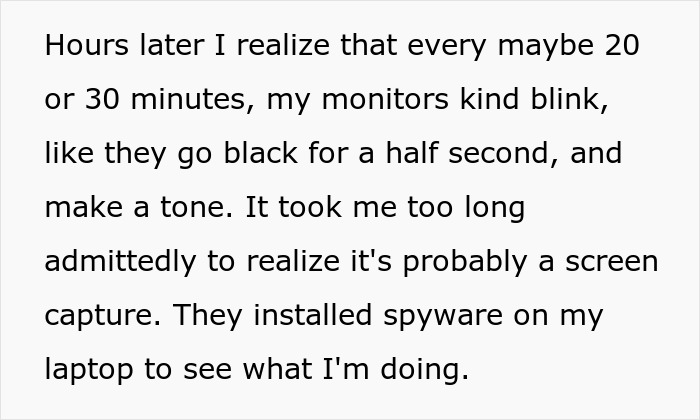
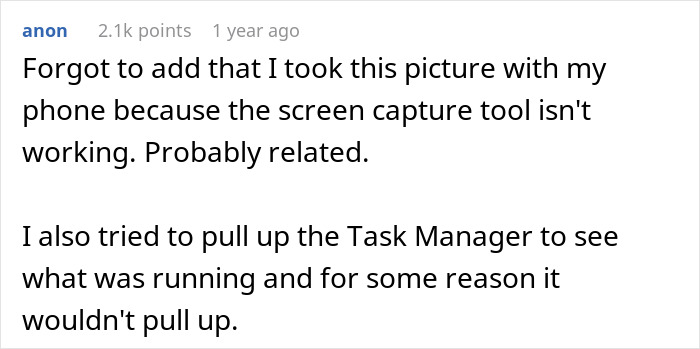
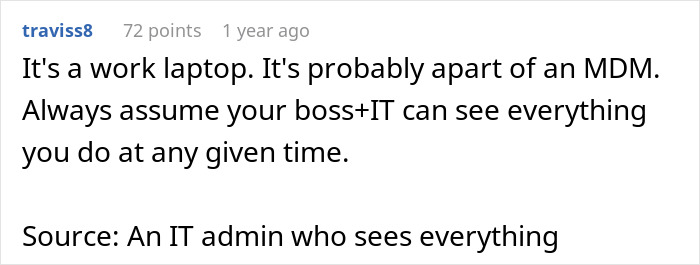
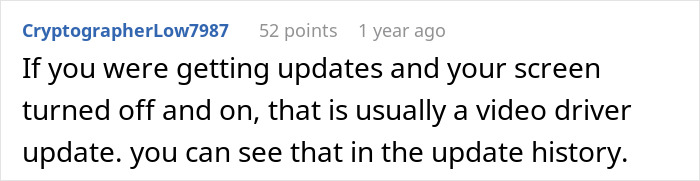
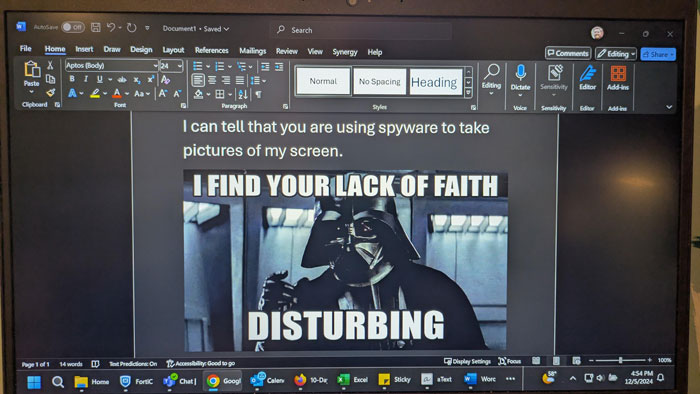
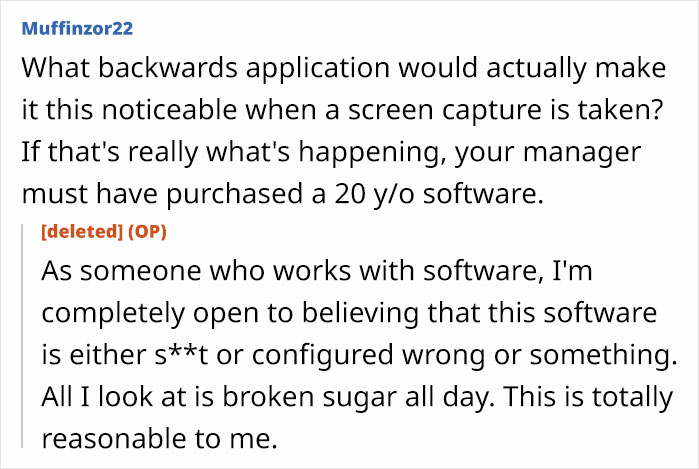
This is exactly what one person suspects happened to him. The tech worker says he noticed his laptop suddenly behaving unusually. It seemed to be taking screenshots every now and again. So he decided to send his spying a boss a blunt message without saying a single word.
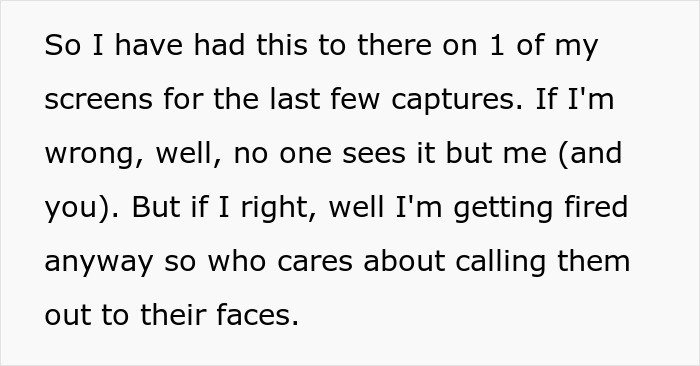
It’s one thing for your company to let you know they’ve installed productivity tracking software on your computer, and a completely different story when it’s done sneakily. These tools can actually be beneficial to both parties but only when used ethically.
“Transparent tools that give workers access to their own data can support shared goals like schedule flexibility and reducing evaluation bias,” notes the Insightful site.
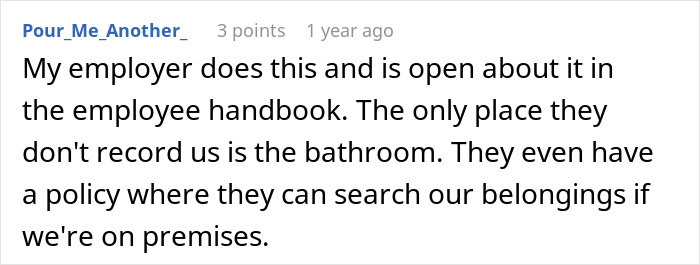
According to a 2025 ExpressVPN survey, 74% of US employers use online tracking tools, yet only 22% of employees know they’re being monitored. Thankfully, there are some signs that indicate you’re being monitored without your knowledge.
Command-line checks, Task Manager scans, anti-spyware tools and network traffic analysis are ways to find out. If you’re suspicious, but not tech-savvy, you could consider asking someone in IT or HR directly. But you should be cautious in how you approach the topic.
“Frame the question as curiosity about device management practices rather than suspicion,” suggest the experts. “A casual inquiry (‘What software does IT push to our laptops?’) can surface relevant information without creating tension.”
They add that if the person avoids the question, you shouldn’t press them too much. This is because some companies don’t allow discussions about internal systems. However, if this is the case, it would probably be in your contract.
There are other red flags that point towards your laptop being monitored. These include slower performance, blocked websites, unexpected browser extensions, and a fan running at idle.
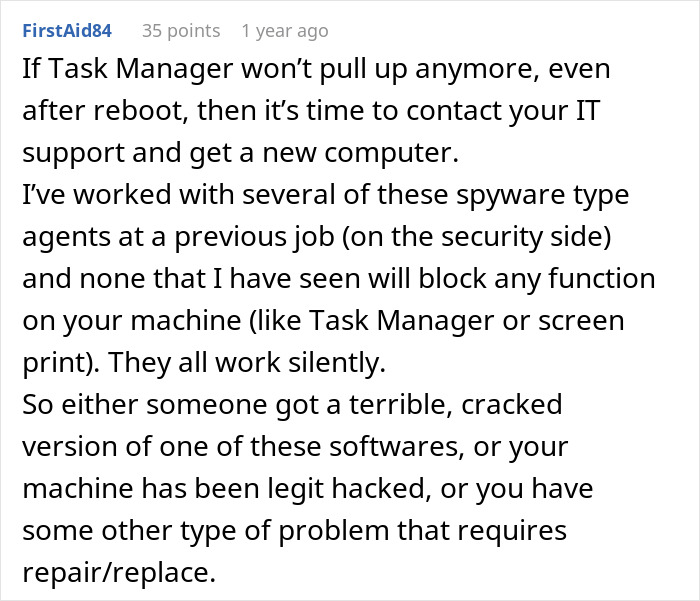
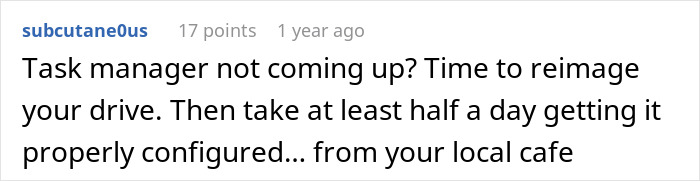
“If your laptop’s fan runs at high speed while the screen is locked or idle, a background process, potentially a monitoring agent performing data uploads, may be active,” warns the site. It adds that if you can’t view Task Manager, install software, or access system preferences that you could previously reach, IT may have applied a more restrictive management profile. And this can often be part of a monitoring rollout.
Insightful’s team believes that open dialogue is often the best way to deal with monitoring issues. That’s because asking directly is often faster, clearer, and far less likely to create the wrong impression than going the technical route.
“When employees ask their manager or HR team about monitoring policies, they are not being confrontational,” notes the site. “They are asking for clarity.”
Still suspect your boss is monitoring your laptop remotely? The team suggests asking him or her the following questions:





By entering your email and clicking Subscribe, you're agreeing to let us send you customized marketing messages about us and our advertising partners. You are also agreeing to our Privacy Policy.
Thank you! You've successfully subscribed to newsletters!






































 No fees, cancel anytime









30
0